Setup
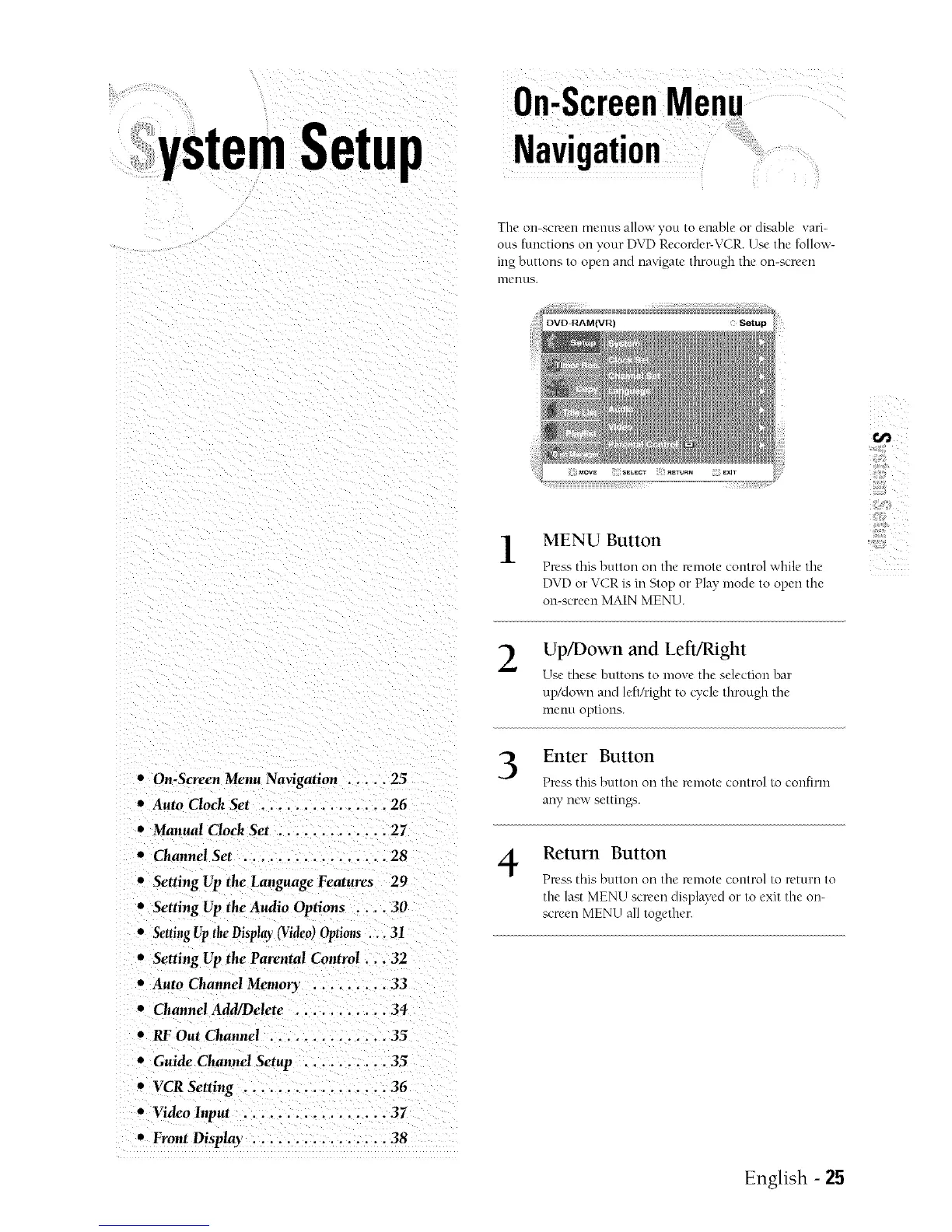
The on-screen menus allow you to enable or disable ",ari-
ous functions oll your DVD Recorder&ZCR. Use tile follow-
ing buttons to open and navigate through the on-screen
nlentls.
1
MENU Button
Press this button on the remote control while the
DVD or VCR is ill Stop or Play mode to open the
on-screen MAIN MENU.
2
Up/Down and ket't/Right
Use these huttons to move tile selection bar
up/down and left/right to cycle through the
menu options.
• On-Screen Menu Navigation ..... 25
Auto Clock Set ............... 26
Manual Clock Set ............. 27
• ChannelSet ................ 28
• Setting Up the Language Features 29
Setting Up the Audio Options .... 30
• SettingUptheDisplay(Video)Options.. 31
• Setting Up the Parental Control... 32
• Auto ChannelMemon ......... 33
• ChannelAdd/Delete ........... 34
• RFOut Channel .............. 35
• Guide ChannelSetup .......... 35
• VCR Setting ................. 36
• Video Input ................. 37
• Front Disp/ay . .............. 38
3
4
Enter Button
Press this button on the remote control to confirm
any new settingb.
Return Button
Press this button on tile remote control to return to
the last MENU screen displayed or to exit the on-
screen MENU all together.
English - 25



 To Next Page