VariableSearch
ystem
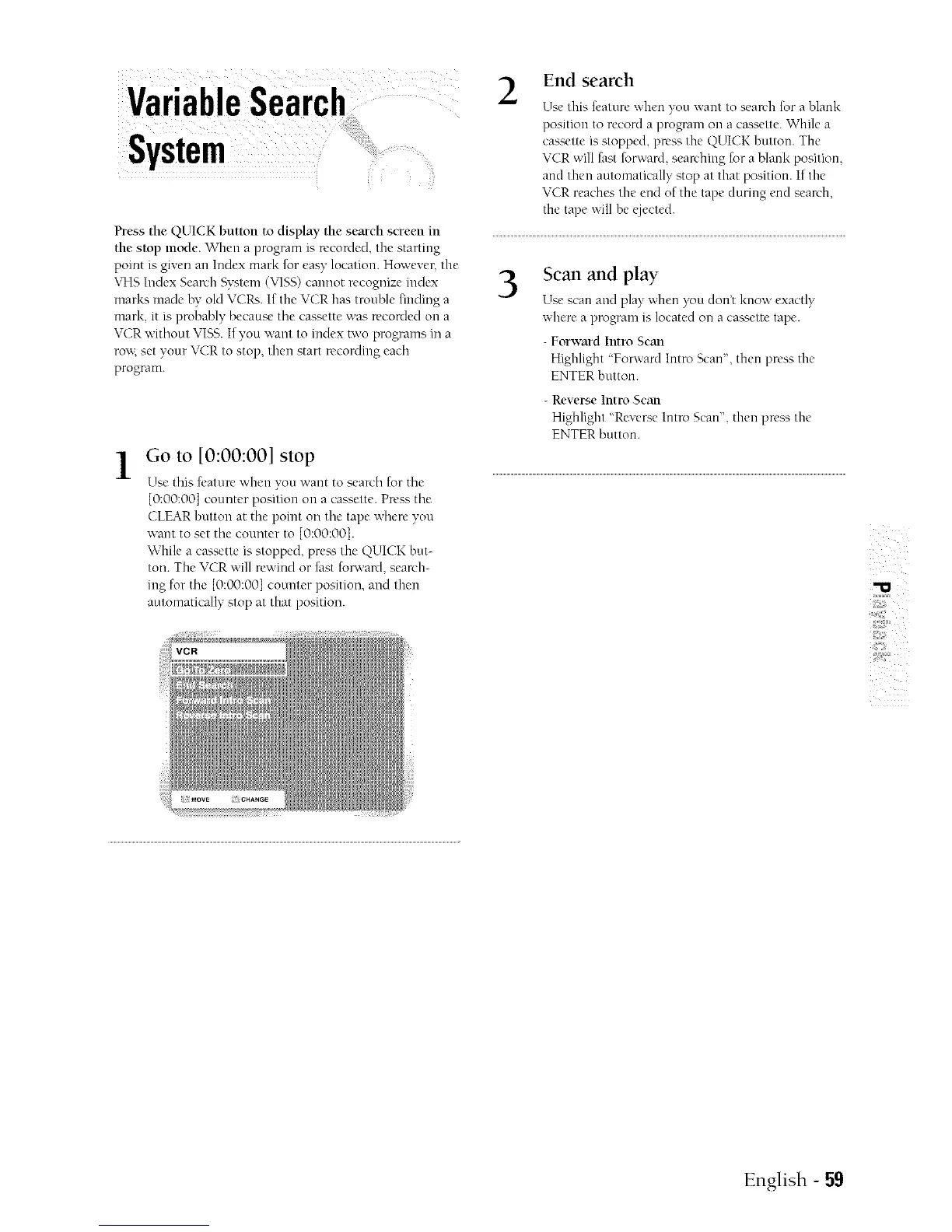
Press the QUICK button to display the search screen in
the stop mode. When a program is u'conled, the starting
point is given an Index mark for easy location. However, the
\qqs Index Search Sy';tem ('vqSS) cannot recognize index
mark'; made by old VCRs. If the VCR has trouble finding a
mark, it is probably because tile cassette was recorded on a
VCR without VI%S.If you want to index two programs in a
ro;'_; set your VCR to stop, then start recording eadl
program.
] Go to [0:00:00] stop
.It.
Use this feature when you vcant to search for the
{0:00:00] counter position on a cassette. Press the
CLEAR button at the point on tile tape where you
warn to set tile counter to [0:00:001.
While a cassette is stopped, prea'; the QUICK but-
toil. The VCR will rewind or fast forwanl, search-
ing for tile [0:00:001 counter position, and then
automatically stop at that position.
2
End search
Use this feature when you want to search for a blank
position to record a program on a cassette. While a
cassette is stopped, press the QUICK button. The
VCR will fast turward, seanhing for a blank position,
and then automatically stop at that position. If tile
VCR reaches the end of the tape during end sean'h,
the tape will be ejected.
3
Scan and play
Use scan and play when )_u don't know exactly
where a program is located on a cassette tape.
- Forward Intrn Scan
Highlight 'Forward Intro Scan', then press tile
ENTER button.
- Reverse lntro Scan
Highlight "Revep;e Intro Scan", then press the
ENTER button.
English - 59



 To Next Page