II About the Change Password;
Select Change Password using • • buttons, then
press the _ or ENTER button.
• The Enter the paasword, measage ,,','ill be
displayed.
2
Enter the 4-digit paso,wordusing the 0 to 9 buttons
on the remote.
• Tile ( onfinn the pa_s;vord.' me_agc ;;,ill be dis-
plwed.
Enter },our password again using the 0 to 9 buttons
Oil the relnote.
/nellu,
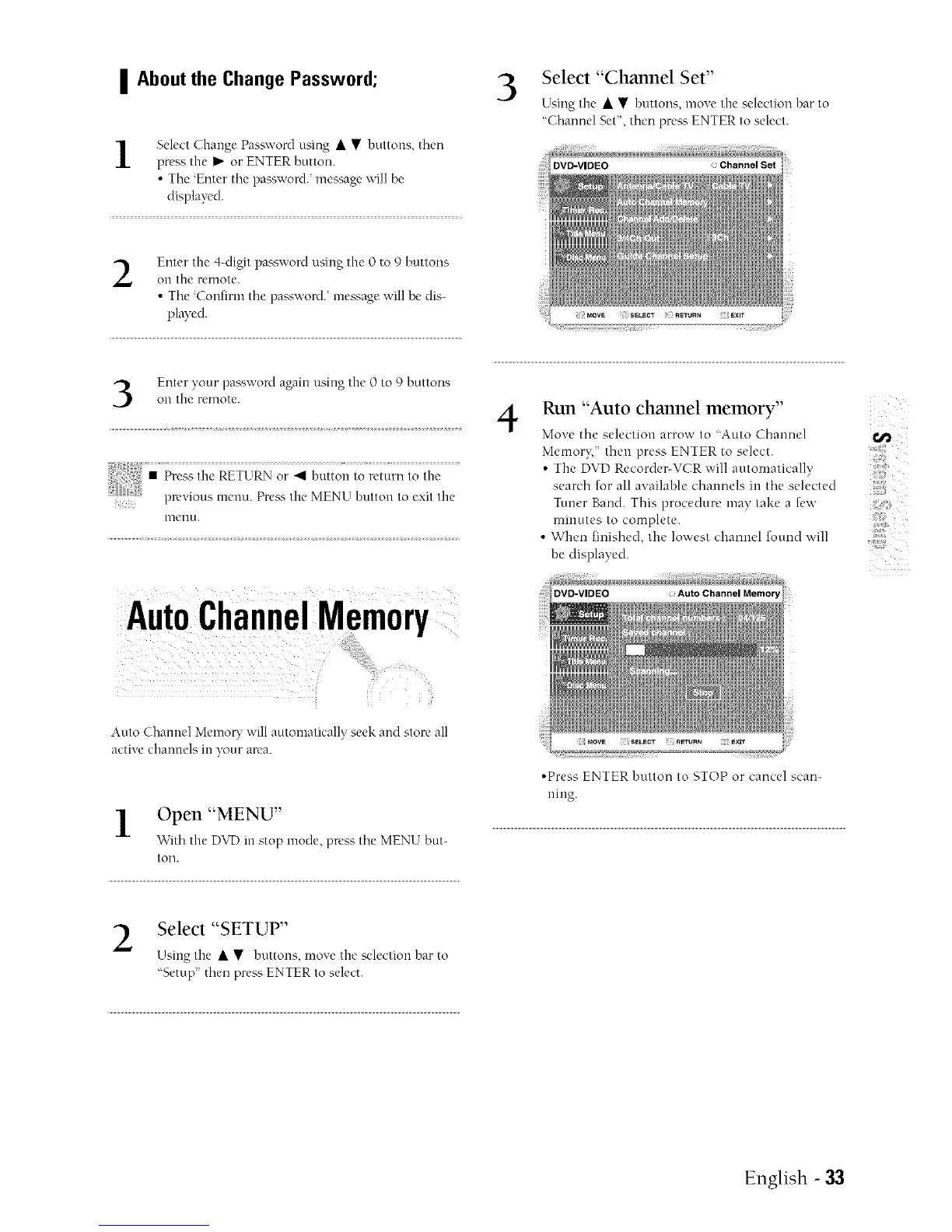
AutoChannelMemory
Auto Channel MemoU will automatically seek and store all
active channels in },our area.
l Open "MENU"
V¢ith the DVD in stop mode. press tile MENU but-
toll.
3
Select "Channel Set"
Using the • • buttons, move the selection har to
'Channel Set", then press ENTER to select.
DVD=VIDEO Channel Set
EXIT
4
Run "Auto channel memory"
Mo_e tile selection arrow to "Auto Channel _,_
Mcmor};" then press ENTER to select.
• Tile DVD Recorder-VCR ;','ill automatically
search for all ax ailable channels in the selected
Tinier Band. This procedure may take a few ::;{
minutes to complete.
• When finished, tile lowest channel found will
be displayed.
DVD-VIDEO
°Press ENTER button to STOP or cancel scan-
ning.
Select "SETUP"
Using the • • buttons, move the selection bar to
'Setup then press ENTER to select.
English - 33



 To Next Page