CopytoDVDorVCR
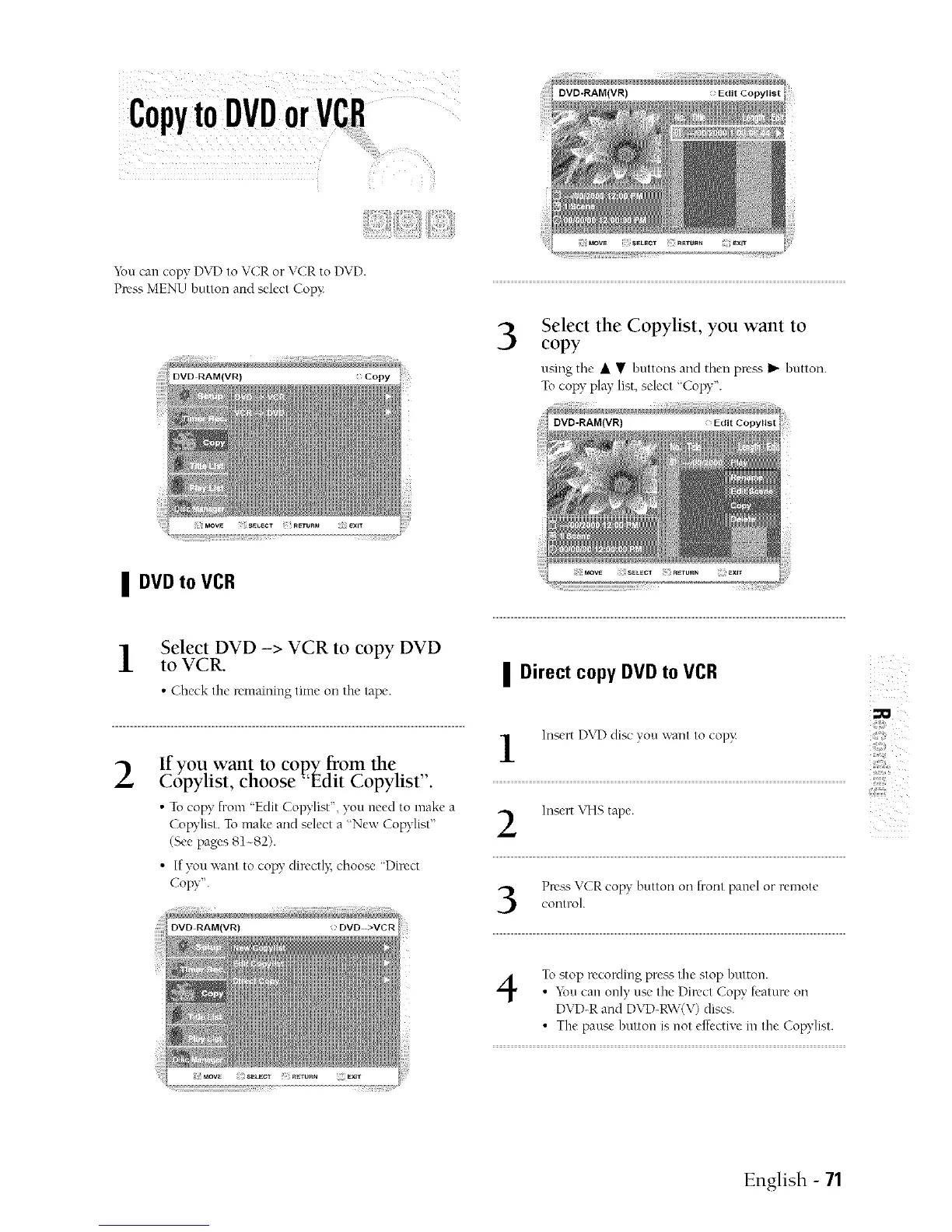
YoucancopyDVD toVCR orVCR toDVD+
Press MENU butlon and sdect Copy:
| DVD to VCR
to VCR.Select DVD -> VCR to copy DVD
• Check the remaining time oil the rope.
2
•Tocopy from 'Edit Copylist", yon need to make a
Copylist. To make and sdect a "New Copylisl"
(See page's81~82).
• If yon wanl to copy dircclly; choose "Dir_,ct
Copy".
copySelectthe Copylist, you want to
using the • • bultons and then press _ butlon.
Tocopy play list, scbc! "Copy".
| Direct copy DVD to VCR
Insert D\rD di¢,cyou want Io copy:
Insert \qq>,tape.
control.PressVCR copy button on front panel or remote
4
To stop recording press Ihe _,lop bulton.
• You can only u_,c the Dilvct Copy feature on
DVD-R and DVD-RW(V) discs.
• Tile pause bulton is nol effective m Ihe Copylisl.
English - 71



 To Next Page