| VCR to DVD
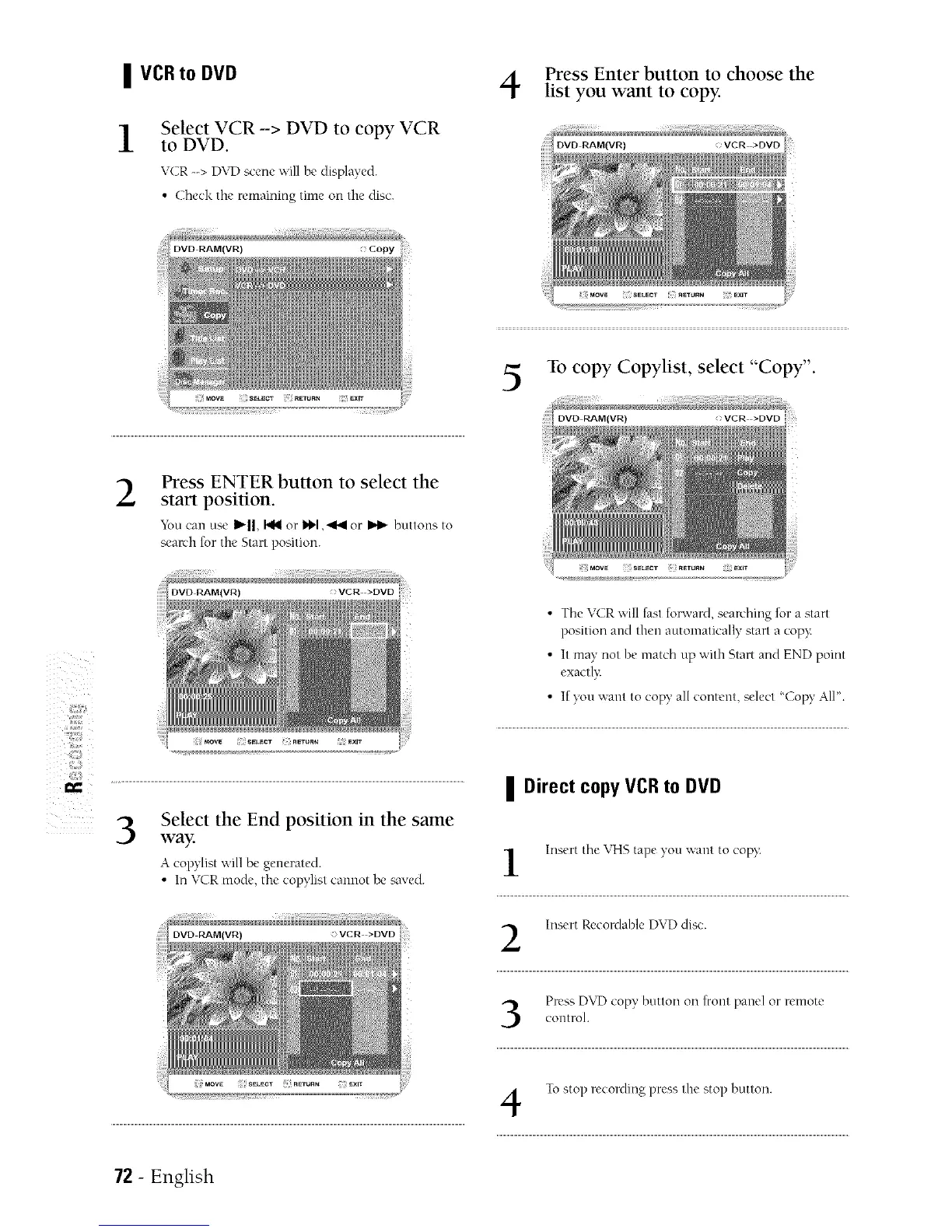
Select VCR -> DVD to copy VCR
to DVD.
VCR --> D\rD scene will be displayed.
• Check the remaining time on the disc.
Copy
Press Enter button to choose the
list you want to copy.
To copy Copylist, select "Copy".
DVD RAM(VR)
IX
2
Press ENTER button to select the
start position.
Yon can use _'ll, I_ or _ ,'ql_l or _ buttons to
search for the Start position.
3
Select the End position in the same
way.
A copylist will be generated.
• Ira VC_R mode, the copylist cannot be saved.
• The VCR will fast forward, seanhing for a start
position and then automatically start a copy:
• It may not be match up with Start and END point
exactly:
• If yon ,a_ant to copy al[ content, select "Copy AI[".
II Direct copy VCR to DVD
Insert the VHS tape yon want to copy<
Insert Recordable DVD disc.
Press DVF) copy, button on front panel or remotecontrol.
To stop recording press the stop button.
72 - English



 To Next Page