5
Press tile • • button to select Delete, and then
press the ENTER button.
• _m will be prompted with the delete confirm
me_sage such as 'Do you want to delete No.02?.
Follow these directions to delete an entQ" from the timer
record list.
Press the MENU button.
Press the • • button to select Timer Re(:., and
then pre_'., the ENTER or _ button.
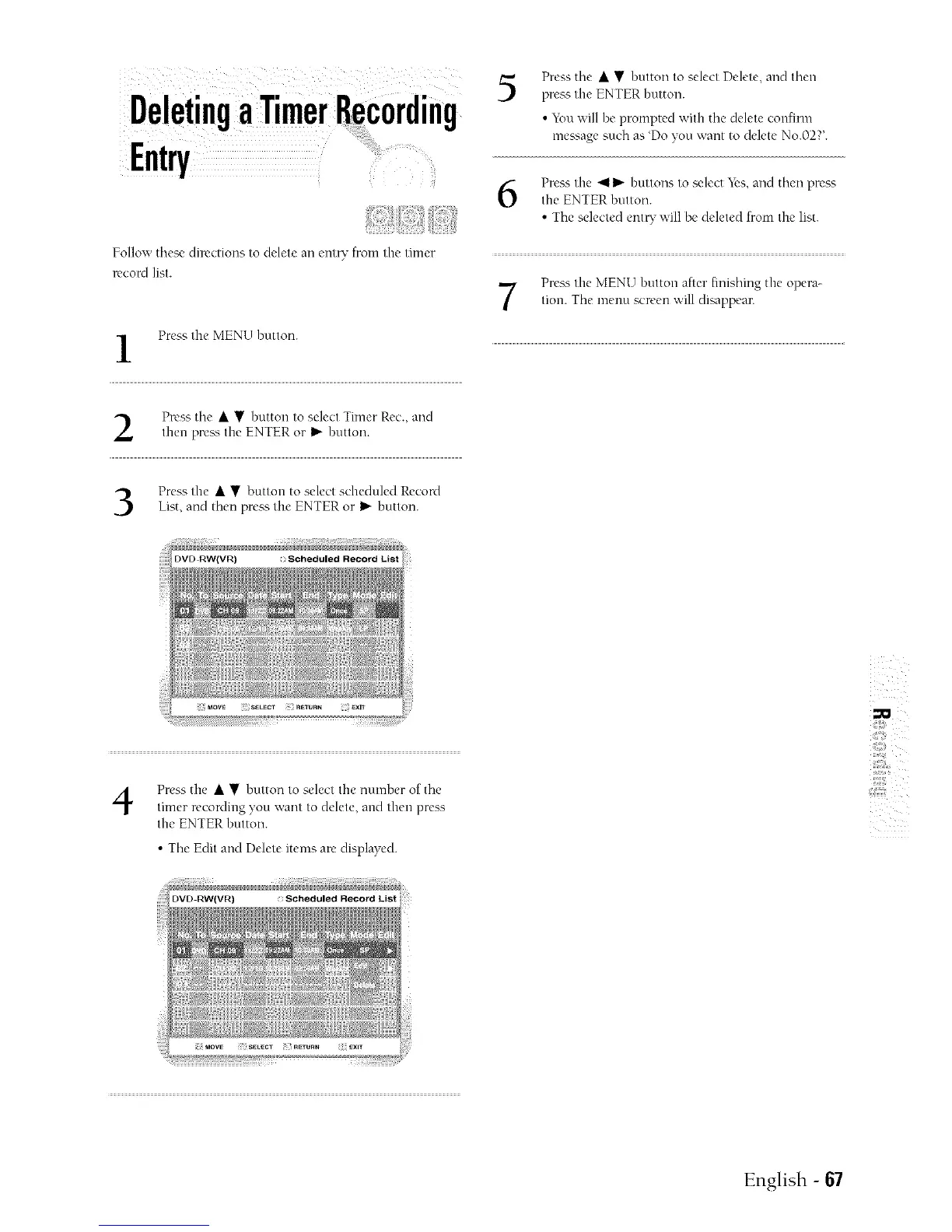
Press the • • button to select scheduled Record
List, and then press the ENTER or I_ button.
4
Press the • • button to select the number of the
timer recording you want to delete, and then press
the ENTER button.
• The Edit and Delete items are displayed.
Press the 411_" buttons to select _'s, and then press
the ENTER button.
• The selected ent_ will be deleted from the list.
Press the MEN[5 button after finishing the opera-
tion. The menu screen will dia_ppear.
iiii!#iii,
_i',i!i,;ii!¸
Scheduled Record List
English - 67



 To Next Page