AboutQUICK
I DVD-R
Title!Chapt er/Thne/A udio/Repeat/Zoo m
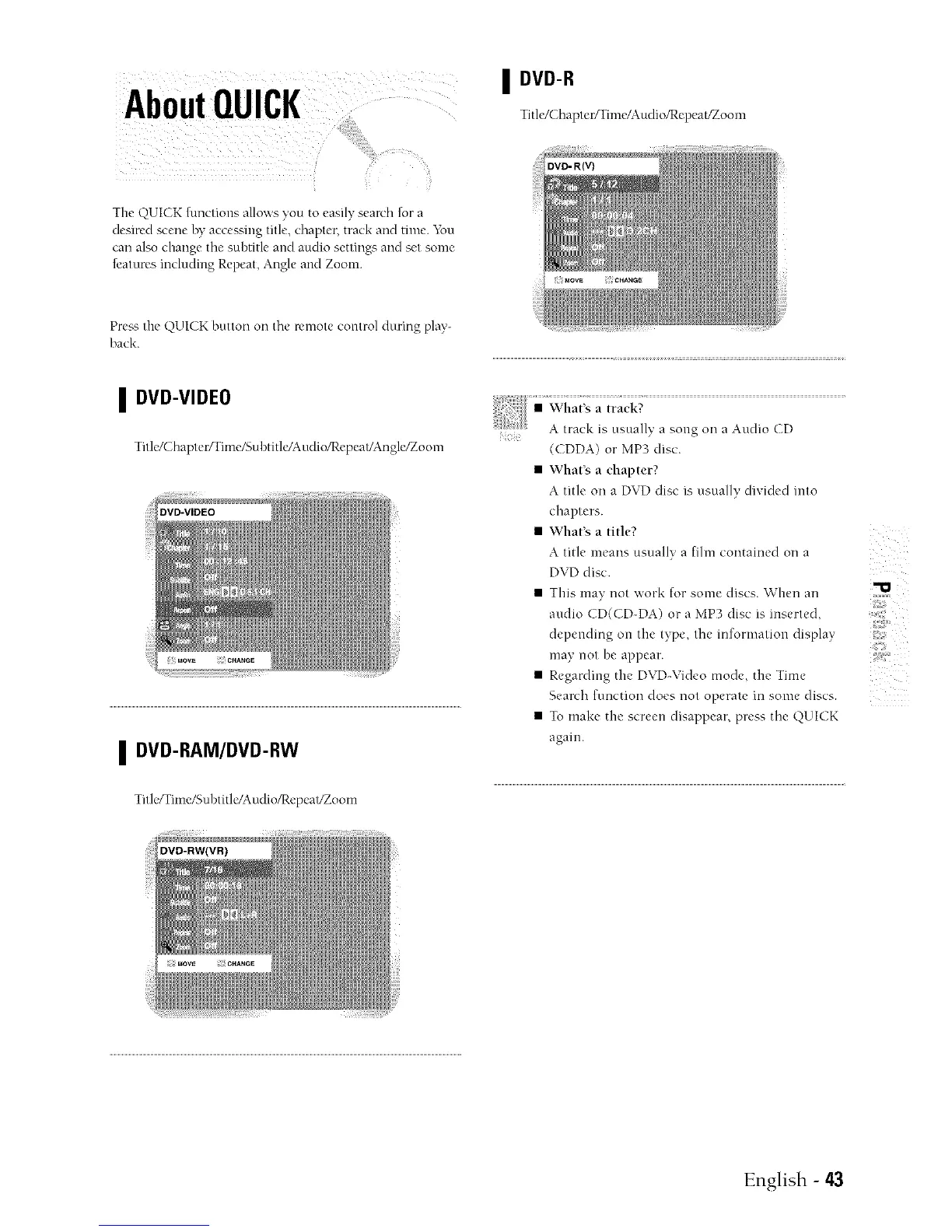
The QUI(K functions allows you to easuv search for a
desired scene by accessing title, chapter, track and time. You
can also chang_ the subtitle and audio settings and set some
features including Repeat, Angle an_t Zoom
Preas the QUICK button on the remote control during play-
back.
I DVD-VIDEO
Titlc/Chapter/Time/Subtitle/Audio/Repeat/Angle/Zoom
I DVD-RAM/DVD-RW
TitlcITime/Subtitle!Audio/Rcpeat/Zoom
i
(CDDA) or MP3 disc.
• 'What's a chapter?
A title on a DVD disc is usually di,dcled into
chapters.
• 'vVhat's a title?
A title means usually a fihn contained on a
DVD disc.
• This may not work for some discs. When an
audio CD(CD-DA) or a MP3 disc is inserted,
depending on the type the information display
}
may not be appear.
• Regar_ingt_,eDV>V,_eomodeth__,me
Search function does not operate in some discs.
• To make the screen disappear, press the QUICK
again.
English - 43



 To Next Page