| Deactivating PIP
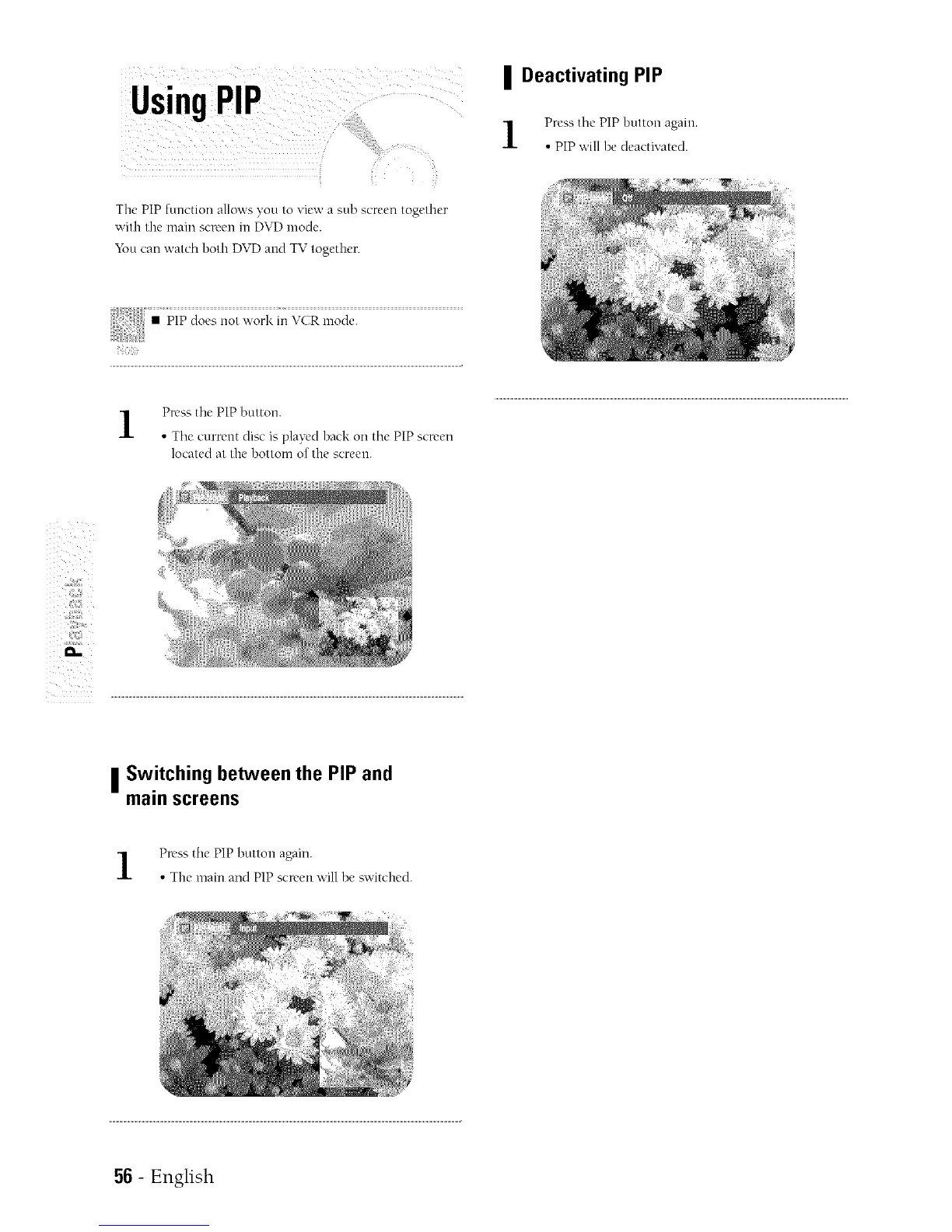
The PIP function allows you to "dew a sub screen together
with the mare screen in DVD mode.
You can watch both DVD and TV together.
Press the PIP button again.
• PIP will be deactivated.
Press the PiP button.
• The cmTent disc is played back on the PIP screen
located at the bottom of tire screen.
| Switching between the PIP and
main screens
Press the PIP button again.
• The main and PIP screen will be sv,'itched.
56 - English


 To Next Page