| Selecting the Audio language
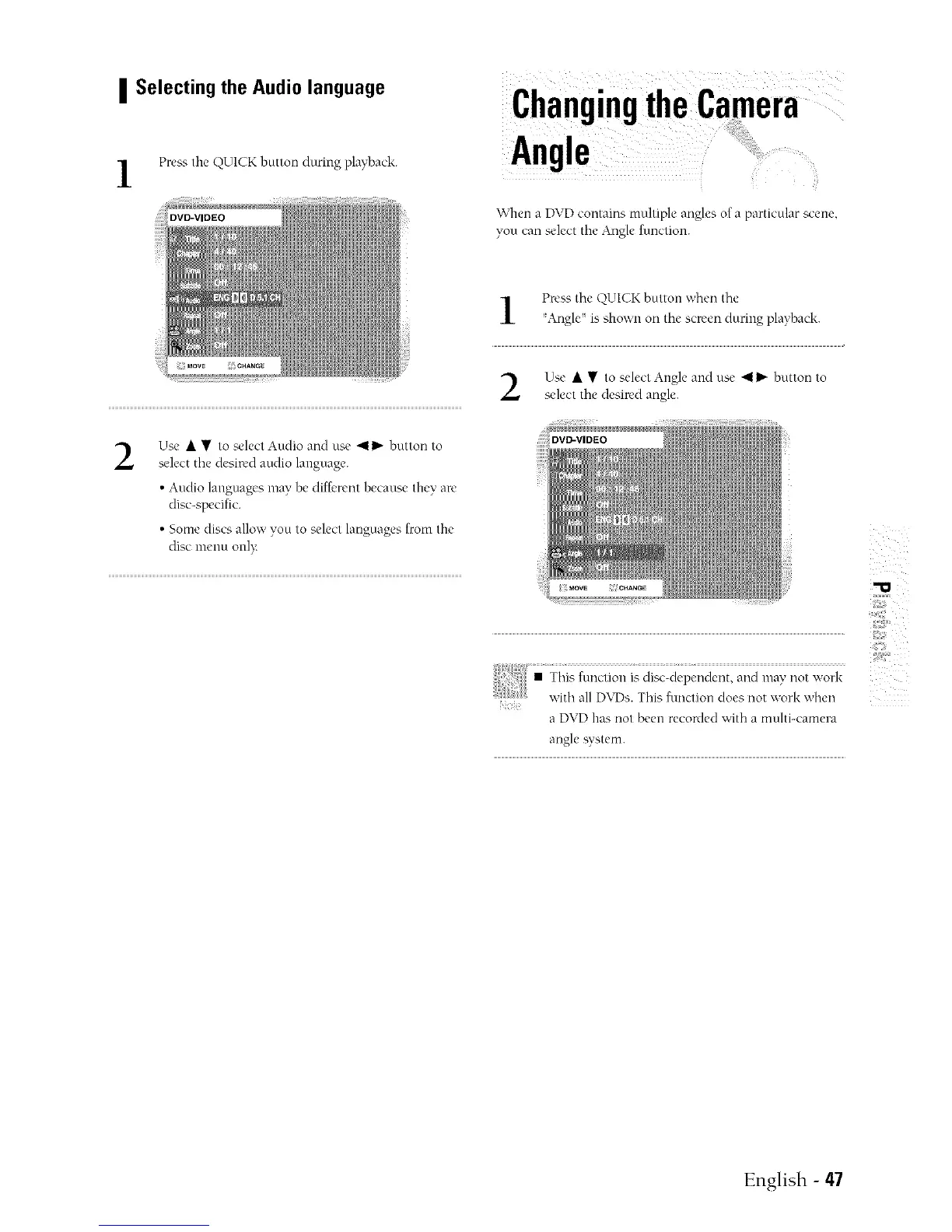
Preas the QUICK button during playback.
ChangingtheCamera
Angle
When a DVD contains tnultiple angles of a particular scene
you can select tile Angle function.
Press the Q))UICKbutton when the
Angle is shown oll mc screen _turnlg playback.
Use • • to select Angle and use 4 I_ button to
select the desired angle.
2
Use • • to select Audio and use 411_- button to
select the desin'd audio language.
• Audio language's may be diff,'rent because they are
disc-specific.
• Some discs alloy,' you to select languages from the
disc menu onlx:
filoctiooi__ii_c ,,,ork
{ with all D\TDs.This fimctioo does not work when
a DVD has trot been recorded with a molti-camera
angle system.
English - 47



 To Next Page