VRmode
Follow these directions to playback or edit (rename,
edit scene, copy and delete ) the newly created playlist
entries.
5
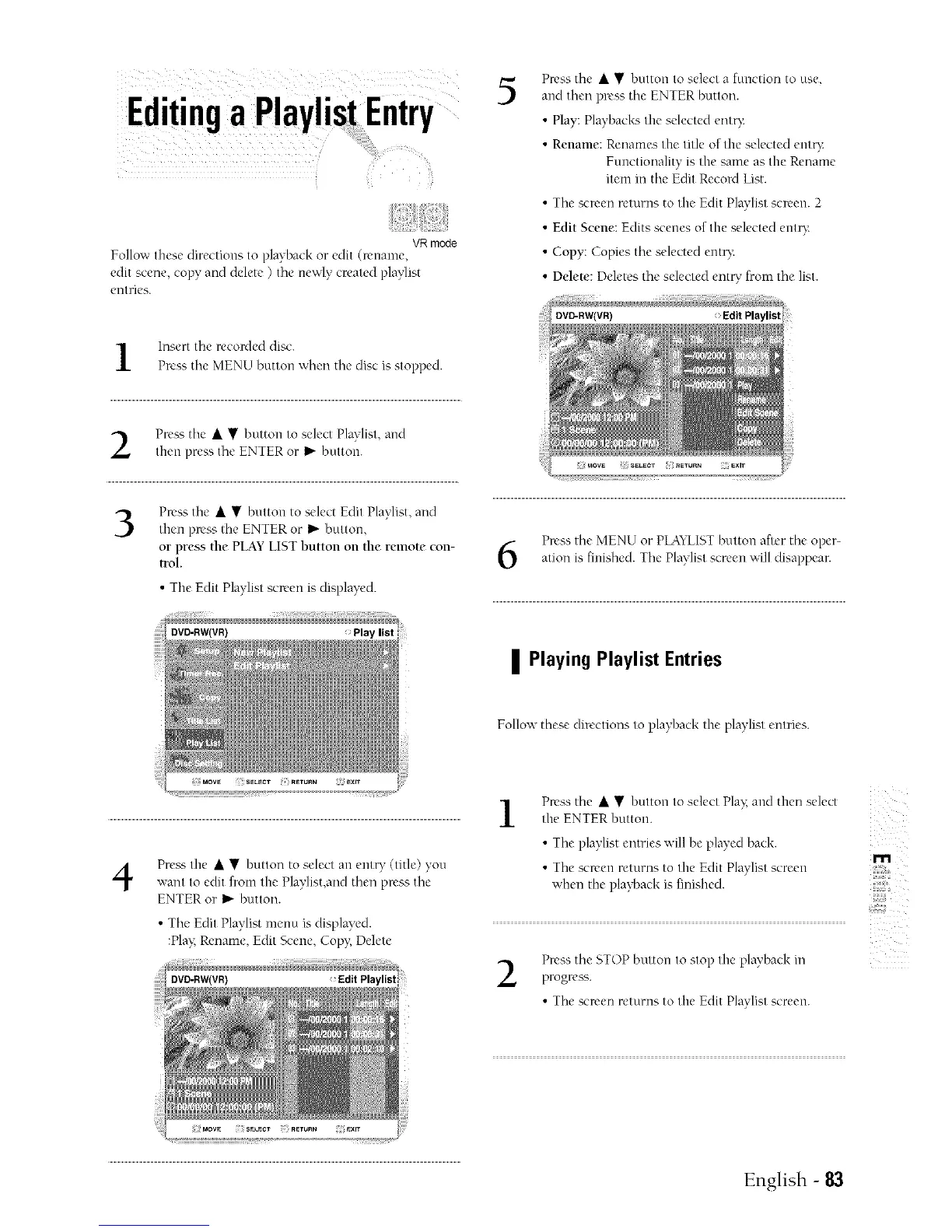
Press tile • • button to select a function to use,
and tben press tile ENTER button.
• Play: Playbacks the selected eut¢:
• Rename: Renames tile title of the selected ent_:
Functiouality is the same as the Rename
item in tbe Edit Record List.
• Tbe screen returns to the Edit Playlist screen. 2
• Edit Scene: Edits scenes of the selected ento:
• Copy: Copies tbe selected entD:
• Ddete: Deletes the selected ent U from the list.
l Insert tbe recorded disc.
Press tbe MENU button wben the disc is stopped.
Press the • • button to select Plavlist and
then press the ENTER or I_ button.
3
Press the • • button to select Edit Playlist, and
then press tbe ENTER or _" button,
or press the PLAYLISTbutton on the remote con-
trol.
• The Edit Playlist scn'en is displaD'd.
> Play list
Press tile MENU or PLAYLISTbutton after the oper-
ation is finished. Tile Playlist screen will disappear.
| Playing Playlist Entries
Follow these directions to playback the playlist entries.
4
Press tile • • button to select all cut W (title) you
want to edit from the Playlist,and tben press tile
ENTER or I_" button.
• Tbe Edit Playlist menu is displayed.
:Pla> R_'name, Edit Scene, Copy; Delete
1
Press the • • button to select Play:and then select
the ENTER button.
• Tbe playlist entries will be played back.
m
• Tbe screen returns to the Edit Playlist screen
when the playback is finished.
il{:i{{iiii_i
Press tbe STOP button to stop the playback ill
progress.
• Tbe screen returns to the Edit Playlist screen.
English - 83



 To Next Page