4 SCAN FUNCTIONS
Scan Settings 103
Scan Settings
You can make the scan settings on the scan functions menu.
Press [CANCEL] to exit from the setting without making any changes. You can also exit by pressing if it is active.
Selecting the color mode
You can select the color mode best suited to your scan job.
1
Press [SCAN].
2
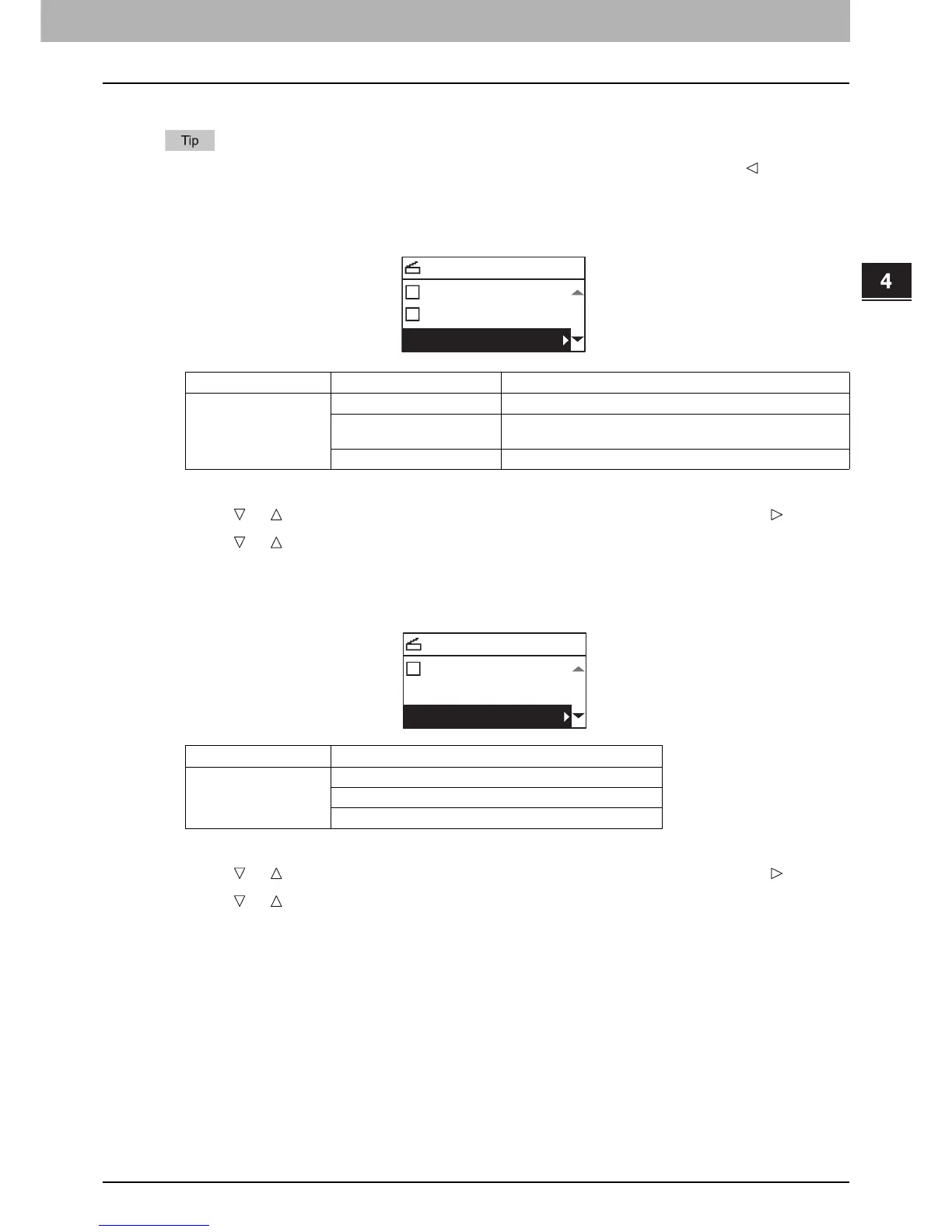
Press or to select the item displayed on the LCD screen, and then press .
3
Press or to select the setting item, and then press [OK].
Selecting the resolution
You can select the resolution.
1
Press [SCAN].
2
Press or to select the item displayed on the LCD screen, and then press .
3
Press or to select the setting item, and then press [OK].
Menu Functions Settings Description
COLOR MODE BLACK Images in black and white.
GRAY SCALE Images containing both text and photos. The photo quality is
enhanced.
FULL COLOR Color images.



 To Next Page
 Loading...




