2 COPY FUNCTIONS
48 Copy Settings
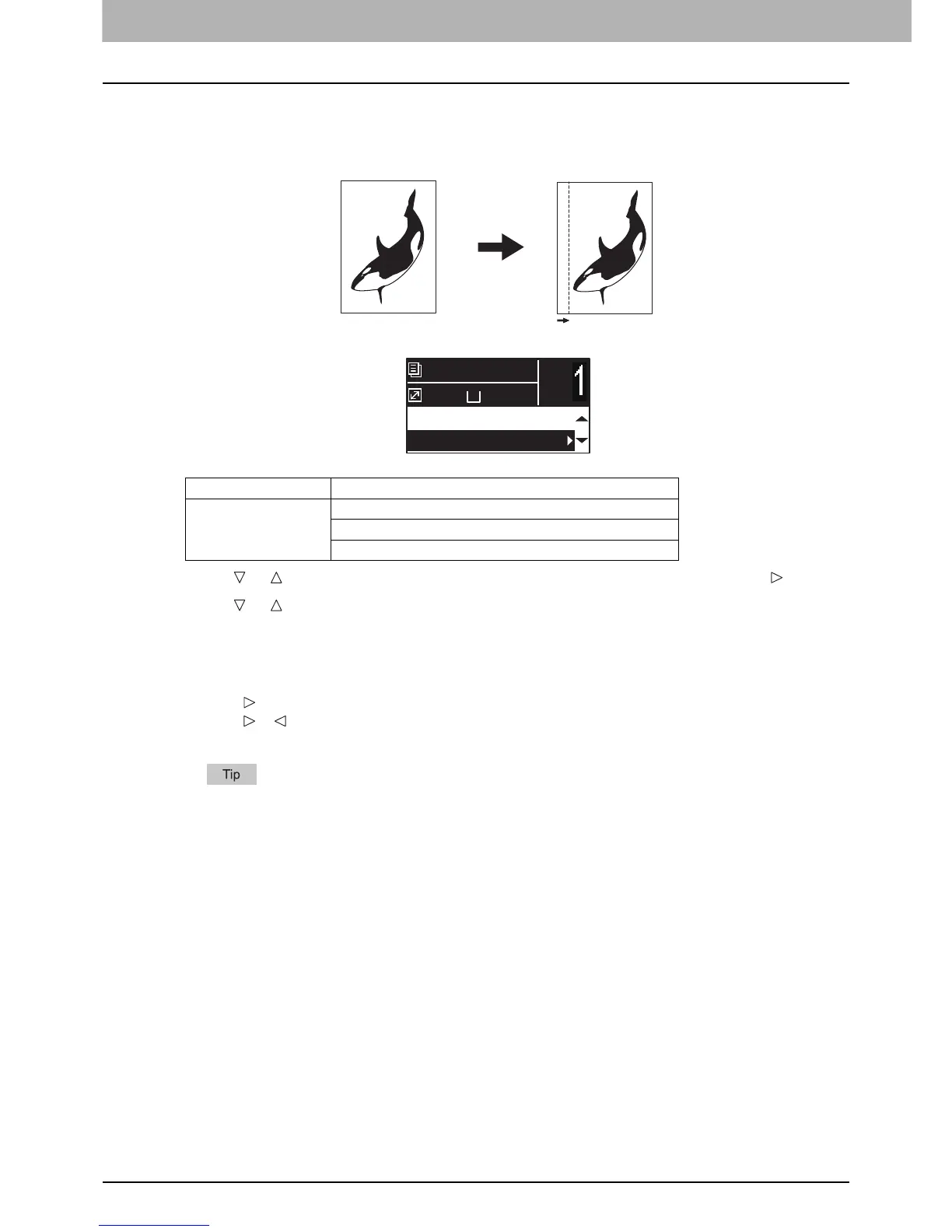
Shifting the pages to the right or left
You can shift pages to the right or left. The shifted area can be used as a margin for punching holes or stapling. The
margin can be changed from 4 mm to 15 mm (0.2" to 0.6") in increments of 1 mm (0.04").
1
Press or to select the item displayed on the LCD screen, and then press .
2
Press or to select the setting item.
3
Set the setting as follows.
For “OFF”:
Press [OK].
For “LEFT MARGIN” or “RIGHT MARGIN”:
1) Press .
2) Press or to increase or decrease the value for the margin.
3) Press [OK].
If you just press [OK] for “ON”, the default value (7 mm (0.3")) of this function is used.
Menu Functions Settings
IMAGE SHIFT OFF
LEFT MARGIN
RIGHT MARGIN
A4
1
READY
100%
EDGE ERASE:OFF
IMAGE SHIFT:OFF



 To Next Page
 Loading...




