4.SCAN FUNCTIONS
Setting Up Scan Options 93
4 SCAN FUNCTIONS
- Sharp
Adjusts the sharpness of the image using the scroll bar or editing the field: -2 (softer) to 3% (sharper).
[Sharp] is only available when [Gray] or [Color] is selected in [Original Mode].
- RGB Adjustment
Adjusts the RGB values of the image using the scroll bar or editing the field: -100 to 100%.
[RGB Adjustment] is only available when [Color] is selected in [Original Mode].
- Saturation
Adjusts the saturation of the image using the scroll bar or editing the field: -100 to 100%.
[Saturation] is only available when [Color] is selected in [Original Mode].
8) Default
Resets all the settings back to the defaults.
Scanning from the equipment on the network
1
Click on the basic scan dialog box.
2
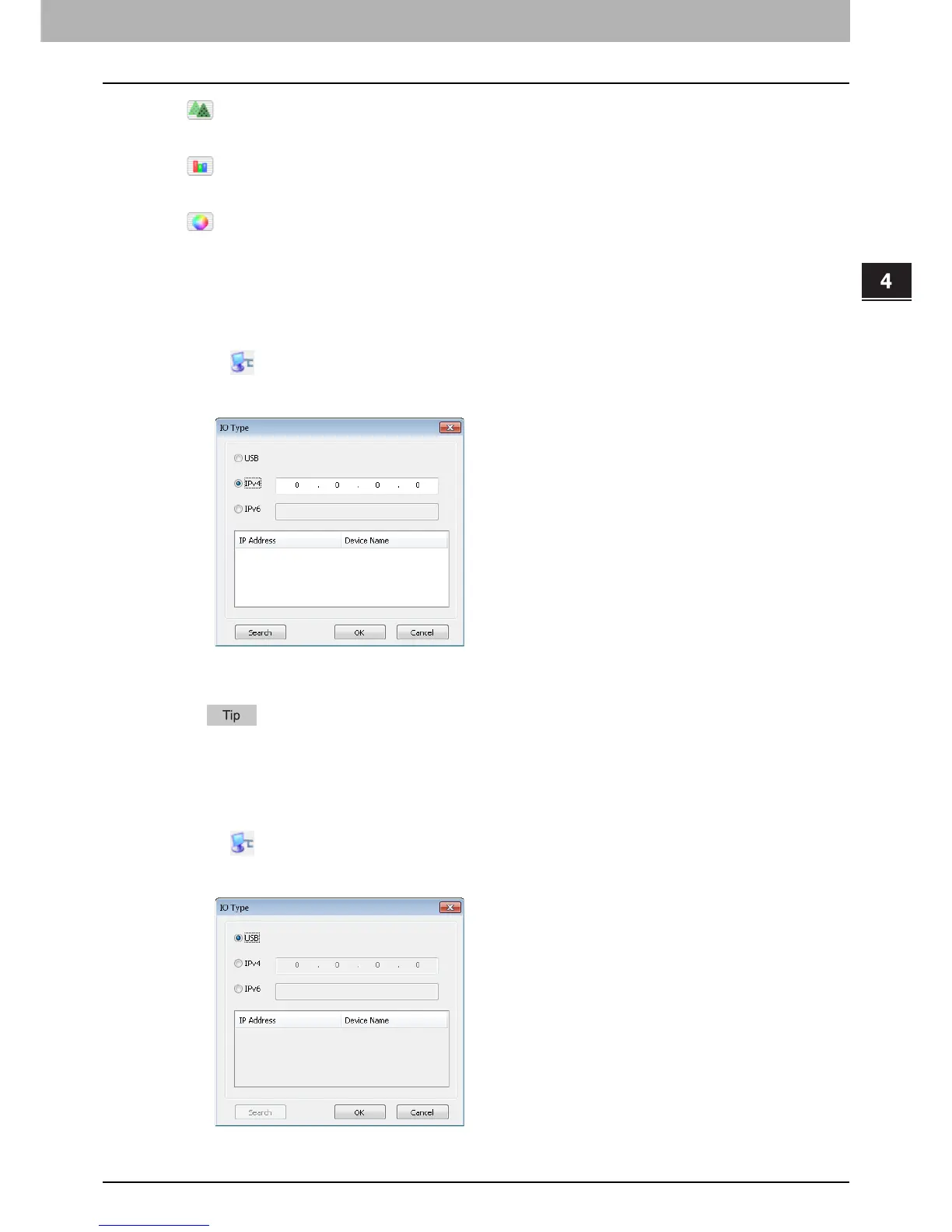
The [IO Type] dialog box appears, select [IPv4] or [IPv6].
3
Click [Search], and then confirm the displayed IP address and device name.
If you set the IP address manually, input the address in the text box.
4
Click [OK].
Scanning from the equipment connected by USB cable
1
Click on the basic scan dialog box.
2
The [IO Type] dialog box appears, select [USB].



 To Next Page
 Loading...




