2 COPY FUNCTIONS
Copy Settings 35
Copy Settings
You can make the copy settings on the copy functions menu.
Press [CANCEL] to exit from the setting without making any changes.
Adjusting the exposure
You can adjust the density to make copies lighter or darker in nine levels from -4 to +4. The auto density setting can
represent the copy image in the middle density status.
You can directly access this function by pressing . The button operation varies depending on the region.
For Europe and the Americas:
P.33 “Using the “EXPOSURE” or “ID CARD” function quickly”
1
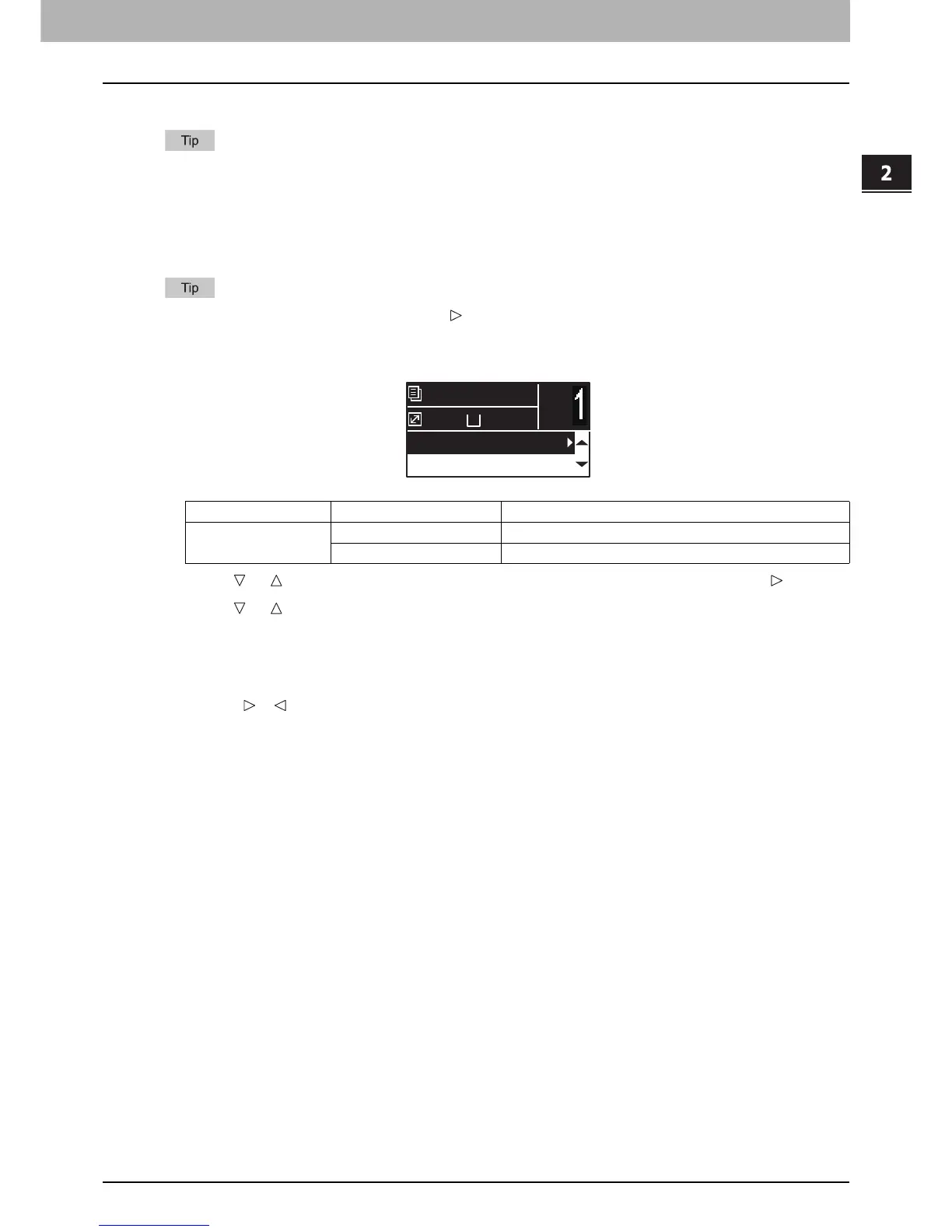
Press or to select the item displayed on the LCD screen, and then press .
2
Press or to select the setting item.
3
Adjust the density as follows.
For “AUTO”:
Press [OK].
For manual:
1) Press or to increase or decrease the density level.
2) Press [OK].
Menu Functions Settings Description
EXPOSURE AUTO Adjusts the density automatically.
Manual Adjusts the density manually.
A4
1
READY
100%
AUTO EXPOSURE
TEXT/PHOTO



 To Next Page
 Loading...




