4.SCAN FUNCTIONS
Scan Settings 107
4 SCAN FUNCTIONS
2
Enter an e-mail address using the digital keys.
P.110 “Character entry”
3
Press [OK].
y When setting “CC (ADDRESS)”, you can specify additional e-mail addresses.
y If you want to view or delete the specified e-mail addresses, see the following page.
P.108 “Viewing/Deleting specified e-mail addresses”
Selecting from the address book
1
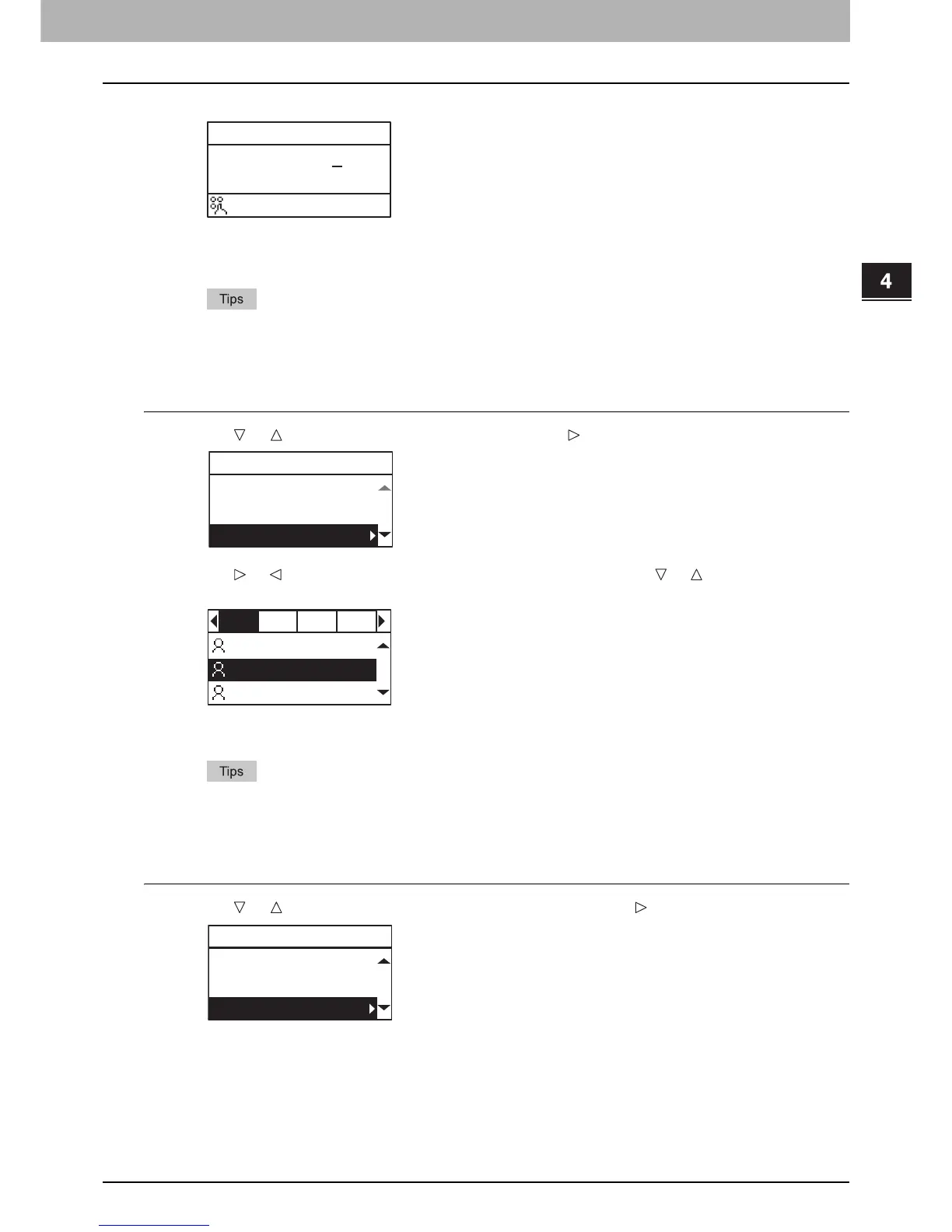
Press or to select “SEARCH”, and then press .
2
Using or , select letters tab that you want to display. Using or , select the desired
contact, and then press [OK].
3
Press [OK].
y When setting “CC (ADDRESS)”, you can specify additional e-mail addresses.
y If you want to view or delete the specified e-mail addresses, see the following page.
P.108 “Viewing/Deleting specified e-mail addresses”
Searching the address book with single numbers
1
Press or to select “SINGLE NUMBER”, and then press .



 To Next Page
 Loading...




