1 PREPARATION
16 Preparation 1 - Turning Power ON
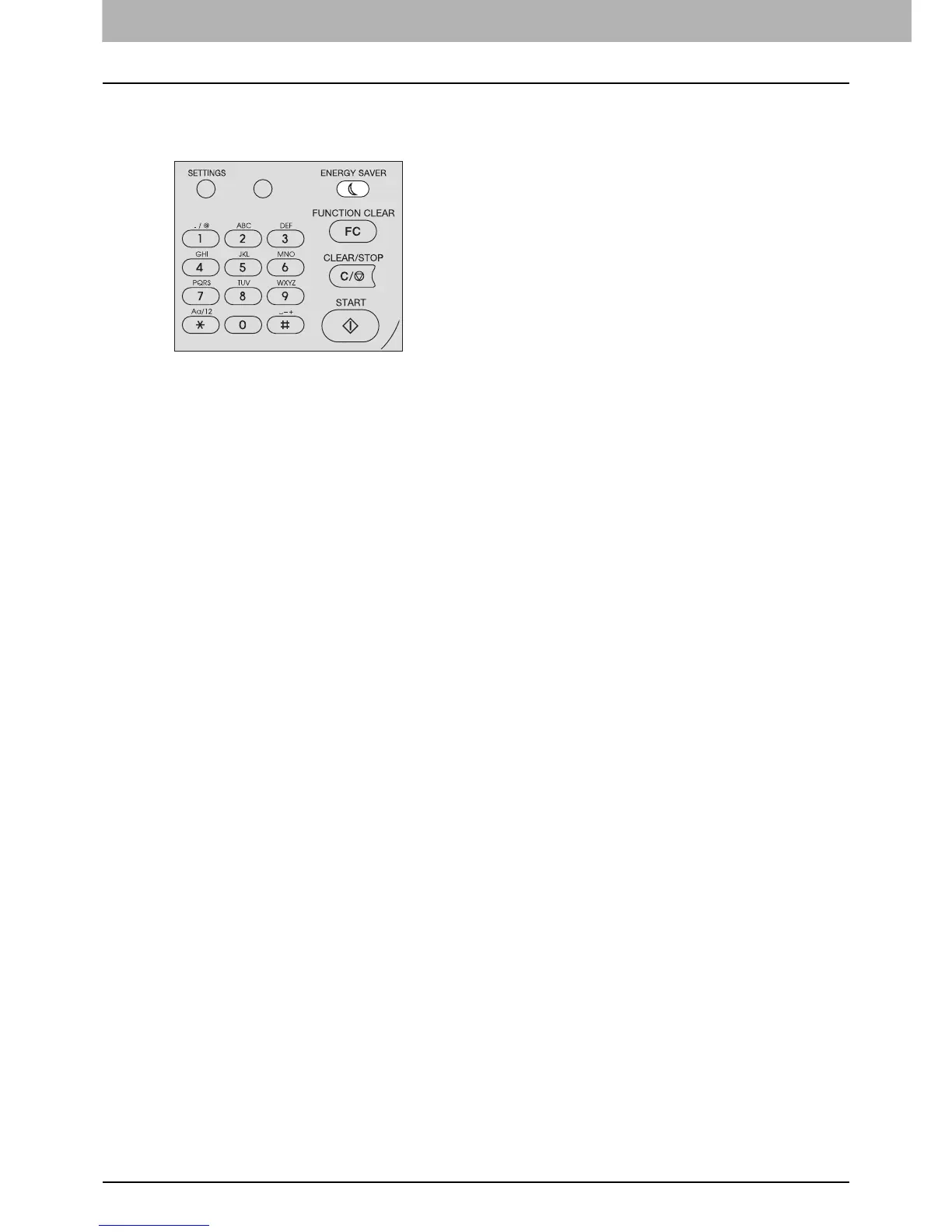
To turn the equipment into the energy saving mode (Sleep mode) manually
Press [ENERGY SAVER].
Canceling conditions for energy saving mode
The energy saving mode is canceled under the following conditions.
y When [ENERGY SAVER], [START], [COPY], [SCAN], or [FAX] on the control panel is pressed
- For the low power mode: Press [ENERGY SAVER], [START], [COPY], [SCAN], or [FAX]
- For the sleep mode: Press [ENERGY SAVER]
y When printing or scanning is performed from a PC connected with this equipment
y When fax data is received.



 To Next Page
 Loading...




