4.PRINT FUNCTIONS (Mac OS X)
Setting up Print Options 119
4 PRINT FUNCTIONS (Mac OS X)
[Print] options
When you print a document, select [Print] from the [File] menu of your application. You can set the following
print options.
P.119 “Copies & Pages”
P.120 “Layout”
P.122 “Paper Handling”
P.125 “Cover Page”
P.126 “Printer Features”
Some of the [Print] options vary from application to application.
The options and arrangement vary from Mac OS X version to version.
Copies & Pages
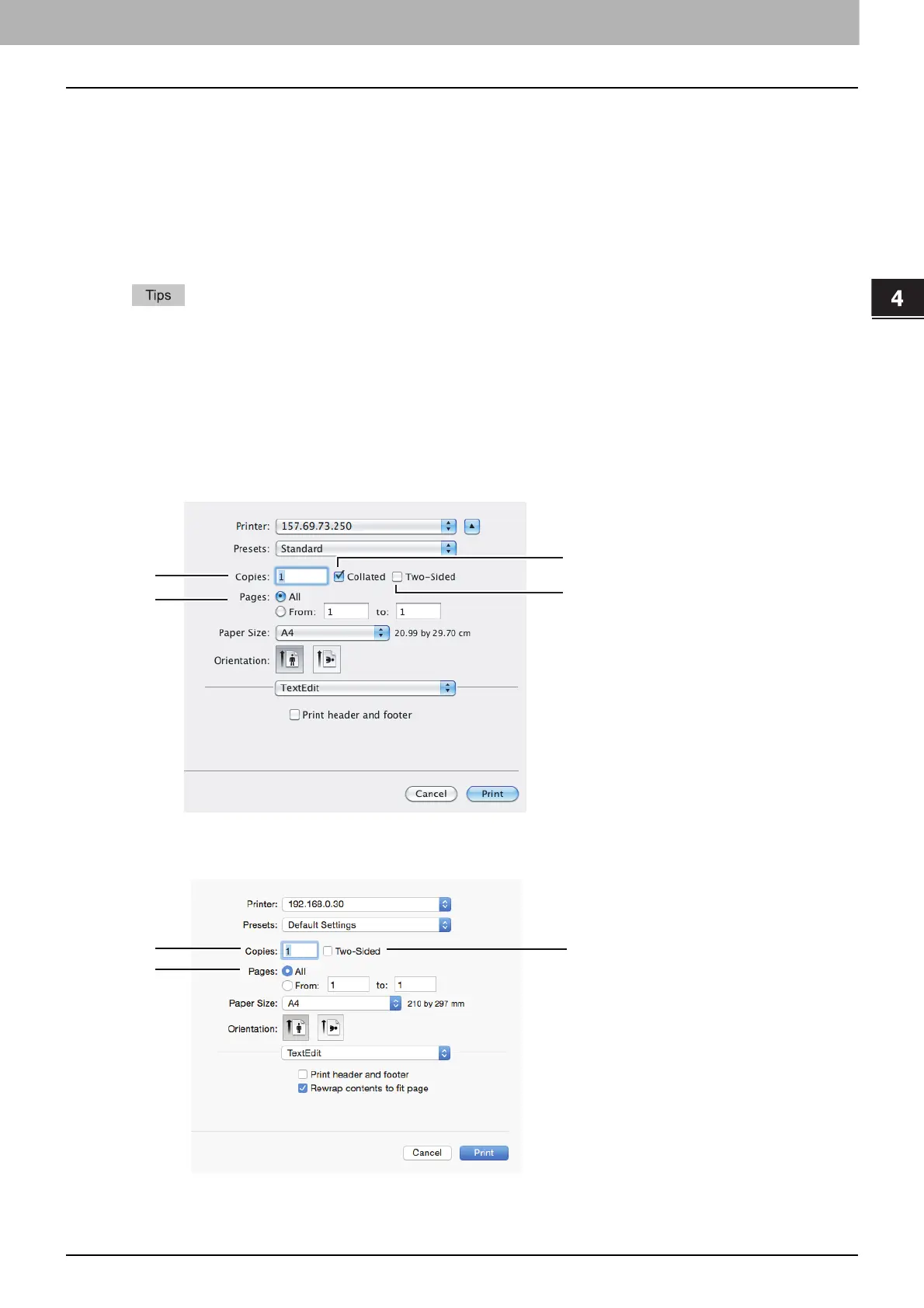
In the [Print] dialog box, you must first set basic print options such as the number of copies, the range to print
pages, sort printing, and two-sided printing.
Mac OS X 10.6.x
Mac OS X 10.8.x or later



 To Next Page
 Loading...





