2 COPY FUNCTIONS
72 Using Templates (Copy)
* This item is available only when the Reversing Automatic Document Feeder (RADF) is installed.
Recalling a template
1
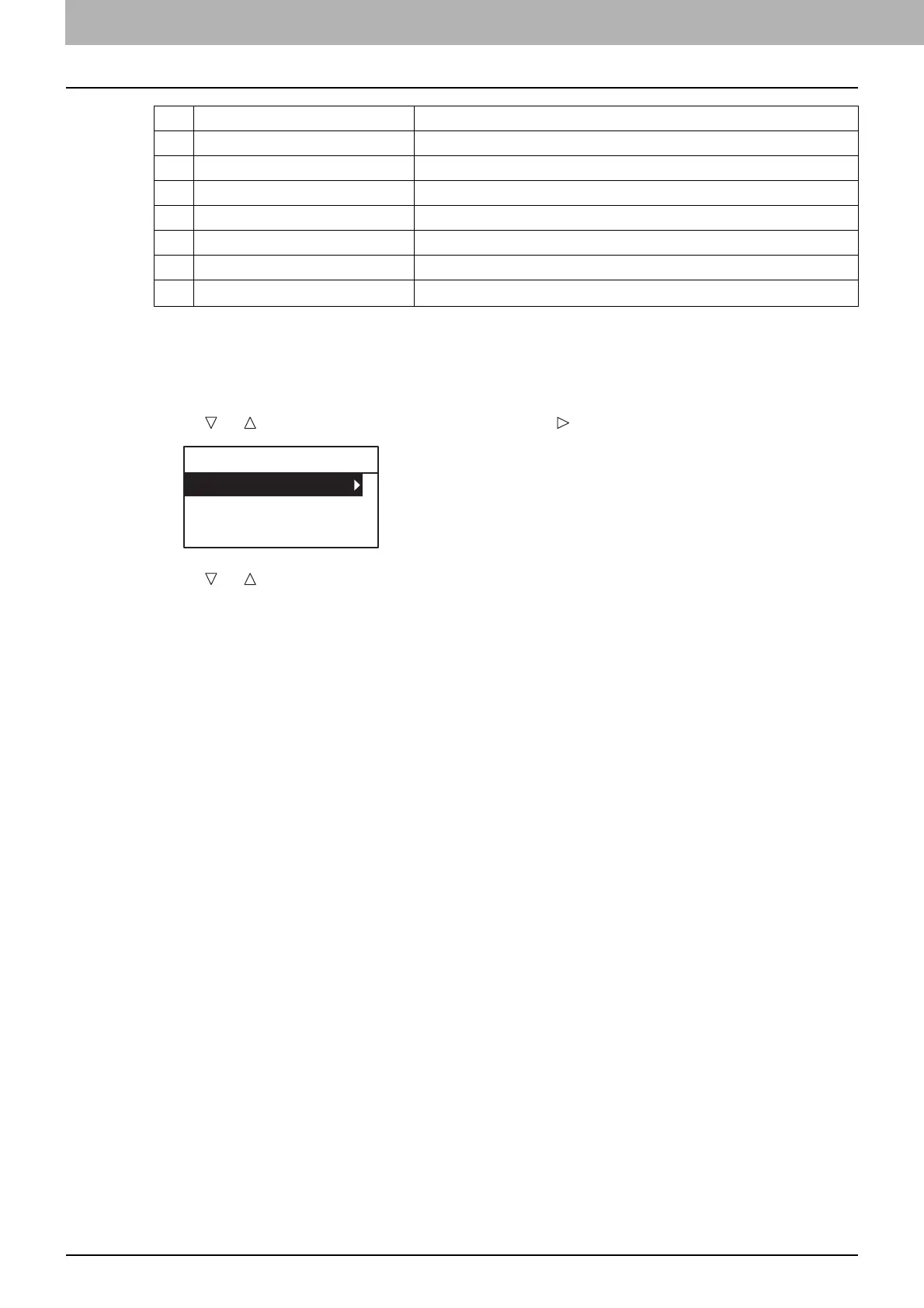
Press [TEMPLATE].
2
Press or to select “RECALL”, and then press .
3
Press or to select a template, and then press [OK].
17 2-Sided 1>1 SIMPLEX, 1>2 DUPLEX, 2>2 DUPLEX, 2>1 SPLIT
18 2-Sided BOOK, TABLET
19 Annotation OFF, PAGE NO., PAGENO.+DATE/TIME
20 Omit Blank Page OFF, ON
21 Mixed Size Original OFF, ON
22 Image Direction OFF, ON
23
Continue Scan
*
OFF, ON
No. Item Name Settings
TEMPLATE
RECALL
REGISTRATION



 To Next Page
 Loading...





