5.SCAN FUNCTIONS
Scan Settings 163
5 SCAN FUNCTIONS
Removing blank pages
If your original contains blank pages, you can remove them from the scan result.
This function is available only when “BLACK” is selected in the “COLOR MODE” function.
1
Press [SCAN].
2
Press or to select the item displayed on the LCD screen, and then press .
3
Press or to select the setting item, and then press [OK].
Adjusting the exposure
You can adjust the density to make scans lighter or darker in nine levels from -4 to +4. The auto density
setting can represent the scan image in the middle density status.
This function is not available when “GRAY SCALE” is selected in the “COLOR MODE” function.
“AUTO” is available only when “BLACK” is selected in the “COLOR MODE” function and “TEXT” or
“TEXT/PHOTO” is selected in the “ORIGINAL MODE” function.
1
Press [SCAN].
2
Press or to select the item displayed on the LCD screen, and then press .
3
Press or to select the setting item.
4
Adjust the density as follows.
For “AUTO”:
Press [OK].
For manual:
1) Press or to increase or decrease the density level.
2) Press [OK].
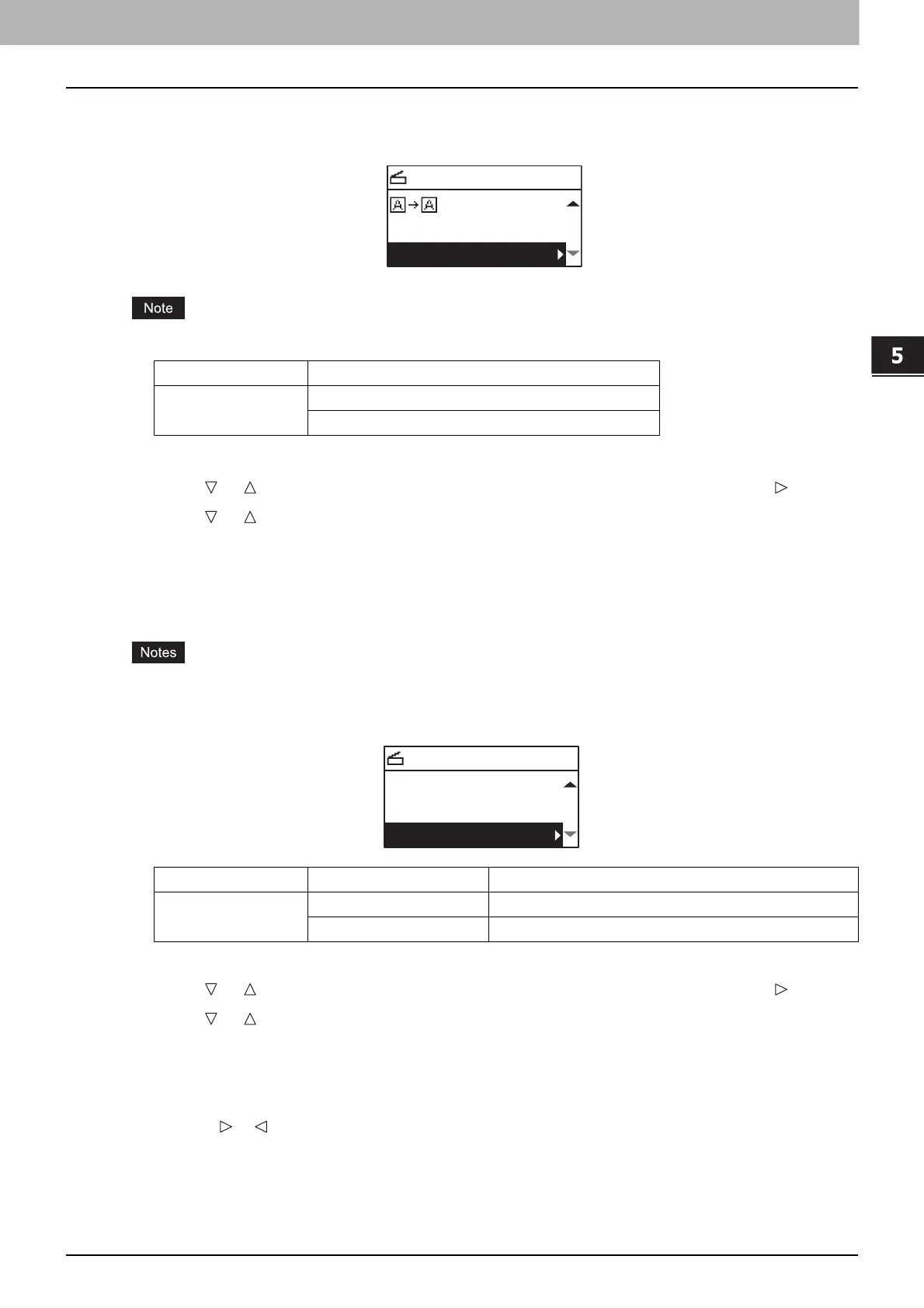
Menu Functions Settings
OMIT BLANK
PAGE
OFF
ON
SELECT SCAN TYPE
OMIT BLANK:OFF
COMPRESS:LOW
Menu Functions Settings Description
EXPOSURE AUTO Adjusts the density automatically.
Manual Adjusts the density manually.
SELECT SCAN TYPE
AUTO EXPOSURE
OMIT BLANK:OFF
COMPRESS:LOW



 To Next Page
 Loading...





