5 SCAN FUNCTIONS
152 Scan to E-Mail
10
If there are more originals, place the next ones.
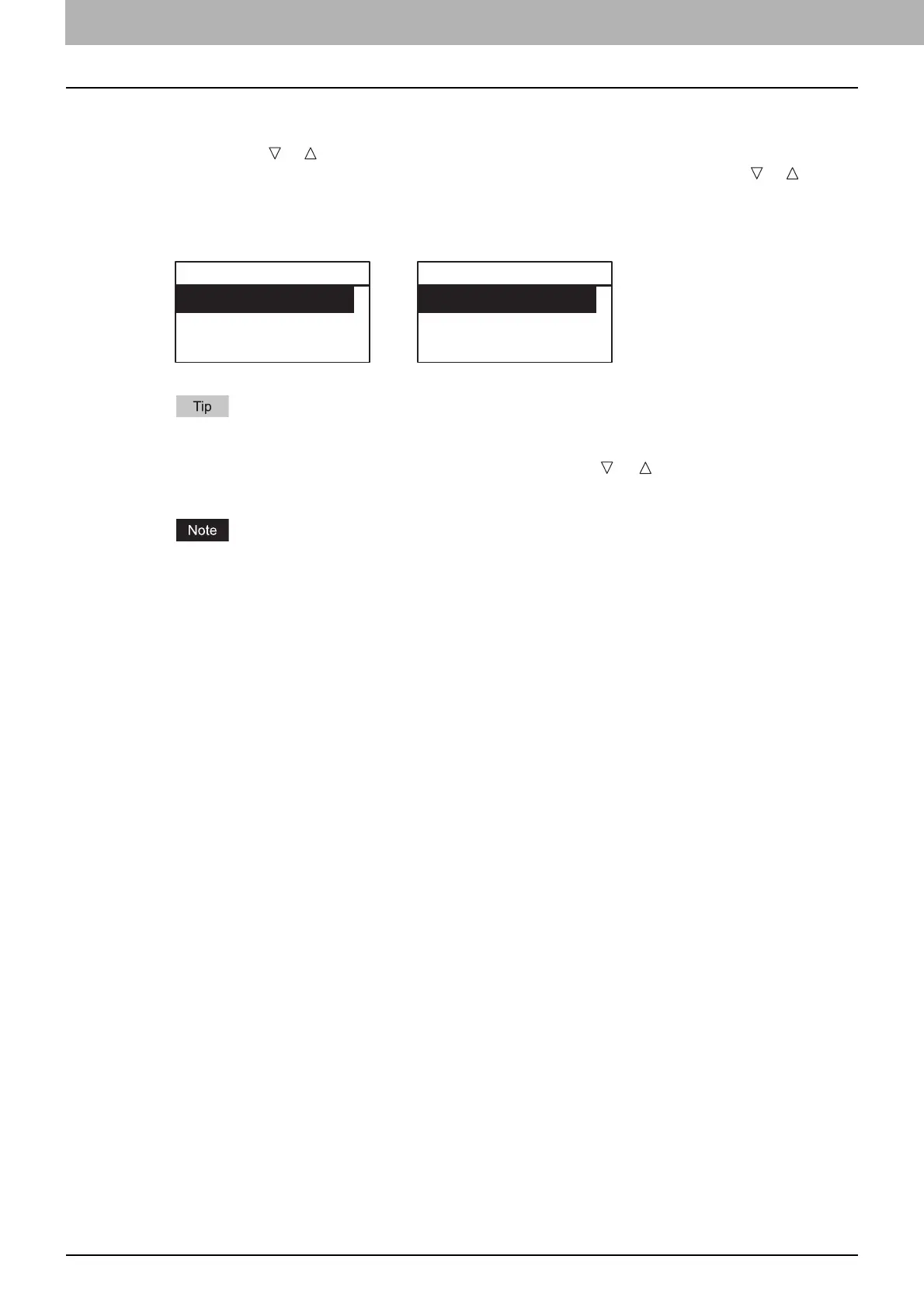
When you place originals on the Reversing Automatic Document Feeder (RADF), select “SCAN
NEXT” using or and press [OK]. (Only when “CONTINUE SCAN” is set to “ON”)
When you place an original on the original glass, select “SCAN NEXT PAGE” using or and
press [OK].
Repeat step 10 until all the originals have finished being scanned.
11
If there are no more originals, select “FINISHED” using or . The originals are stored
by pressing the [OK].
If originals remain on the Reversing Automatic Document Feeder after pressing [FINISHED] on the
CONTINUE SCAN screen, remove all the originals. Leaving them may cause a paper jam.
RADF Original Glass
CONTINUE SCAN
SCAN NEXT
FINISHED
NEXT ORIGINAL?
SCAN NEXT PAGE
FINISHED



 To Next Page
 Loading...





