6.VARIOUS FUNCTIONS
Job Status 195
6 VARIOUS FUNCTIONS
Confirming the job status and deleting jobs
You can confirm the statuses of print, scan, and fax jobs and delete jobs.
Confirming the job status
1
Press or to select [JOBS] and then press .
2
Press or to select [PRINT], [SCAN] or [FAX] and then press .
3
Press or to select [CONFIRM] and then press .
Jobs in progress or those on the waiting list appear.
4
Press or to select the job whose status you want to confirm and then press .
The status of the selected job appears.
5
After you have confirmed the status, press , [CANCEL] or [OK].
The menu returns to the previous one.
Deleting unnecessary jobs
1
Press or to select [JOBS] and then press .
2
Press or to select [PRINT], [SCAN] or [FAX] and then press .
3
Press or to select [DELETE] and then press .
Jobs in progress or those on the waiting list appear.
4
Press or to select the job you want to delete and then press .
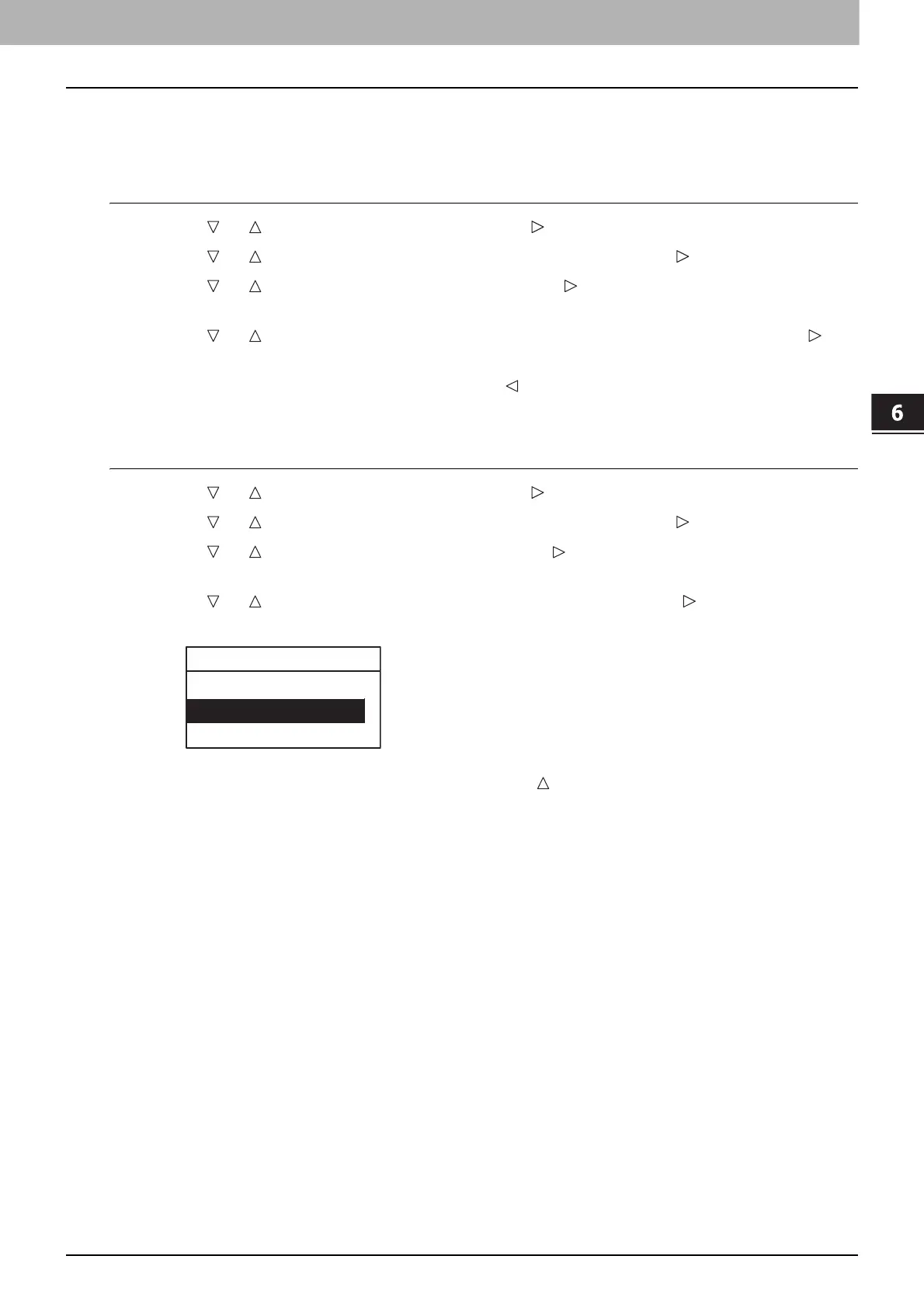
A message asking you to confirm the deletion appears.
5
If you want to continue to delete the job, press and select [YES]. Then press [OK].
The job is deleted.



 To Next Page
 Loading...





