2 COPY FUNCTIONS
48 Copy Settings
Selecting the bypass tray automatically
When you load paper into the bypass tray, the paper source automatically changes from the drawer to the
bypass tray. The LCD screen automatically changes so that you can easily set the paper size and type for the
bypass tray.
1
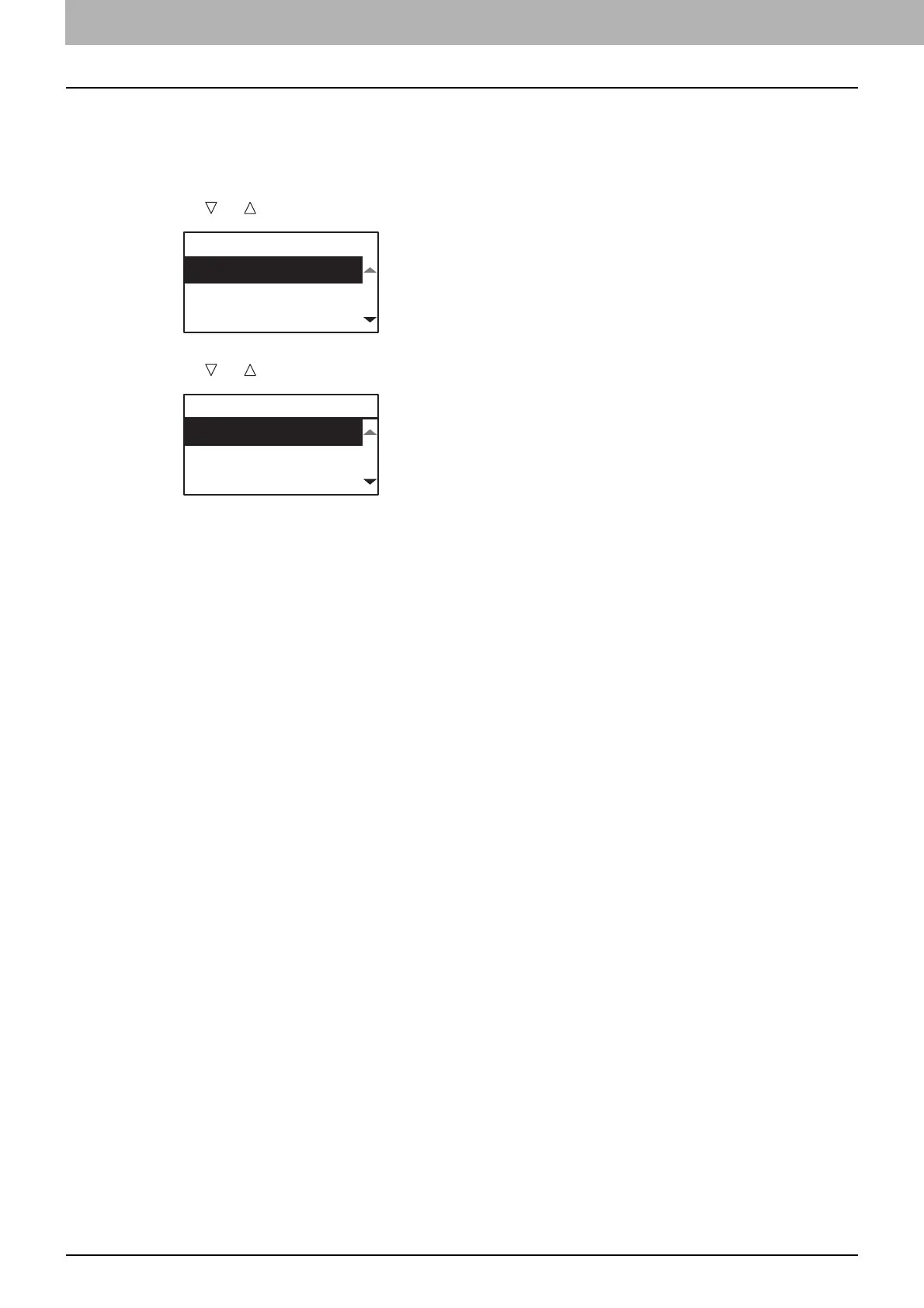
Press or to select the paper size, and then press [OK].
2
Press or to select the paper type, and then press [OK].
Remove the paper from the bypass tray after copying is finished. The paper source automatically changes
back to the drawer.
BYPASS
A3
A4
A4-R
BYPASS PAPER TYPE
PLAIN
THICK
THICK1



 To Next Page
 Loading...





