2.COPY FUNCTIONS
Copy Settings 59
2 COPY FUNCTIONS
4
Follow the instructions on the LCD screen to use the “ON” function. You are instructed
to make the following settings.
SET FRONT OF ID CARD
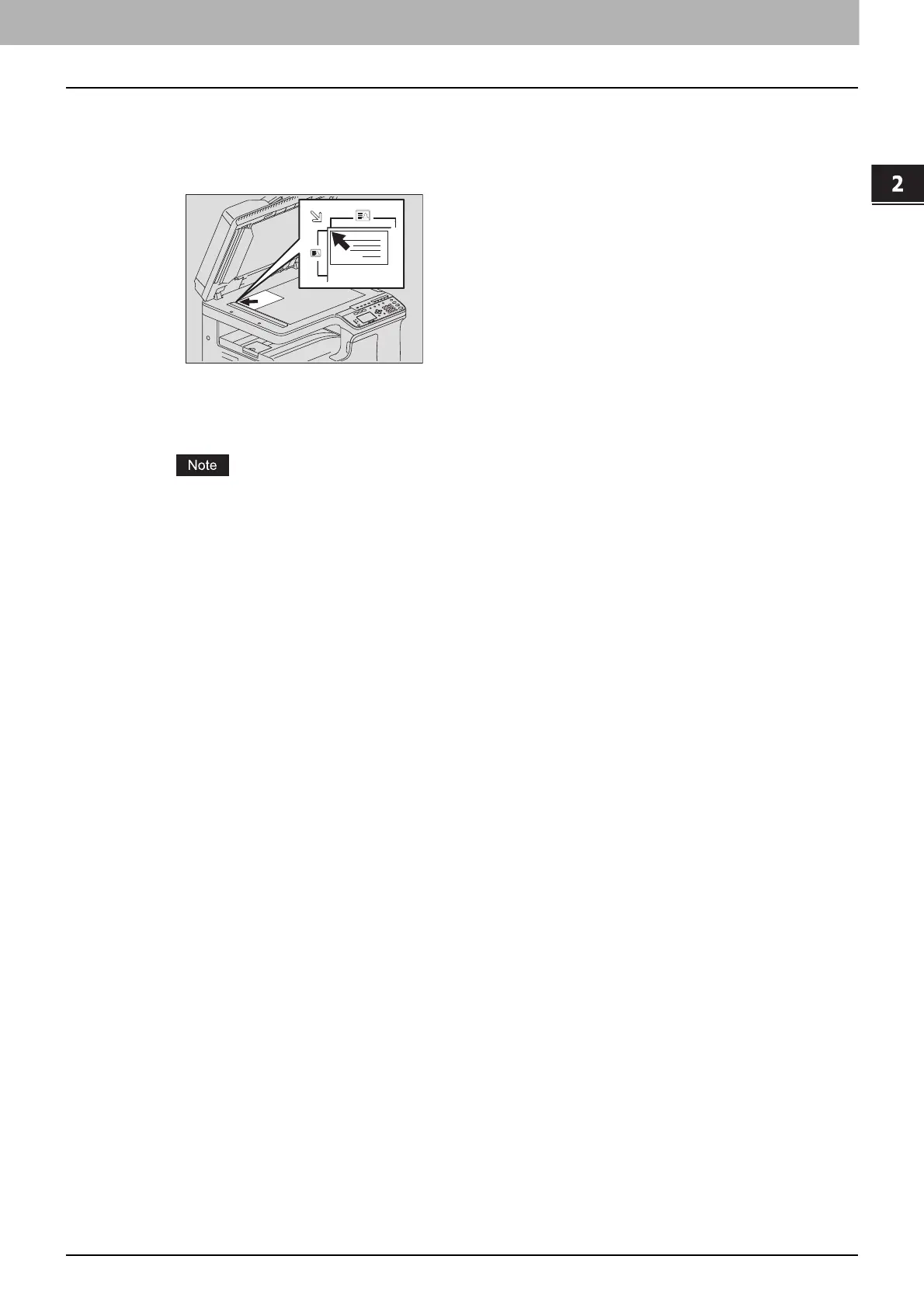
Place the front of a card face down at the upper left on the original glass, and then press [START].
SET BACK OF ID CARD
Turn over the card and place the back surface face down on the original glass, and then press
[START].
“CANCEL JOB?” is displayed if there is no operation for a certain period.



 To Next Page
 Loading...





