V1.2 09/01/15 UD0130 Page 31 of 63
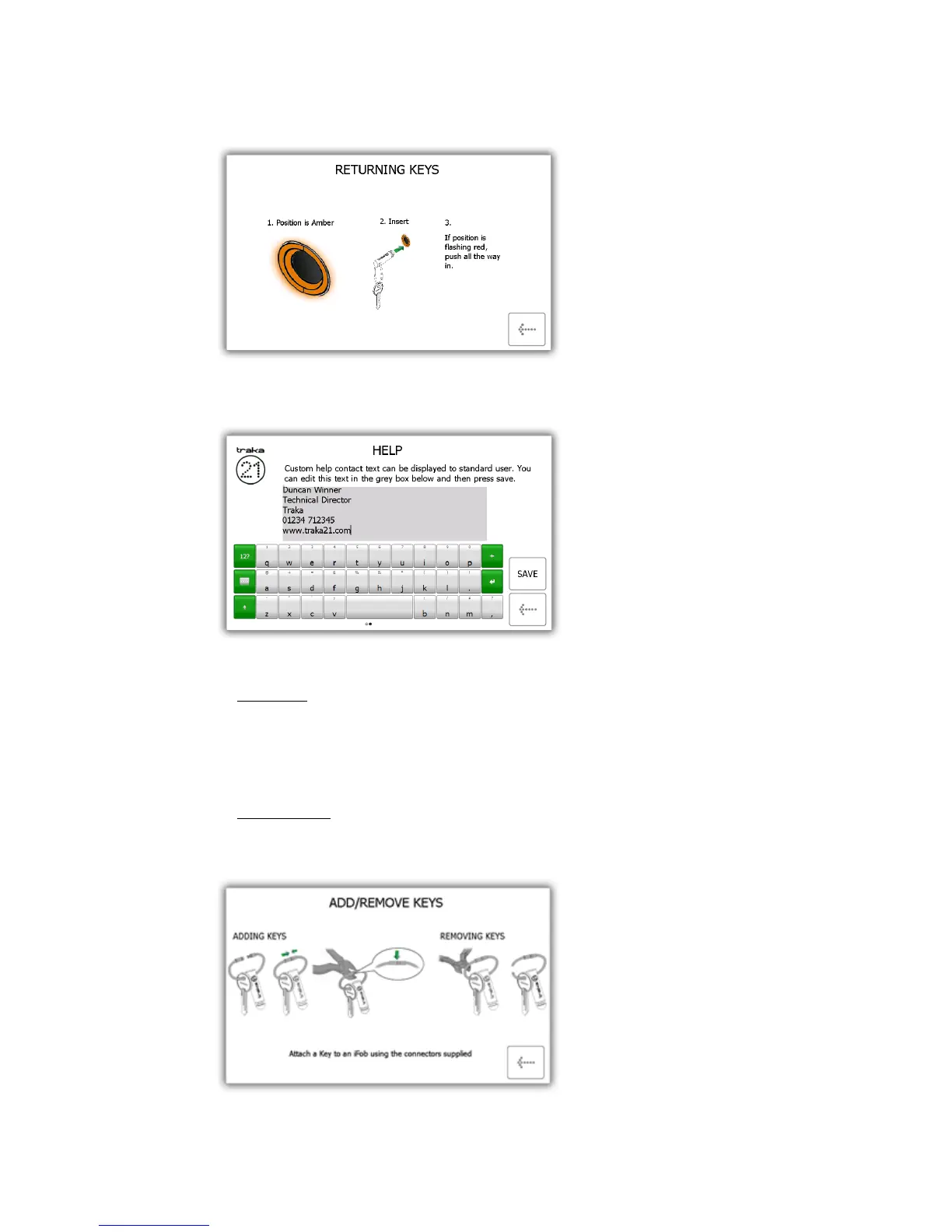
Returning Keys - Will give you a pictorial overview on how to return a key to the system.
Help Contact – Will allow you to enter new details that change the help section that is displayed to the
standard user .
Add/Remove Keys - Will show you how to add/remove keys to security seals.
To add keys
i) Put you’re your key(s) onto the security seal with the iFob.
ii) Push the seal together
iii) Crimp this line gently with a pair of scissors. ENSURE THAT YOU DO NOT CUT THROUGH THE
SECURITY SEAL.
To remove keys
i) Using a heavy duty cutters, cut the security seal to remove the keys and the iFob.



 To Next Page