V1.2 09/01/15 UD0130 Page 32 of 63
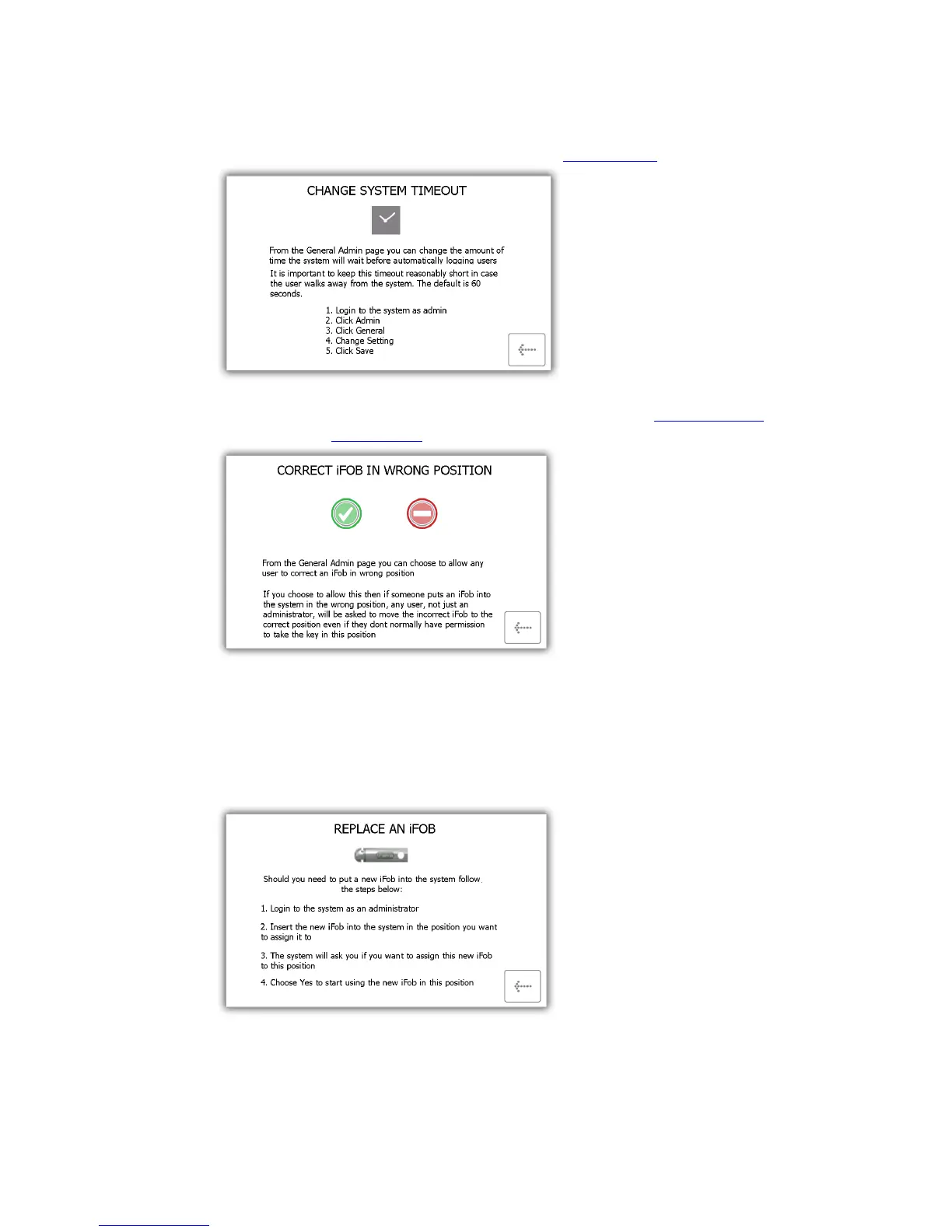
Change Timeout – The timeout is a user definable period of time that when reached will send the
system into power save mode. This can be changed in the general settings under the admin menu.
Correct Wrong Position - Explains how you can allow a user to correct an iFob in Wrong Slot. This is
definable from the general section.
Replace iFobs – How to replace a broken/lost iFob.
i) Login to the system as an admin.
ii) Insert the new iFob into the position you want to assign it to.
iii) The system will ask you if want to assign this new iFob to this position.
iv) Choose Yes to start using the new iFob in this position.



 To Next Page