V1.2 09/01/15 UD0130 Page 33 of 63
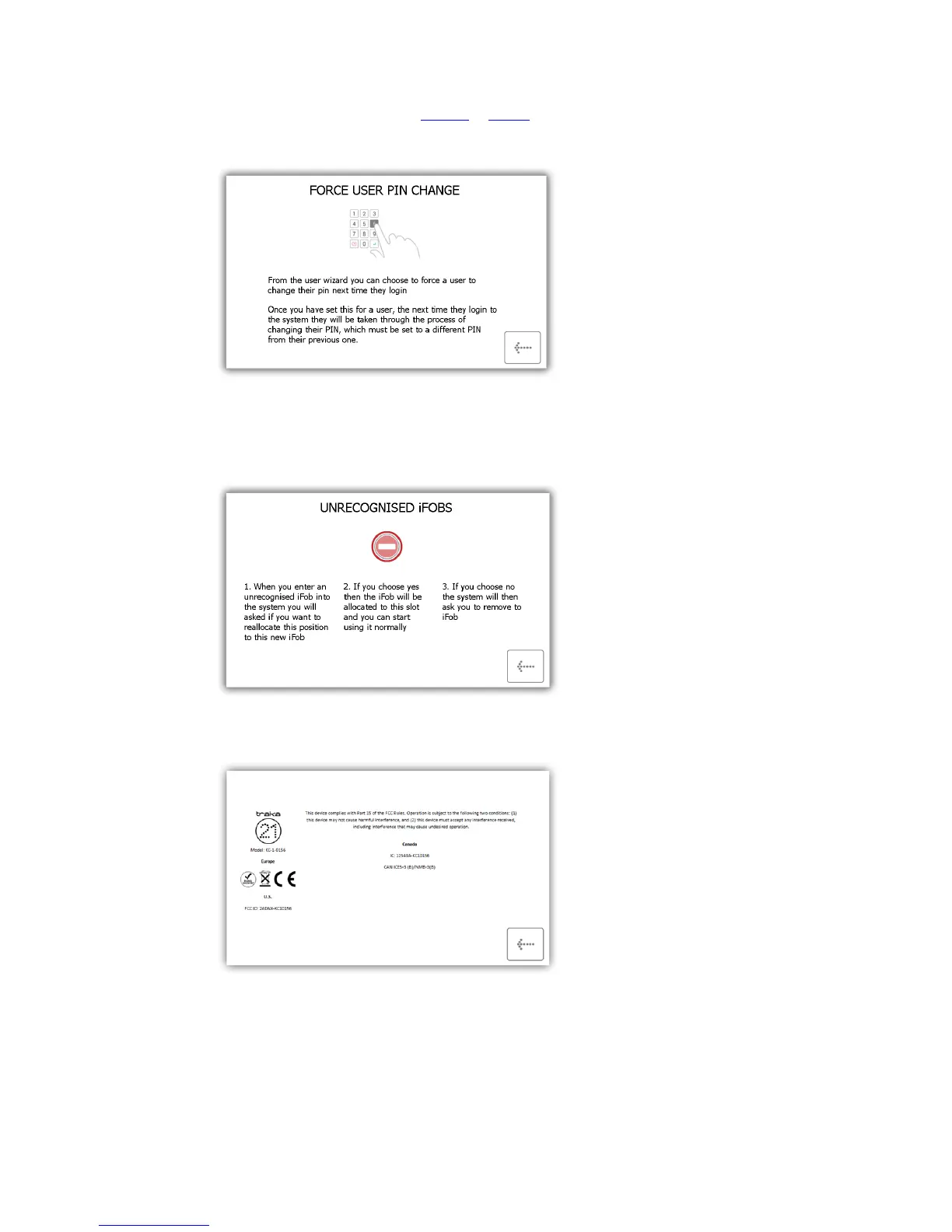
Force User to Change PIN – when creating or editing a user, the admin user can select an option called
force user to change PIN. This will force that user to change their PIN when they next login.
Unrecognised iFobs – When a user inserts an unrecognised iFob into the system, you will be asked if
you want to reallocate the iFob to the new position. If you choose yes then the iFob will be allocated
and you can use it normally. If you select no then the system will ask you to remove the iFob.
Regulations – This page will give you all the information on the compliances that the Traka21 adheres
to.
3. Select the desired button to open the topic.
4. To return to the help screen, click the back button.



 To Next Page