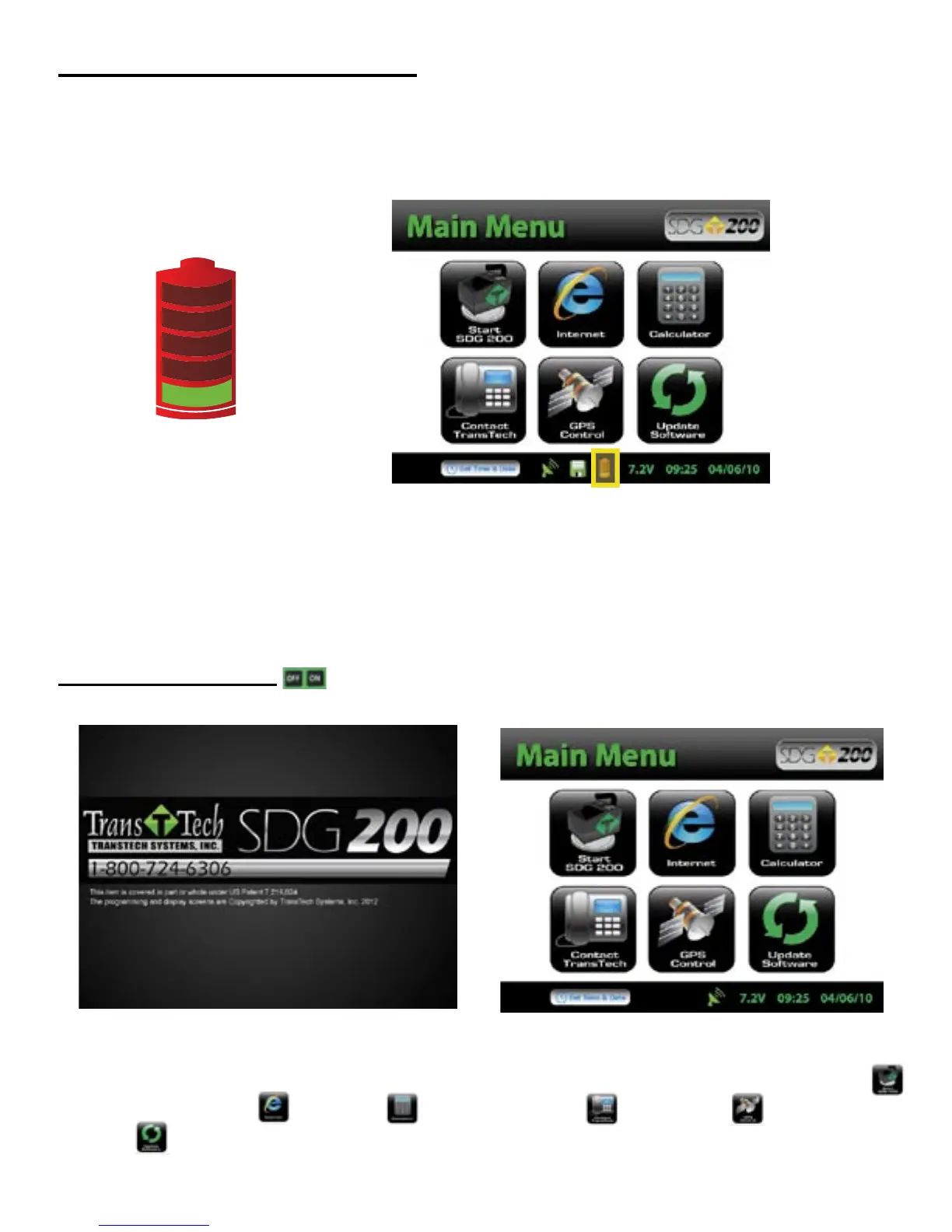
Battery voltage can be viewed on the Status Bar located at the bottom of all screens. A fully charged battery
will display over 8 volts. The battery voltage will decrease as the SDG 200 is used. A low battery icon will be
displayed at approximately 6.5 volts.
The gauge will continue to operate until the battery can not supply enough voltage to complete a measurement.
Once this happens, the gauge will automatically shut down and will not restart until charged. Depending on the
condition of the batteries, once the voltage drops below 6 volts, the gauge may be able to take about 12 to 15
additional readings. It is important to re-charge the battery after each use.
Starting the Software
Turn the SDG 200 on by pressing the ON button. After a few seconds the TransTech splash screen will
appear followed by the Main Menu Screen. The Main Menu screen will display six options. Start SDG200,
Internet (Coming Soon), Calculator, Contact TransTech, GPS Control and Update
Software.
Installing/Charging the Batteries
10



 To Next Page