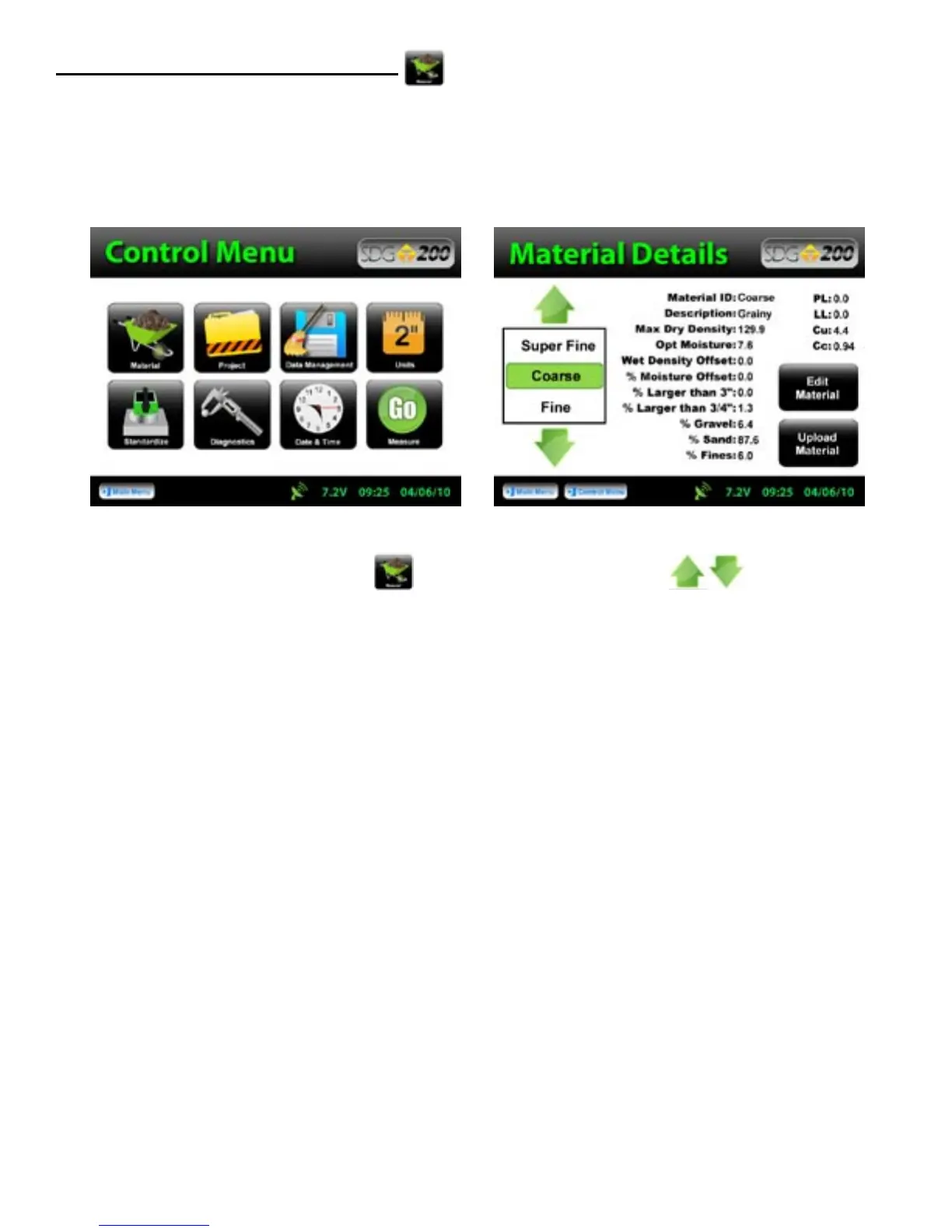
From the Control Menu, Press Material. By using the up or down arrows you can change
the material, return to the Soil Reading screen and begin testing. However, keep note that these readings will
be stored under the same Project Name that you were just using (the current Project). The data file name will
be the same as the Project Name and will consist of the details on any and all materials used while that Project
Name is current or active. Only by changing the current Project Name will you receive a separate data file.
Select a Different Material to Test
At any time you wish to go back and change the Material to be tested you may do so.
28



 To Next Page