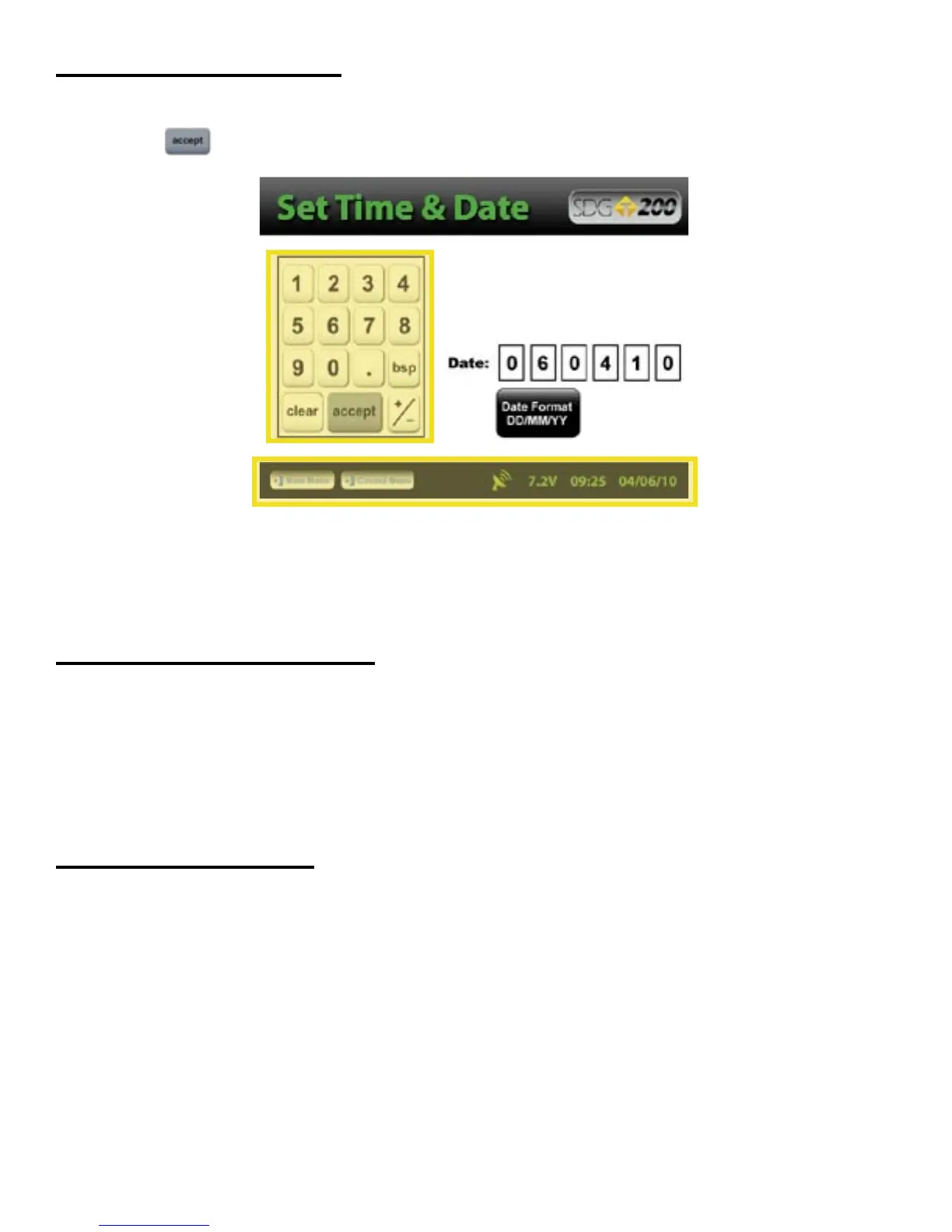
The numeric keypad as shown in this example allows for only numbers and a decimal point.
Press Accept to store your entry and in most cases return to the previous screen.
The Status Bar is located at the bottom of the screen (excluding the keyboard screens) and will continuously
update the remaining voltage of the batteries while displaying the date, time and status of the GPS and Data
Logging features.
Prior to using the SDG 200 for the first time the gauge will need to be configured to make measurements and
record data correctly.
The following steps must be completed before operating the SDG 200:
1. Installing and Charging the Batteries
2. Starting the Software
3. Set the Local Time/Set Date
4. Set up the GPS
5. Select Units of Measurement
6. Define the material being tested (Material Details)
8. Define Project Details
Setting up the SDG 200
External/Internal Controls
8
The SDG Model 200 has a built in power saving mode. If there are no buttons pressed after approximately 20
minutes the unit will go into a power saving mode. Pressing any key will “Wake” the SDG up for continued
use. If the SDG is left “On” for an hour without any buttons being pressed, it will shut itself down, to conserve
battery run time
Power Save/Auto Shut Down



 To Next Page