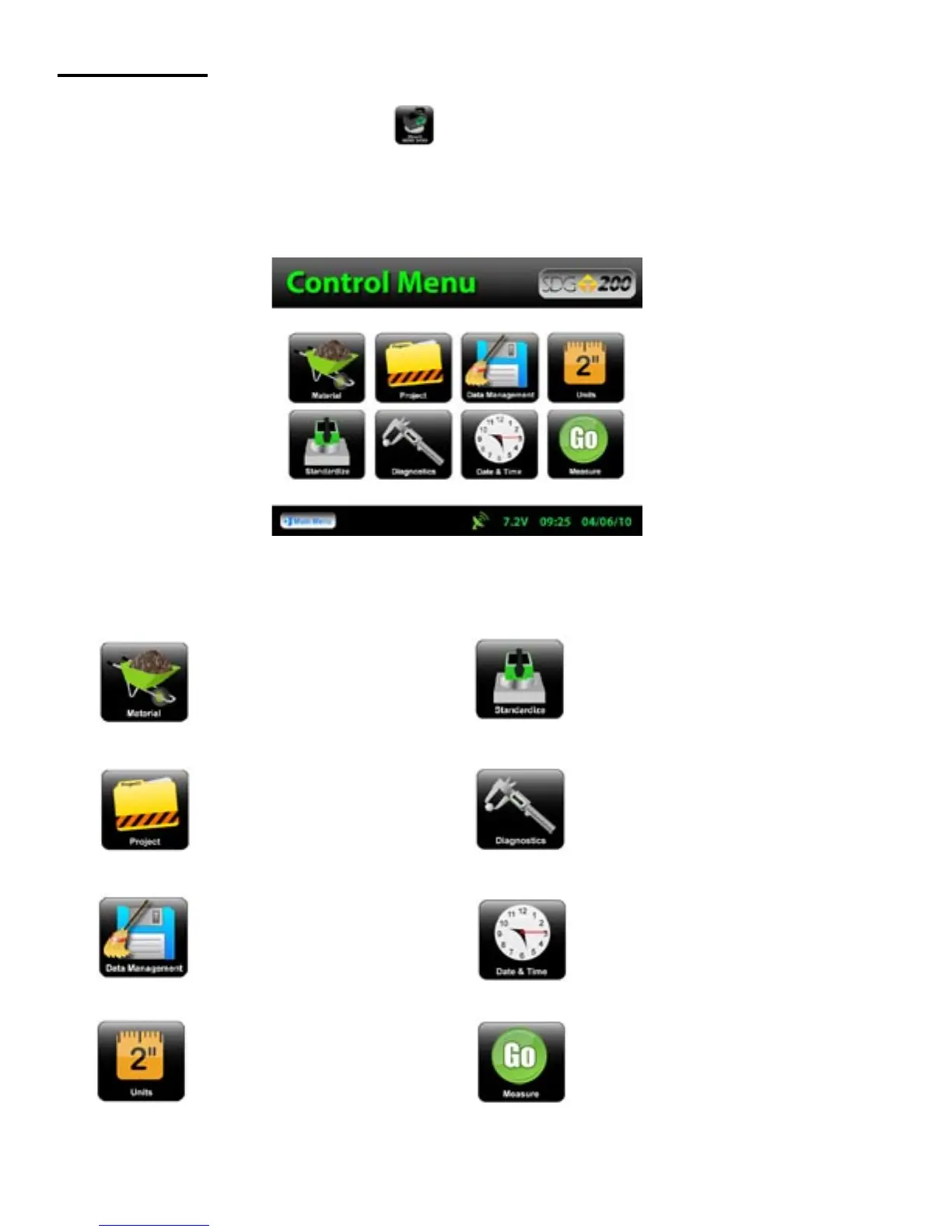
Opens the project details screen
Starts the standardization process
Opens the material details screen
Opens the diagnostics screen
Opens the units screen. Here you
can toggle, kg/m
3
-lbs/ft
3
, F°-C°,
in-mm
Opens the date and time screen
Opens the data management
screen. Here you can delete, down-
load and print job files
Starts the measurement process
Control Menu
From the Main Menu Press Start SDG 200 to obtain the Control Menu. From this menu, you will find
the icons listed below.
14



 To Next Page