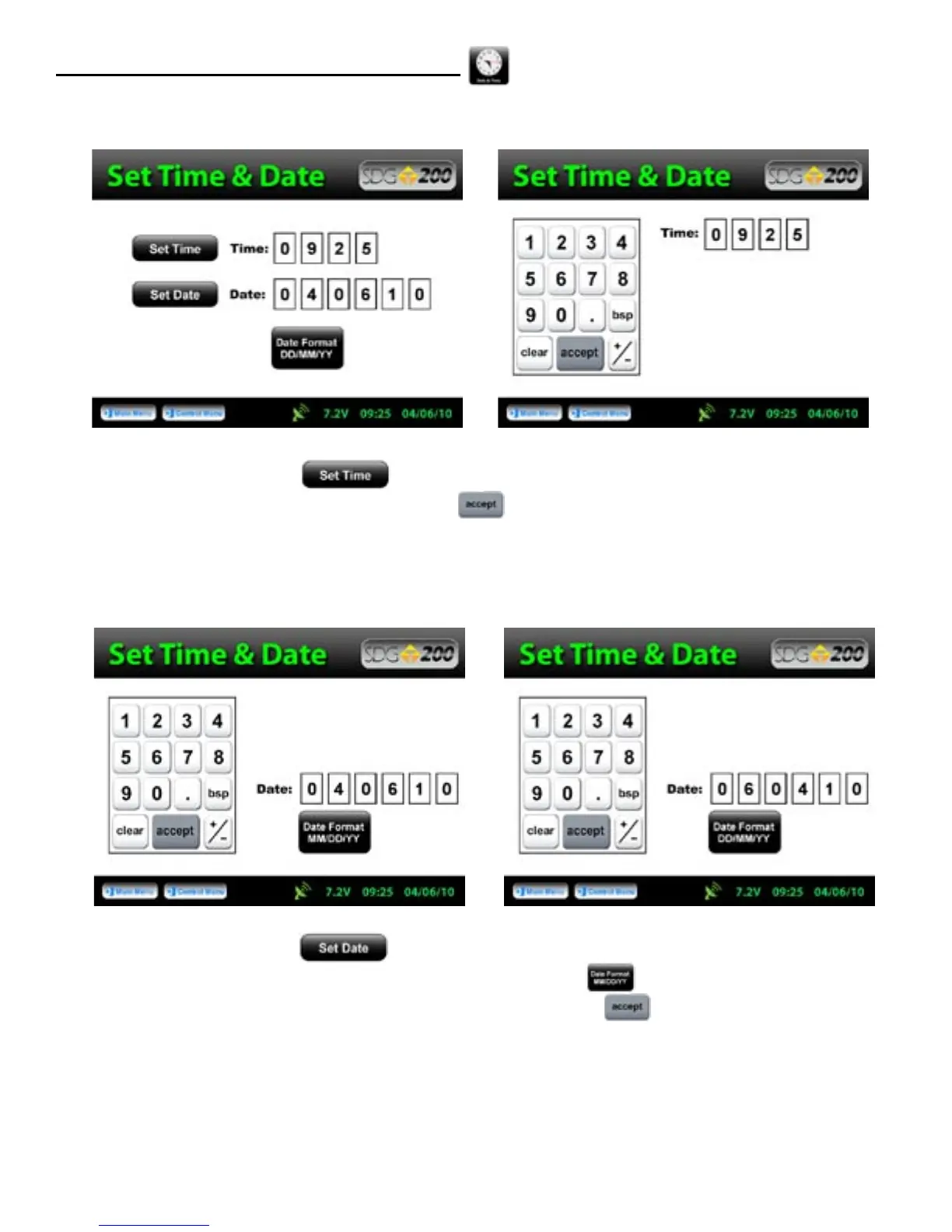
To set the time, Press Set Time. Press the appropriate numbers for the time in 24 hour format.
Once you are satisfied with your entry, Press Accept to store and return to the previous screen.
To set the date, Press Set Date. The date will display in either the DD/MM/YY or MM/DD/YY
format which may be toggled from the button located on both screens. As you did with the time, press
the appropriate numbers for the date in the format chosen. Press Accept to store and return to the
previous screen. (Note: Date will be preset by the factory)
12
Local Time and Change Date Format



 To Next Page