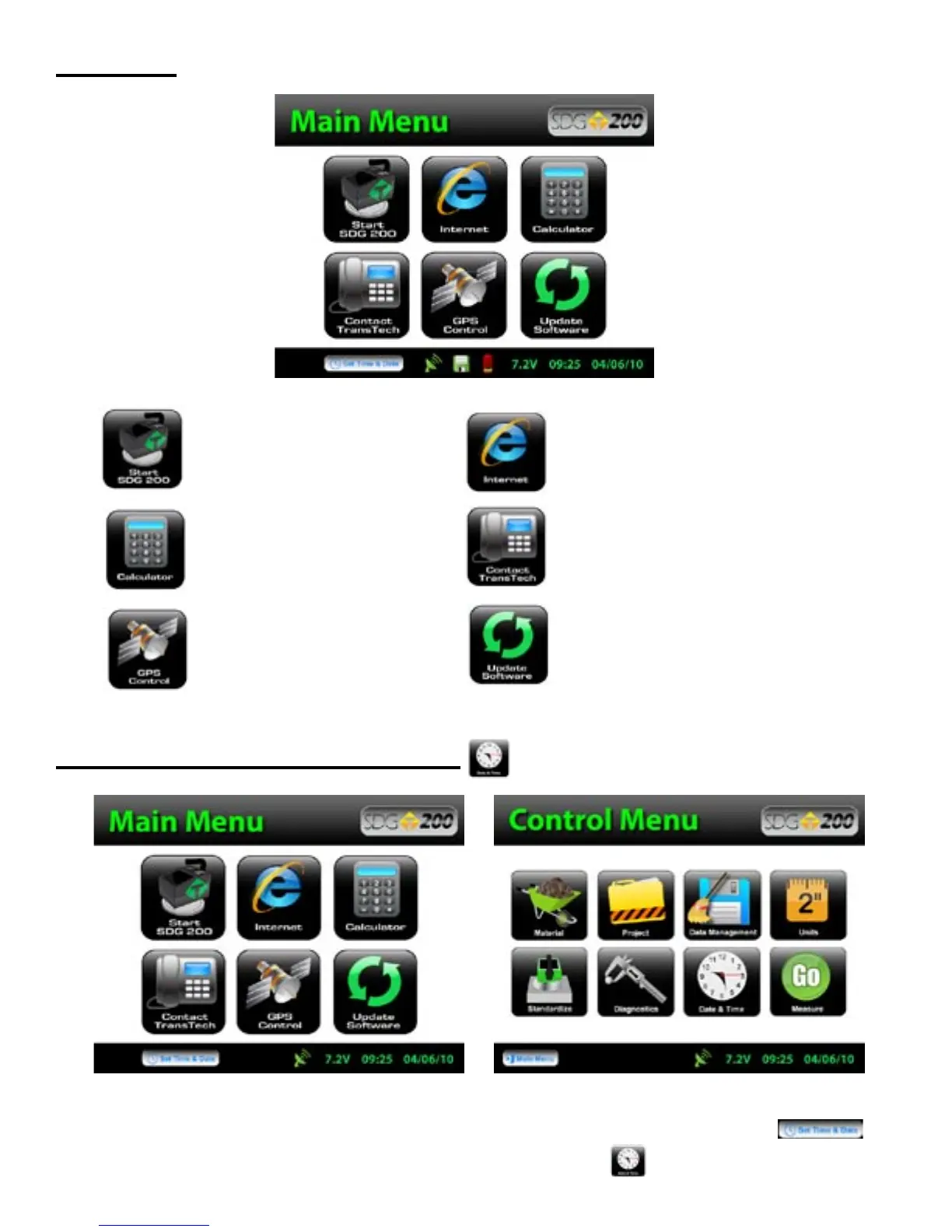
Main Menu
Start button when pressed will
open the Control Menu Screen.
The Internet button when pressed will
open a new screen. The new screen
indicates that this will be an option in
the future. It is not active at this time.
The Calculator button when
pressed will open a screen
which functions as a calculator.
The Contact button when pressed
displays TransTech and distributor
contact information.
The GPS Control button when
pressed will open a screen
which will allow you to enable
or disable the GPS.
The Update Software button will
be used in the event that TransTech
releases an update to the software
Local Time and Change Date Format
You may set the date and time in two locations. From the Main Menu, Press Set Time & Date
located on the status bar or from the Control Menu press Date & Time.
11



 To Next Page