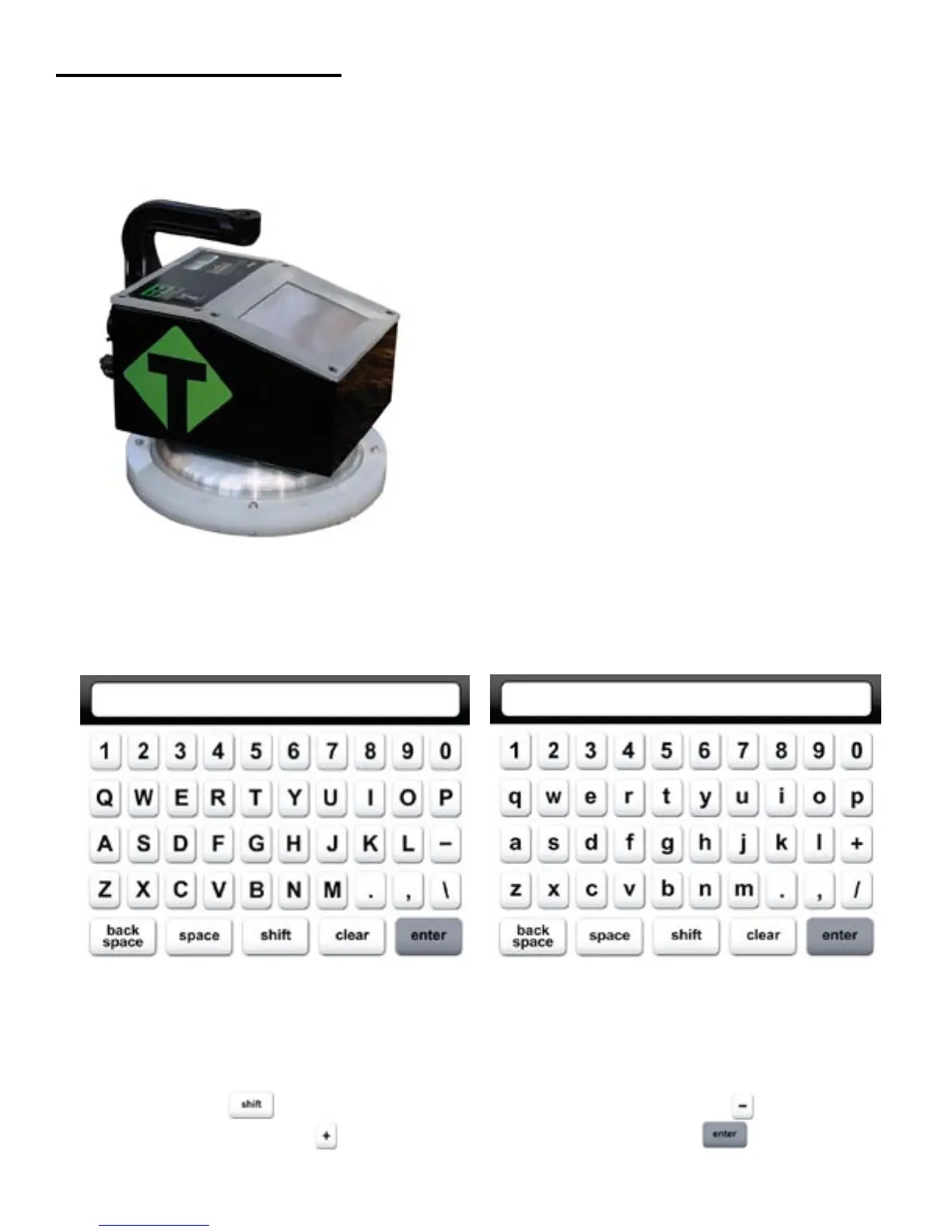
External/Internal Controls
External controls on the SDG 200 consist of an ON/
OFF switch and 480x640 VGA touch screen display
for navigating through the user interface and entering
alpha/numeric data.
Be sure not to drag your finger from one button to
the next. A firm yet light touch is all that is needed to
navigate from screen to screen.
Unique yet consistent icons are located on most screens for easy one touch navigation. When data input is
required of the operator the screen will display the above keyboard. Toggle from upper to lower case letters
using the Shift button The upper case keyboard gives the option of a minus sign while the lower
case keyboard gives the plus sign Once editing is completed simply Press Enter to store and return
to the previous screen.
7



 To Next Page