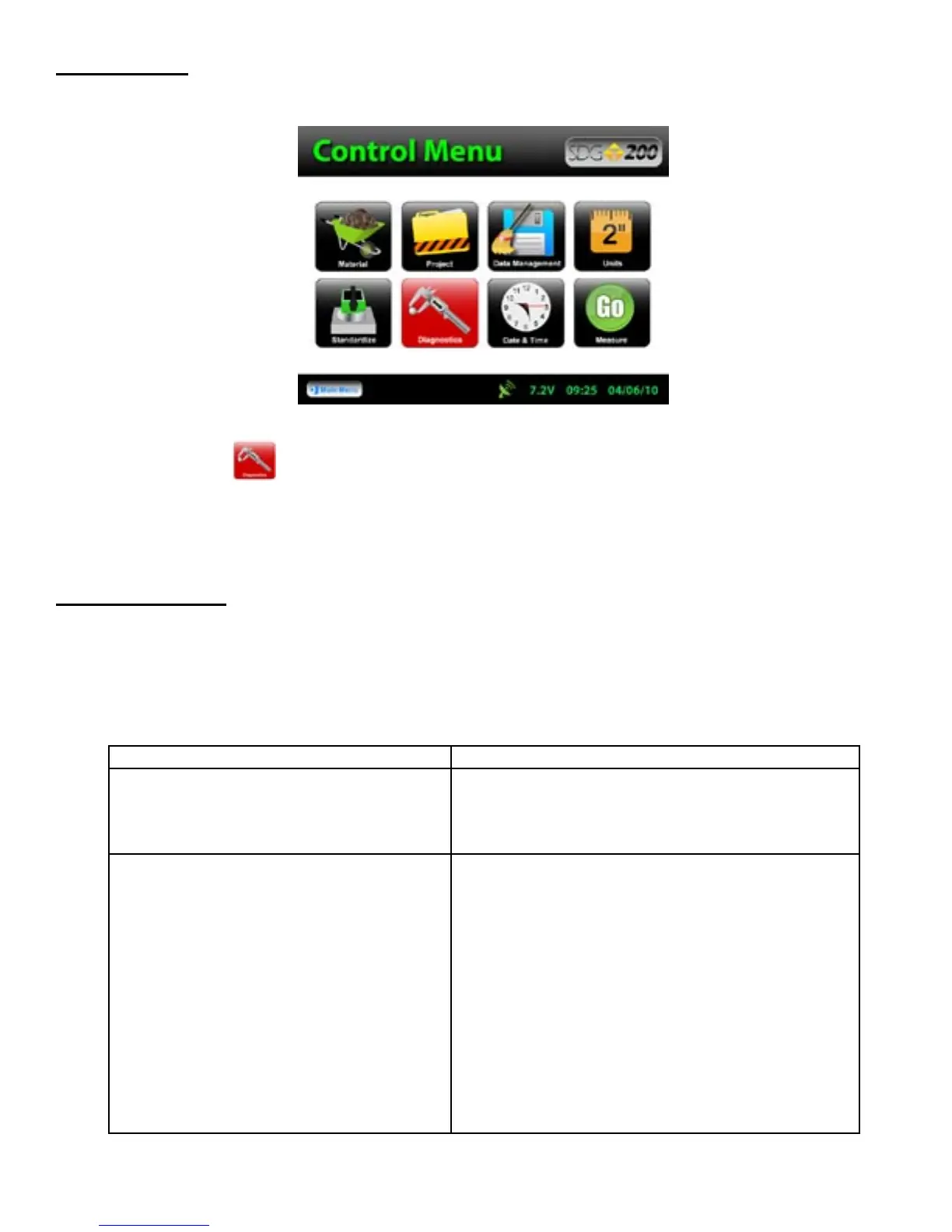
The Diagnostic button on the Control Menu will turn red as a reminder. Only authorized distributors or
the factory are able to perform this type of calibration.
The chart below provides guidance to a few suspect conditions.
Maintenance
Troubleshooting
Problem
Remedy
Buttons Sticking/Frozen Software
Repress the frozen button firmly for three seconds.
Be sure not to drag your finger from one button to
the next. If this does not work, reset the gauge by
turning it off and then back on.
Incorrect Density Reading
Clean off sensor plate
Check Current Material Details -be sure you have
entered all details correctly (ex. Does the %Gravel,
%Sand and %Fines add up to 100%?)
Check Offsets-if you entered a Dry Density Offset or
a %Moisture Offset be sure that the values selected
make sense (see the Definitions and Calculations
section of this manual)
Check Units-be sure all of the values for the Density
whether uploaded or entered, are in the same units
Call Factory
32



 To Next Page