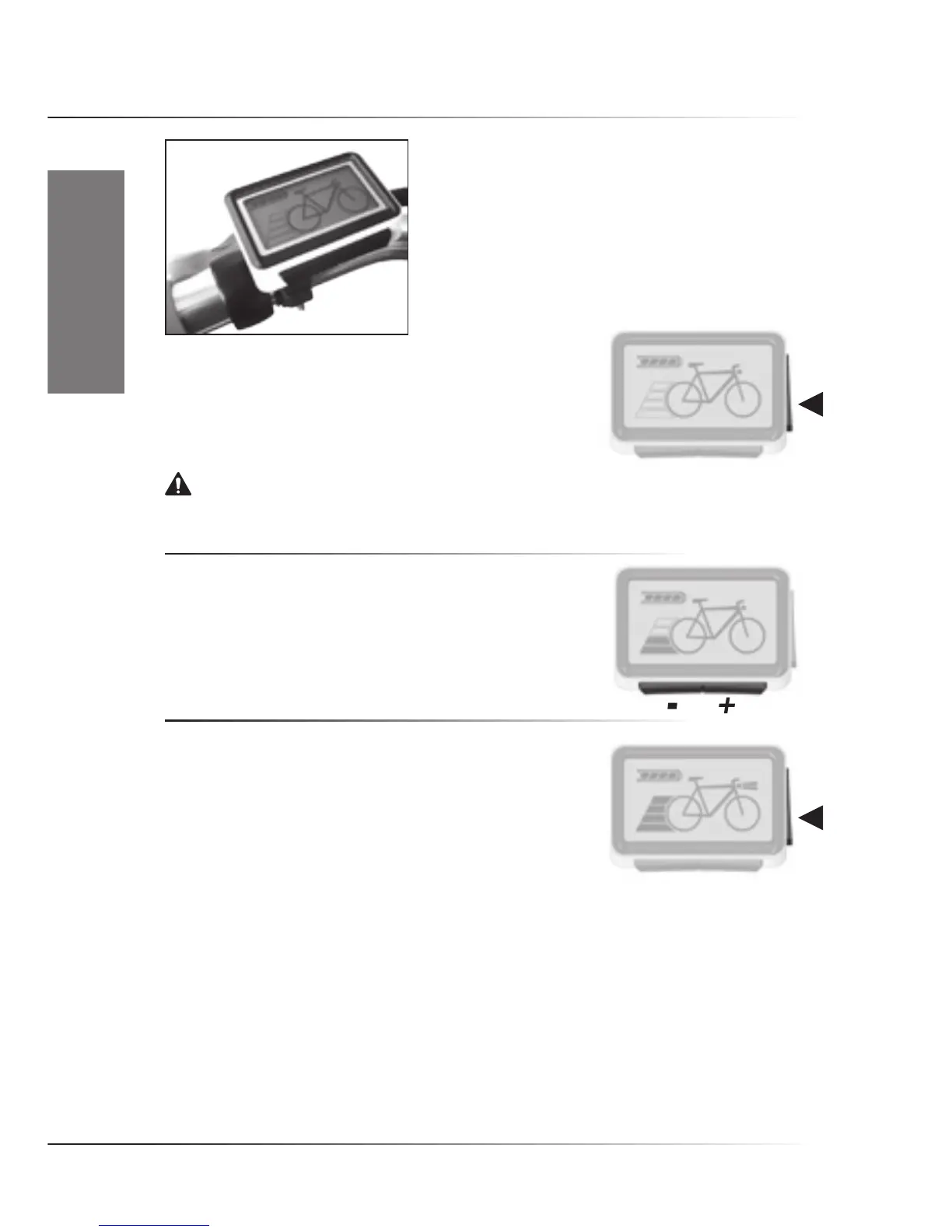
1.3 RIDE+ Easy Controller
• Switching system On/Off
To switch the system On, push the ‘Side’ button once shortly .
To switch it off, push the ‘Side’ button again.
After switching on, the bike is always in cycle mode (zero assist).
Notice. It is strongly advised to ride away in a straight line when an assistance level is selected.
Never select assistance level 3 or 4 during maneuvering or riding away in a tight corner. The powerful
reaction of motor might take you unawares.
• Assistance/(Regeneration) Level
For assistance level 1, push the ‘+ (right hand)’ button once.
Push it again for higher levels.Push the ‘- (left hand)’ button to go
to a lower level. Regeneration levels are not installed as standard
on the controller.
• Switching Lights On/Off
Pressthe‘Side’buttonfor2secondstoswitchOn/Offthe
Controller display light, and if present, the front and rear lights.
Once activated, the light symbol will appear on the screen.










 To Next Page