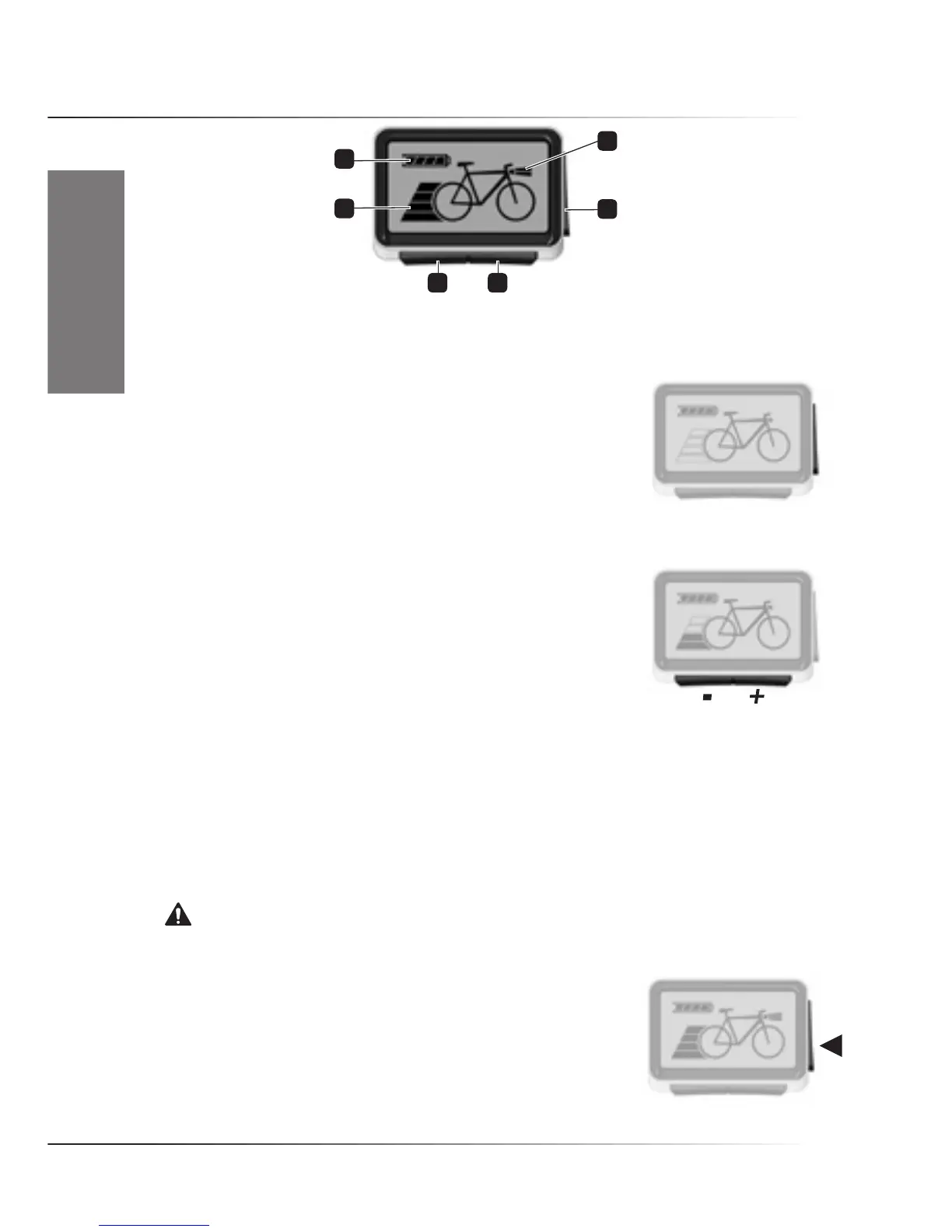
4.3 RIDE+ Easy Controller
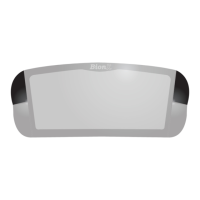
1•Batterychargelevel2•Lightindicator,OnorOff3•Sidebutton(On/Off,LightOn/Off)
4•Front+(righthand)button5•Front-(lefthand)button6•Levelindicator
• Switching system On/Off
To switch the system On, push the ‘Side’ button once shortly. The battery
pack will emit four short ‘beeps’ and the system will do a self-check. This
is shown on the display as a building up of the display: the bicycle outline
shows first, then the state of charge of the battery is shown. To switch the
system Off, press the ‘Side’ button again. The battery pack will emit five
short ‘beeps’. There is no difference between riding with the system ‘On’ in level ‘0’ or ‘Off’.
If the bike is left with the system On, it will automatically switch Off after about 10 minutes.
• Assistance/(Regeneration) Level
There are four levels of assistance. The bars behind the bicycle wheel in
the display show in which assist-level the system is. For pedaling
assistance, press the ‘+ (right hand)’ button. For assistance level 1,
press once. Press again for more assistance. Push the ‘-(left hand)’
button to go to a lower level. When bars behind the bicycle wheel in the
display are all outlined only, you are pedaling a normal bicycle. When the rear brake is pulled, the
system switches to generating. The two upper bars in the display will blink.
Regeneration levels are not installed as standard on the controller. This means that the motor will only
generate energy when the rear brake is pulled. However, if you want to, your dealer can activate the
regeneration levels. Regeneration levels can be controlled in a similar way if no level is activated on
the controller. Push ‘-’ button once for regeneration level 1, again for higher levels. Push ‘+’ button to
go to a lower level.
Notice. It is strongly advised to ride away in a straight line when an assistance level is selected.
Never select assistance level 3 or 4 during maneuvering or riding away in a tight corner. The powerful
reaction of motor might take you unawares.
• Switching lights On/Off
For bikes equipped with lights: keep the ‘Side’ button pressed for five
seconds to switch lights on or off. This switches on the front light, the
rear light and the backlight in controller screen. In the display, the
light symbol will appear. The lights will stay on even when you stop.




 To Next Page