TVP-SP2 User’s Guide
30
If the USB Speakerphone is already selected, verify that the
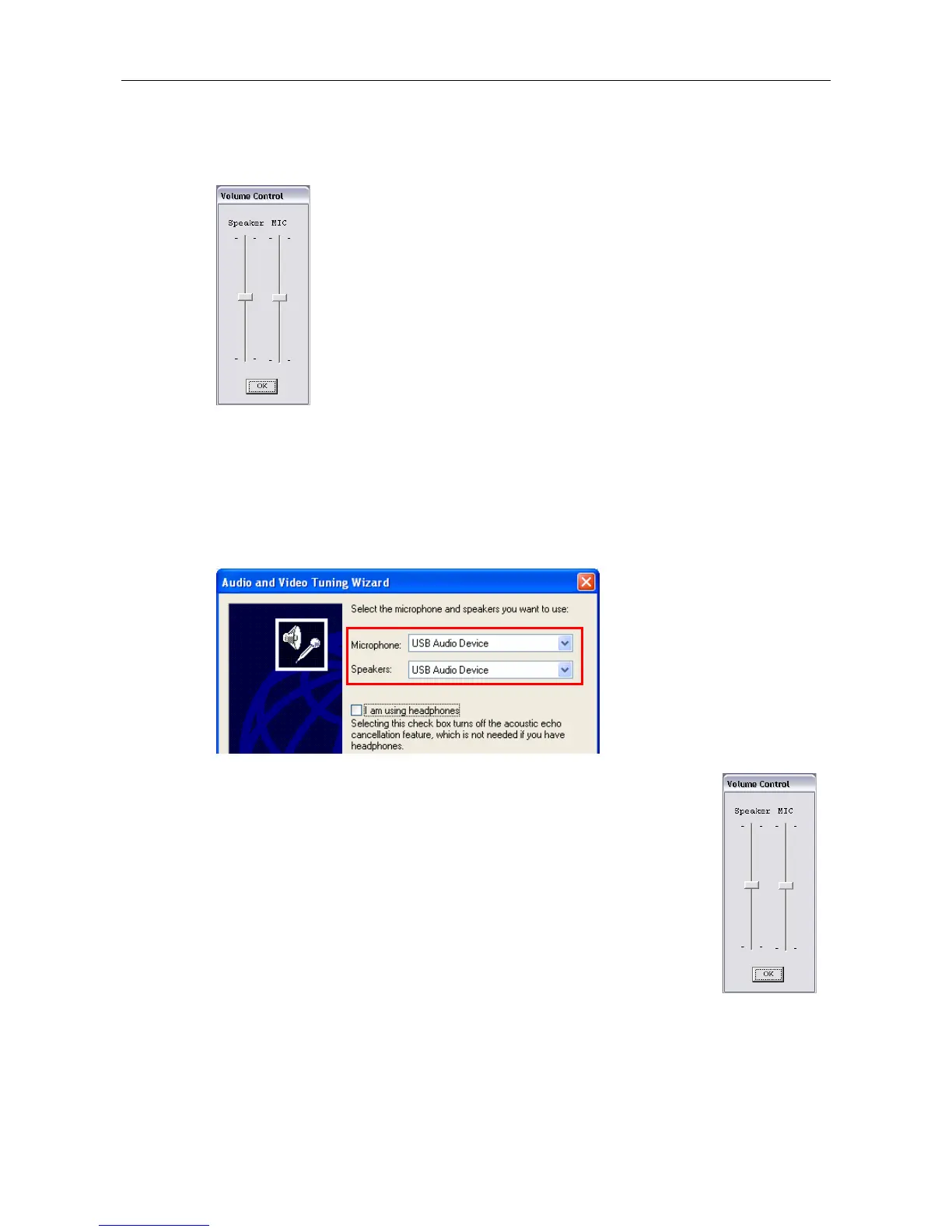
speaker/microphone volume is properly configured by right-clicking the utility
systray icon and select Volume Control.
In MSN Messenger
In MSN Messenger window, click Tools > Audio/Video Tuning Wizard and
proceed as prompted. When the following screen pops up, make sure the
microphone and speaker are correctly configured as below:
Q2. When using the USB Speakerphone, I didn’t press the Mute key
and the mute icon is not displayed on the LCD either. But the
other party cannot hear my voice. (I’ve verified that the USB
Speakerphone is set as the microphone device in Skype.)
A2. It may be that the USB Speakerphone’s microphone volume is
either mute or set too low. Right-click the utility systray icon and
select Volume Control. Then make sure the microphone
volume is properly set.



 To Next Page