EasyManua.ls Logo

Tru-Test WOW2 - Setting up the indicator; Changing indicator settings; Recording information; Weighing an animal

Tru-Test WOW2
38 pages
Print Icon
To Next Page IconTo Next Page
To Previous Page IconTo Previous Page
Loading...
EziWeigh5i, EziWeigh6i, EziWeigh7i, WOW2, DAS WOW2
Issue 2, 7/2017 4
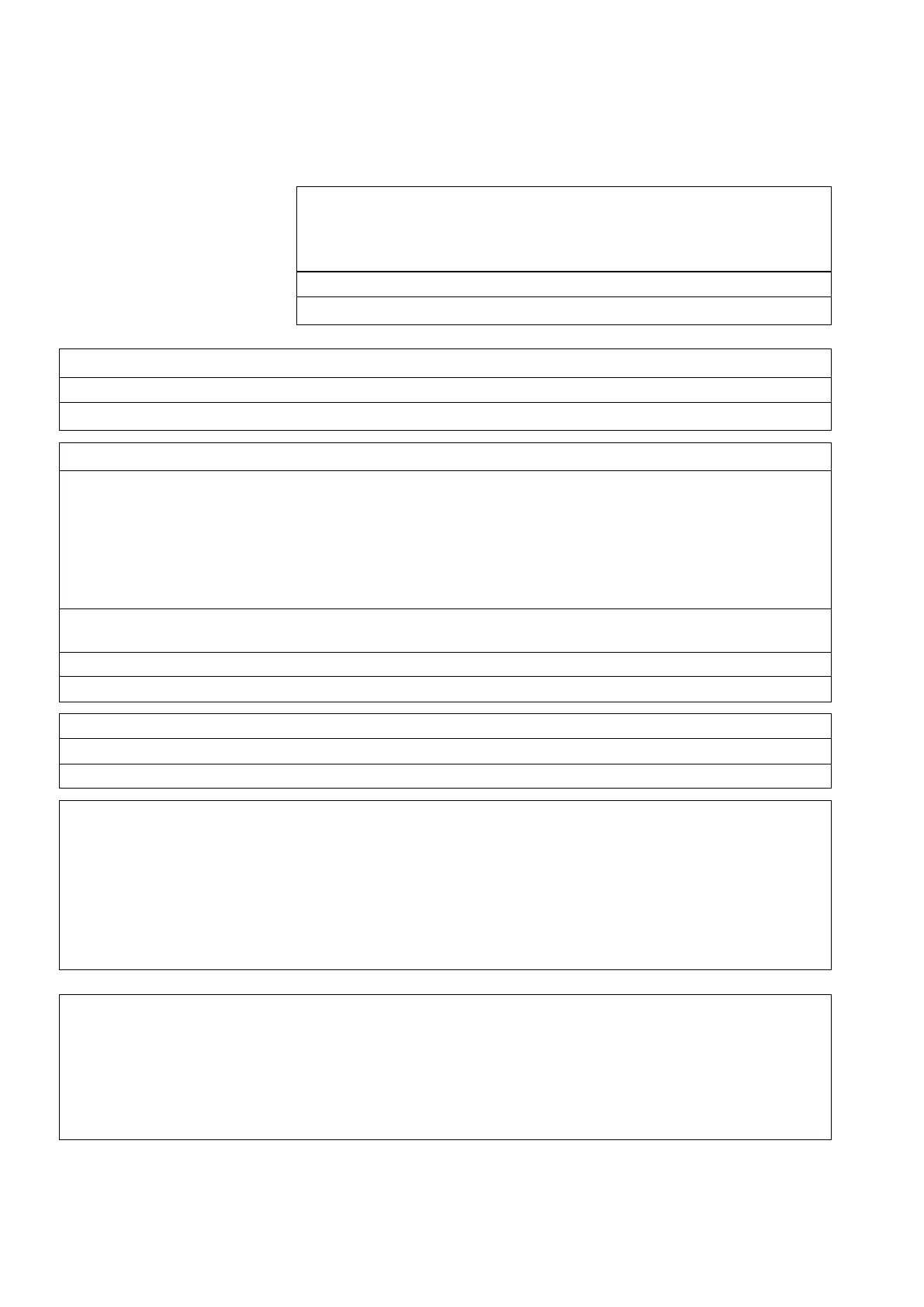
Fault report card
Email to:
Service Department
Tru-Test Ltd
service@trutest.co.nz
From:
(Distributor)
(Tru-Test Ltd representative)
Date
Return authority (RA) number
Warranty
Yes
No
Product returned:
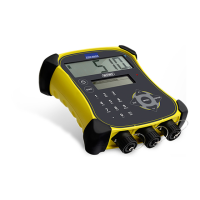
Indicator
Model:
Serial number
Configuration
kg
lb
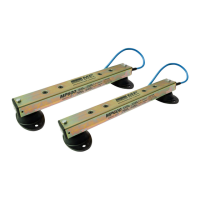
Load bar/Load cells
Serial number(s) of the
load bars
Serial number(s) of the load
cells
Load bars/Load cells
model
Load cell code
Distributor
Date installed
Zero offset
Insulation test
Bridge resistances
red/black
green/white
red/white
red/green
black/white
black/green
Fault description
(include visual impression and display messages)
Fault report (Service centre)

Other manuals for Tru-Test WOW2

Related product manuals