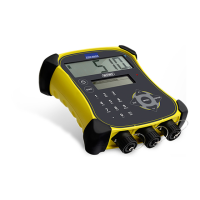
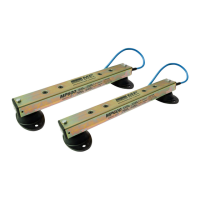
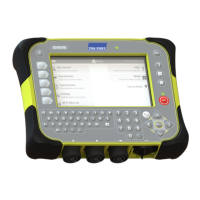
EziWeigh5i, EziWeigh6i, EziWeigh7i, WOW2, DAS WOW2
Issue 2, 7/2017 31
Removing and refitting the PCA
Removing the PCA
1 Remove the case back. See page 24.
2 Disconnect the battery loom, the piezo speaker loom, the dot matrix LCD backlight loom, the three
connector FPCs, the two LCD FPCs and the two keypad FPCs (see Figure 13: PCA connections).
13: PCA


 To Next Page
 Loading...