Revision C – January 2023
CDS2000 Page | 14
ModesofOperation
The CDS2000 program offers 3 modes: Operating, Programming, and Prove. Any mode that can affect
the calibration of the CDS2000 is password protected. The CDS2000 has a 2- tiered password level of
security, Privileged and User/Weights and Measures (Please Note: Default User Password is “2000”).
The Privileged Password is maintained exclusively for Factory use and allows access to ALL menu
options. The Weights and Measures password allows access to all displayed menu options except the
factory setup menu. If equipped with the Program Enable Module (PEM), it must be removed from its
recess on the enclosure underside to access any programming level.
OperatingMode
The Operating Mode is the power up mode for the CDS2000, all other
modes must be accessed with a password. The Operating screen
contains delivery information. The Details and Alarms screens are also
accessible in the Operating Mode without a password.
ProgrammingMode
The Programming Mode and associated menus permit the CDS2000 to
be configured to the operating conditions of the application. The
programming mode is accessed by pressing and holding the Alarms and
Detail softkeys at the same time. After several seconds a setup menu will
appear. The screen now becomes a touch screen and depending upon
the menu choice the user will be prompted for a password. Further
programming mode instructions can be found beginning on page
19.
ProveMode
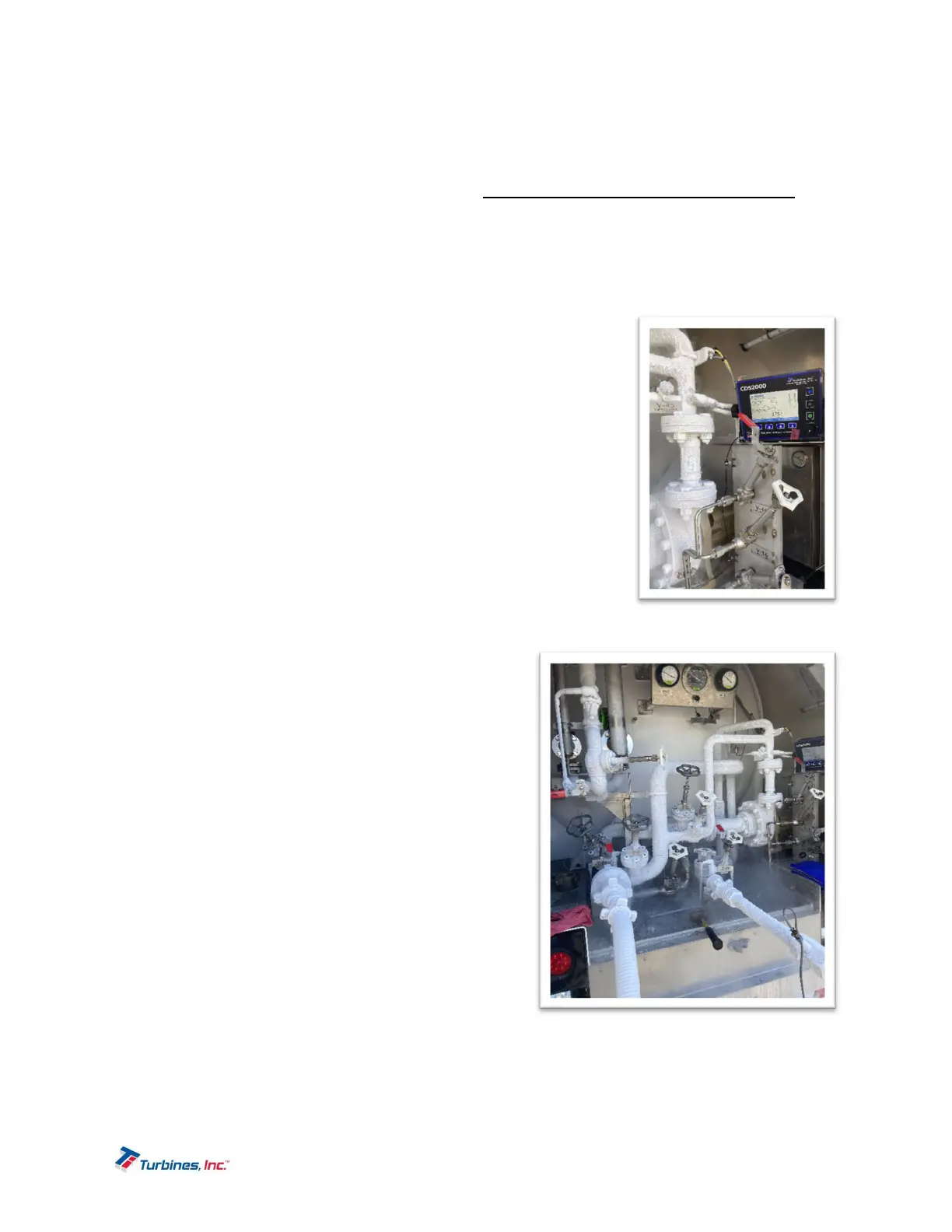
The Prove Mode permits convenient calibration of the
trailer’s delivery system. This mode is password protected.
To access this mode, enter the setup menu by pressing
and holding the ALARMS and DETAILS softkeys at the
same time. After several seconds a setup menu will
appear. Press the Prove Mode button (touchscreen
feature is now activated) and acknowledge the Prove
Mode by pressing OK. The Prove Mode is retained until
the CDS2000 is either turned “Off” or no flow activity is
detected for 5 minutes. Further prove mode
programming instructions can be found beginning on
page 28. The Prove Mode has the following operational
characteristics:
o The *CDS2000* label is replaced with the *Prove
Mode* message on the operating screen.
o A password is not required to change the K-factor.
o The pump cooldown is disabled (pump enabled).
o The delivery totalizer can be reset regardless of
the presence of flow.
o “Not a legal delivery” is displayed above the
delivery totalizer and on a printed ticket.


 To Next Page