UES AG · Breuershofstr. 48 · 47807 Krefeld · Germany
Tel.: 0049-2151-72950 · Fax: 0049-2151-729578 · info@ues-ag.net · www.ues-ag.net
Individual settings
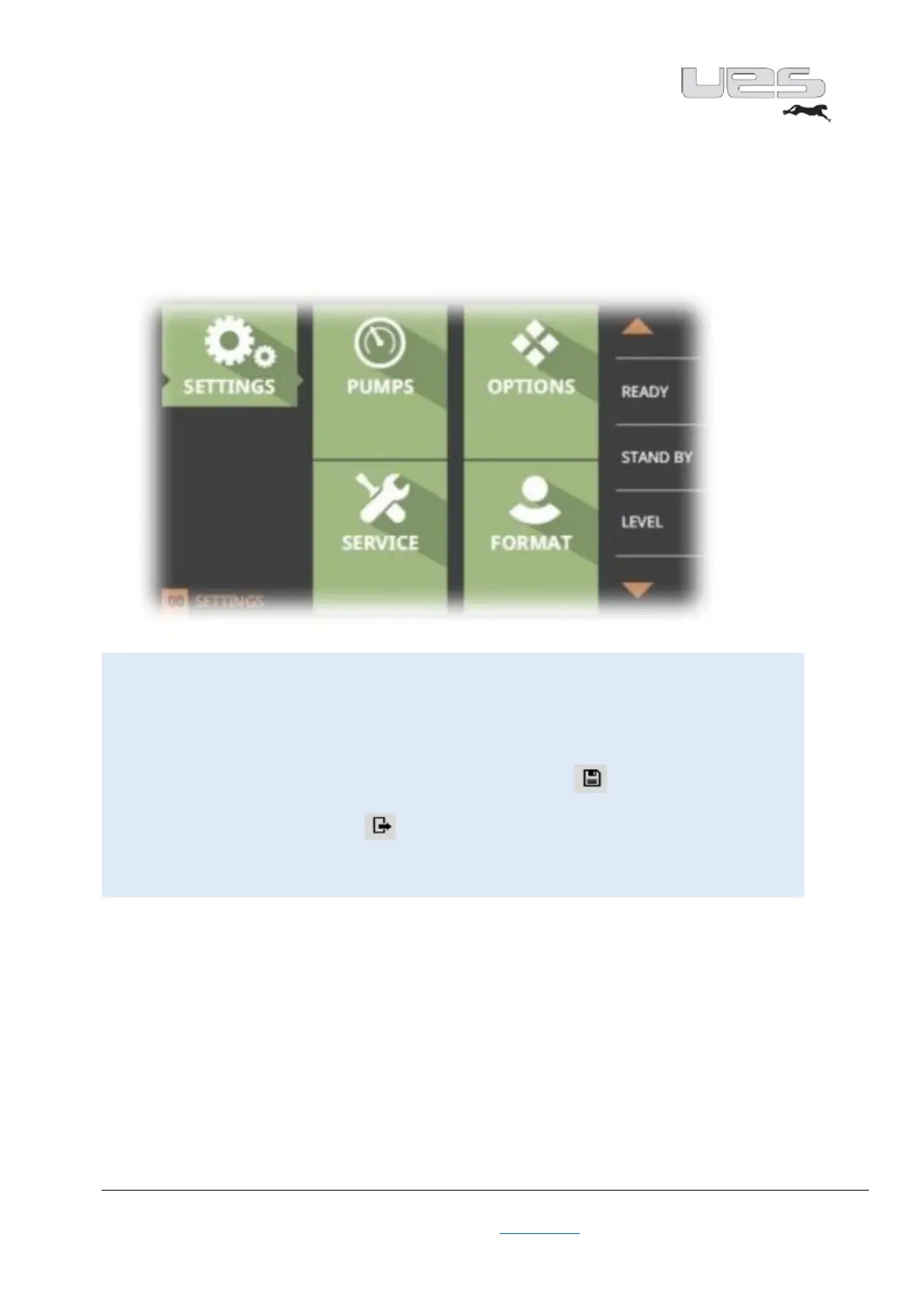
Menu structure = Settings
The settings consist of 4 fields, which are constructed as follows.
In these areas, you can customise your settings and adapt them to your needs.
Caution!
In the Setting area, you can define your settings simply by using
the rotary adjustment knob. At the end of the settings, you need to save
these settings/changes by clicking on the icon.
If you leave the area without saving, your entries will be lost.
The previously pre-set parameters apply.


 To Next Page