UES AG · Breuershofstr. 48 · 47807 Krefeld · Germany
Tel.: 0049-2151-72950 · Fax: 0049-2151-729578 · info@ues-ag.net · www.ues-ag.net
Service
(general)
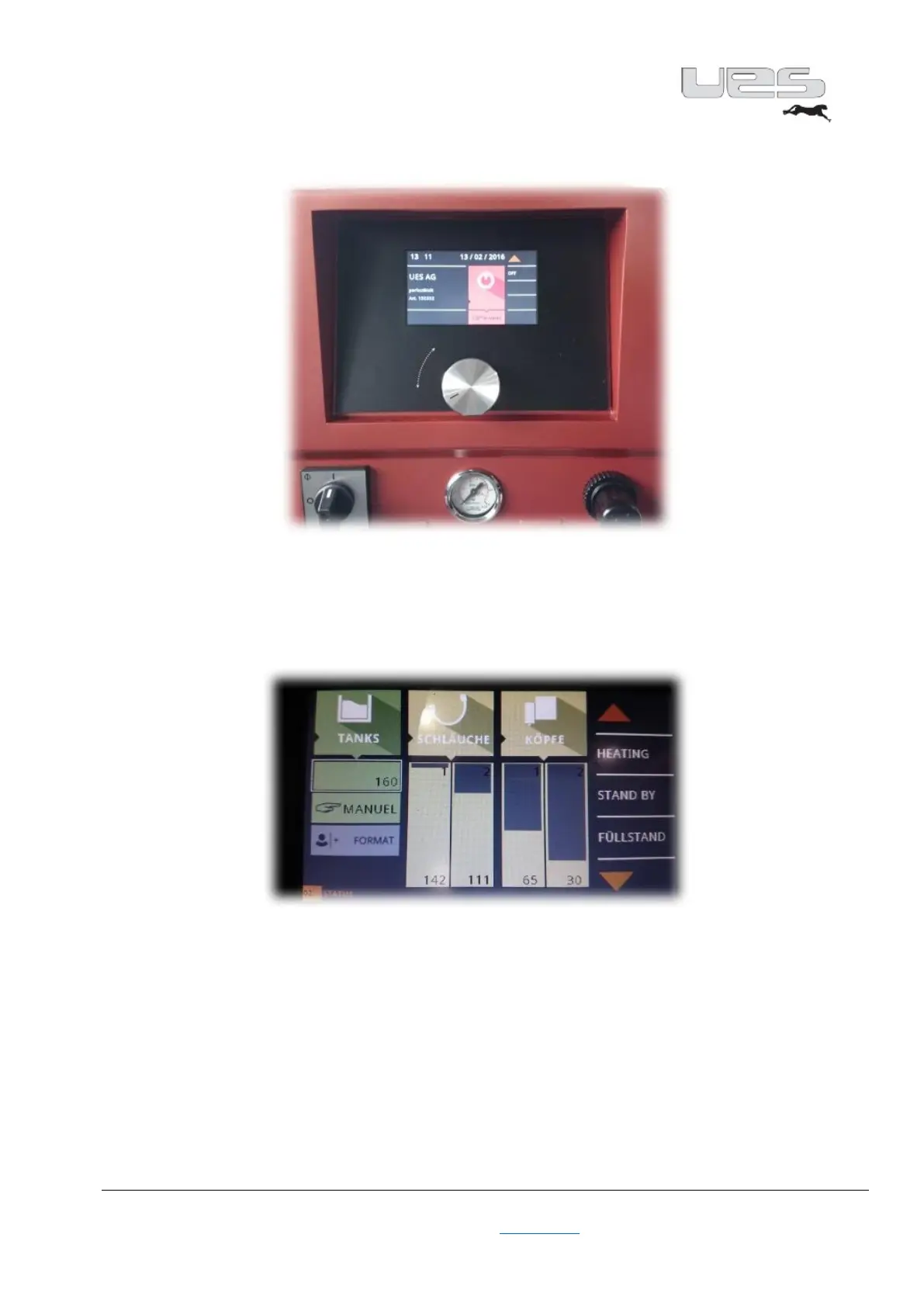
Our perfectMelt is equipped with a touch-sensitive 4.3" colour touch display. You will be guided through
the menu intuitively. If you wish to enter data, touch the screen at the desired location and enter your
values via the input field. Confirm this by pressing ENTER. The display then automatically jumps back to
the so-called Overview after a few seconds. All the important information is displayed here during
operation.
In addition, the perfectMelt has a rotary adjustment knob. Turn the knob until the desired number is
entered. By pressing the knob, this field is activated. Now activate the input field. Now set the desired
value by turning the knob again. Confirm this value by pressing the knob again. Through these two
methods, you can make your entries quickly, easily and intuitively.


 To Next Page