UES AG · Breuershofstr. 48 · 47807 Krefeld · Germany
Tel.: 0049-2151-72950 · Fax: 0049-2151-729578 · info@ues-ag.net · www.ues-ag.net
Changing the filter
Before changing the filter, please follow the "relieve pressure" steps!
The following steps have to be conducted:
• Set the working temperature and wait until the desired temperature is shown on the display.
• Open the front flap on the right and fold down the glue chute.
• Unscrew the complete filter.
• Remove the complete filter from the manifold.
• Check the filter for damage and contaminants.
• Replace the tank filter with either a new or a cleaned filter.
• (Recommendation: only replace complete filter, as individual parts are secured with liquid screw
lock)
• Re-install the tank filters in the reverse order.
Required parts:
perfectMelt complete filter: Item No. 016026
Filter screen: Item No. 018225
O-ring for tank filter: Item No. 000114
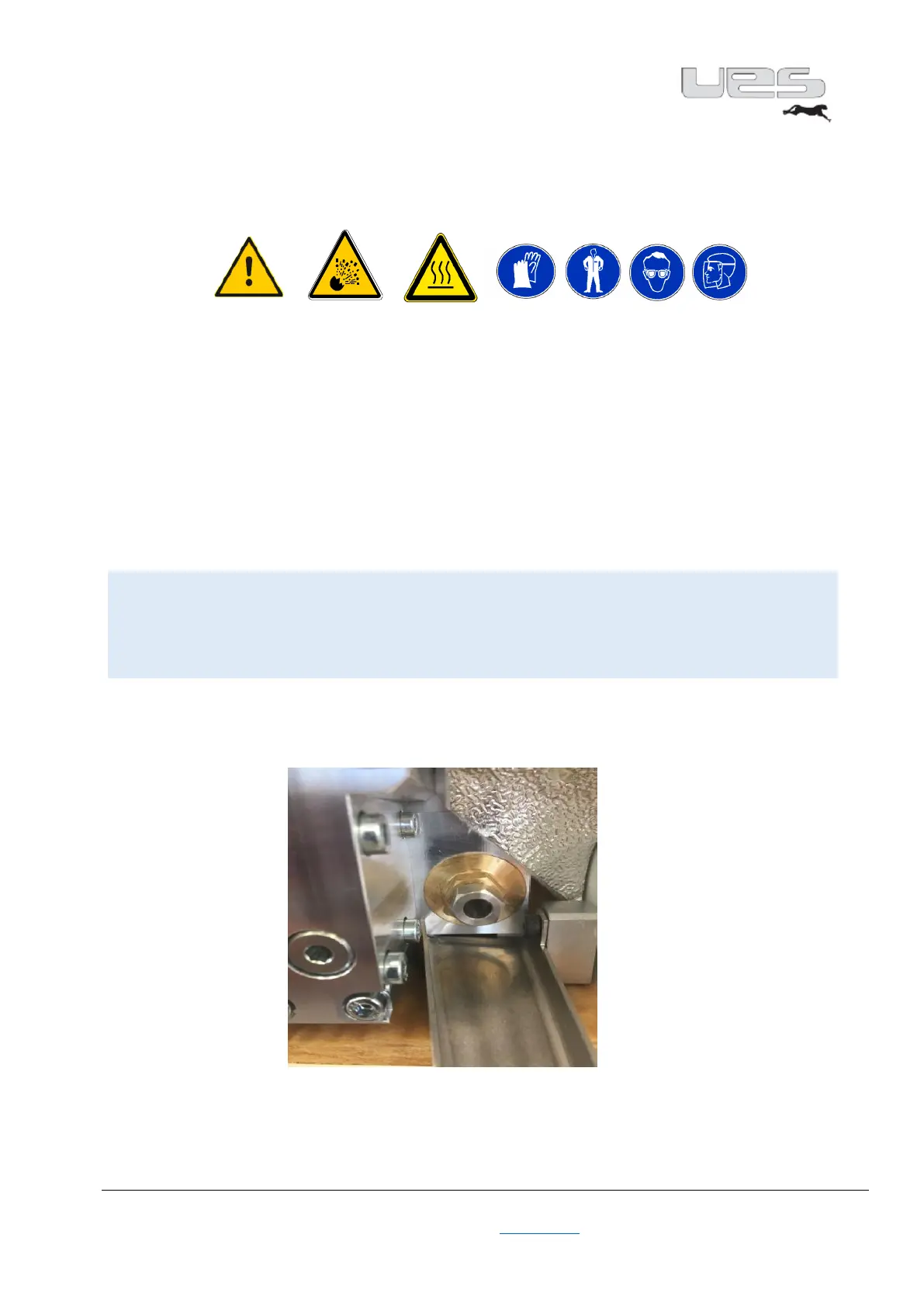
Mounting position complete filter
Illustration subject to technical changes


 To Next Page