UES AG · Breuershofstr. 48 · 47807 Krefeld · Germany
Tel.: 0049-2151-72950 · Fax: 0049-2151-729578 · info@ues-ag.net · www.ues-ag.net
Caution!
All the parameters of your system have been pre-set as they are needed.
Only change these parameters in consultation with a service technician.
An incorrect setting could cause considerable damage to or even a total
loss of your system.
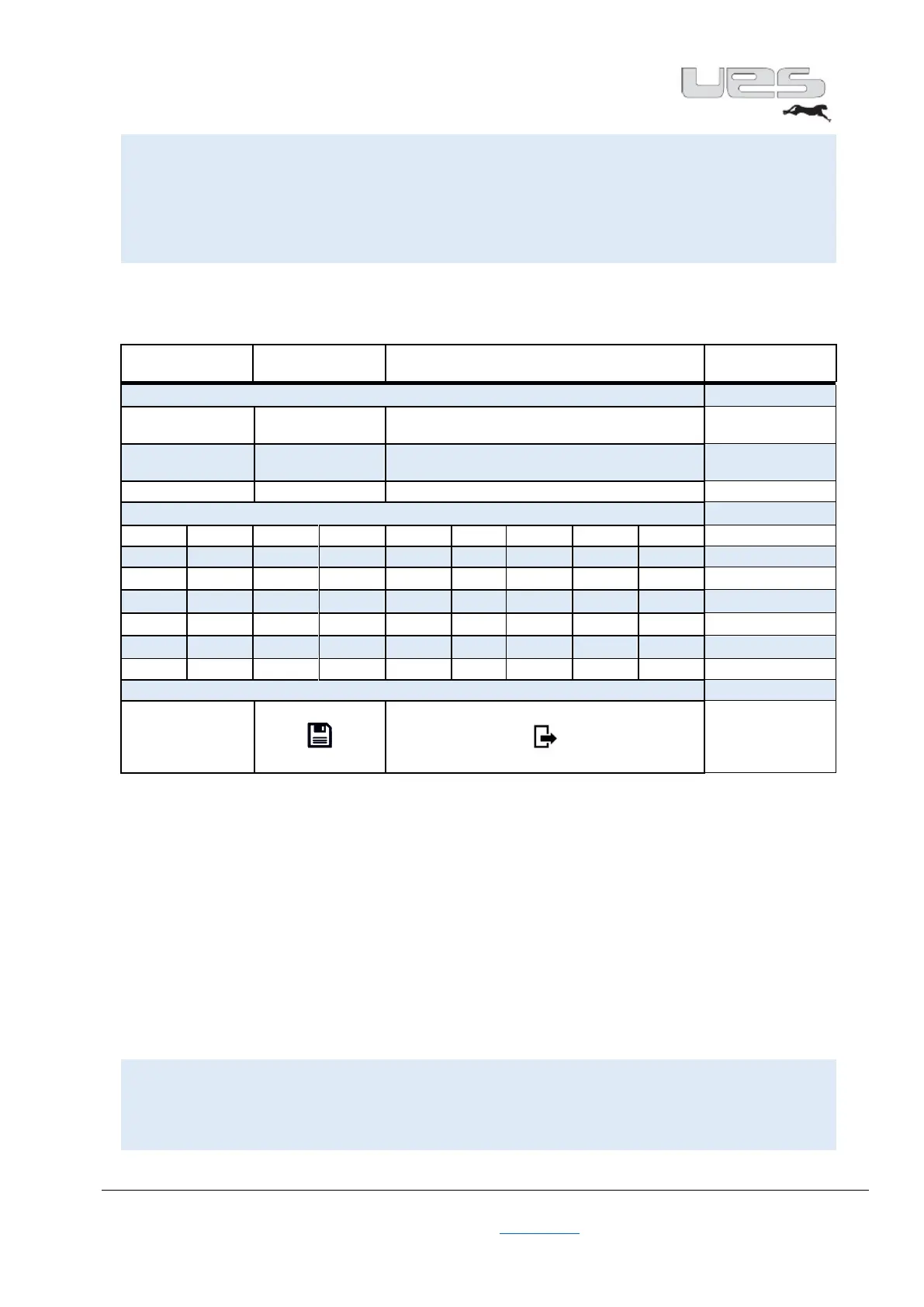
Format
activate / deactivate
the format
activate/deactivate the channel boards
• In this menu section, you can change all settings relative to the necessary formats.
• You have the option to pre-set up to 6 formats, with up to 8 channels.
• Select the channels that you need for your format.
• Switch between the formats to activate the other channels.
• The standard setting is F_A CH1.
• When you turn on the system, Channel 1 is always activated until the settings are changed.
• Activate the Status / Format with ON. If you switch the Format to ON, you can directly reach the
format setting in Overview by tapping on the Format field.
Here, you can now easily switch between pre-set formats.
• A format can be activated in the background via the Format Plus process. That means that the
required channels will be heated in the background. When the set temperature has been reached,
the new format can be activated without any time being wasted.
• This format can also be selected via the RS 485 interface.
Caution!
If you disable the individual channels over the temperature setting, you
will automatically be activated via the format after the system is turned off.


 To Next Page