UHP SCPC MODEM
USER MANUAL, v3.2
© ROMANTIS 2015 10 www.uhp.net
3. Management and control panel.
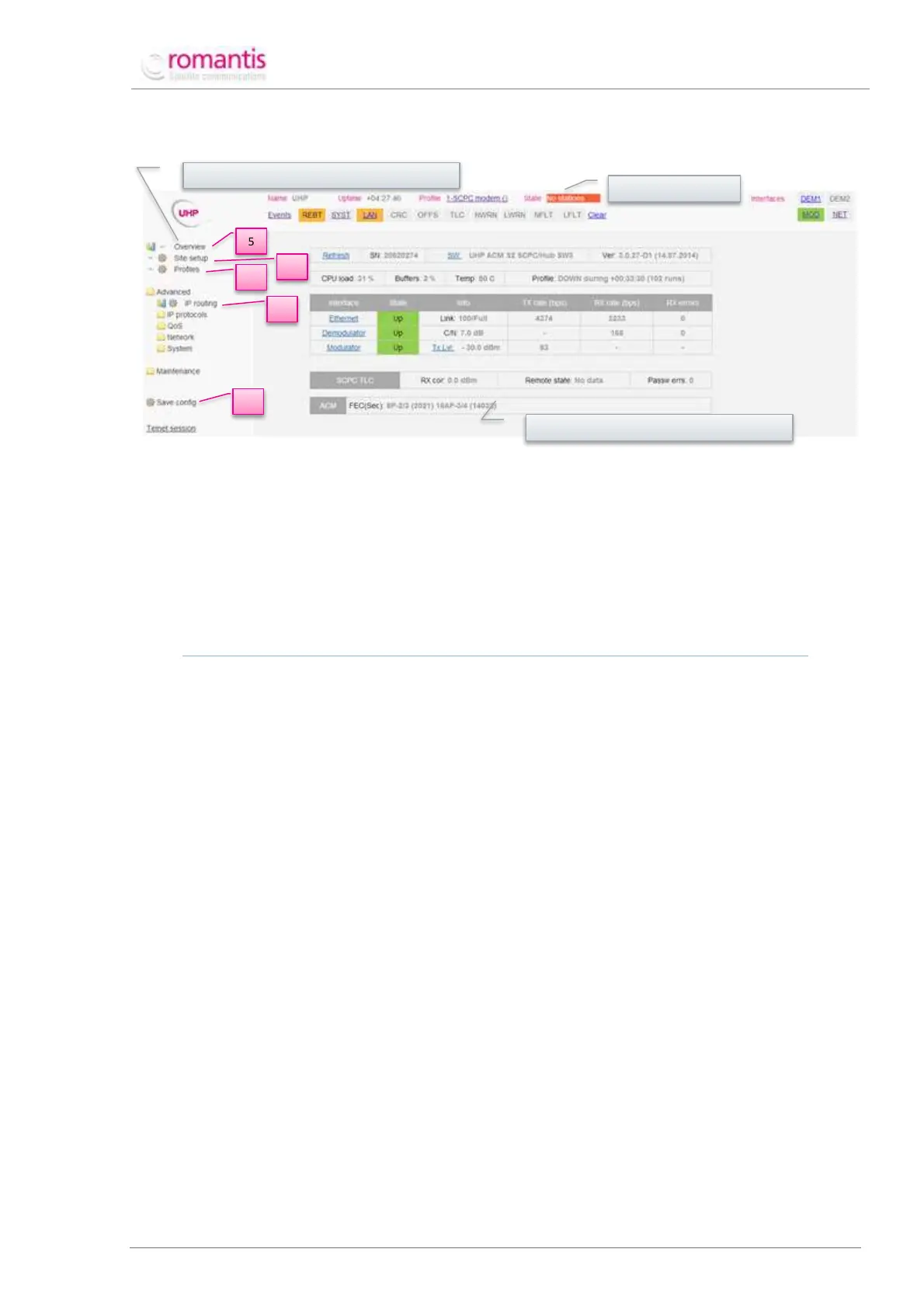
Figure 3 UHP WEB interface
Menu of commands allows selecting controls for the configuration device; Status bar comprises real-time data on
UHP status, updated every 5 seconds. Management and control panel is used to configure UHP parameters as well
as to reflect its current statistics and settings.
An appropriate menu command should be selected to configure UHP parameters that have to be entered on the
Management and control panel. Any configuration changes should be applied by pressing “Apply” button and
saved to flash memory by pressing “Save config” button in the Menu of commands.
WARNING! APPLIED BUT NOT SAVED SETTINGS WILL HAVE EFFECT UNTIL THE NEXT ROUTER REBOOT ONLY.
Configuration of SCPC Station consists of five steps (see also Figure 3):
1. Station parameters configuration – Site Setup;
2. Station profile configuration – Profile;
3. Routing configuration – IP routing;
4. Configuration saving – Save Config;
5. Status review – Overview.
Management and control panel



 To Next Page