UHP SCPC MODEM
USER MANUAL, v3.2
© ROMANTIS 2015 37 www.uhp.net
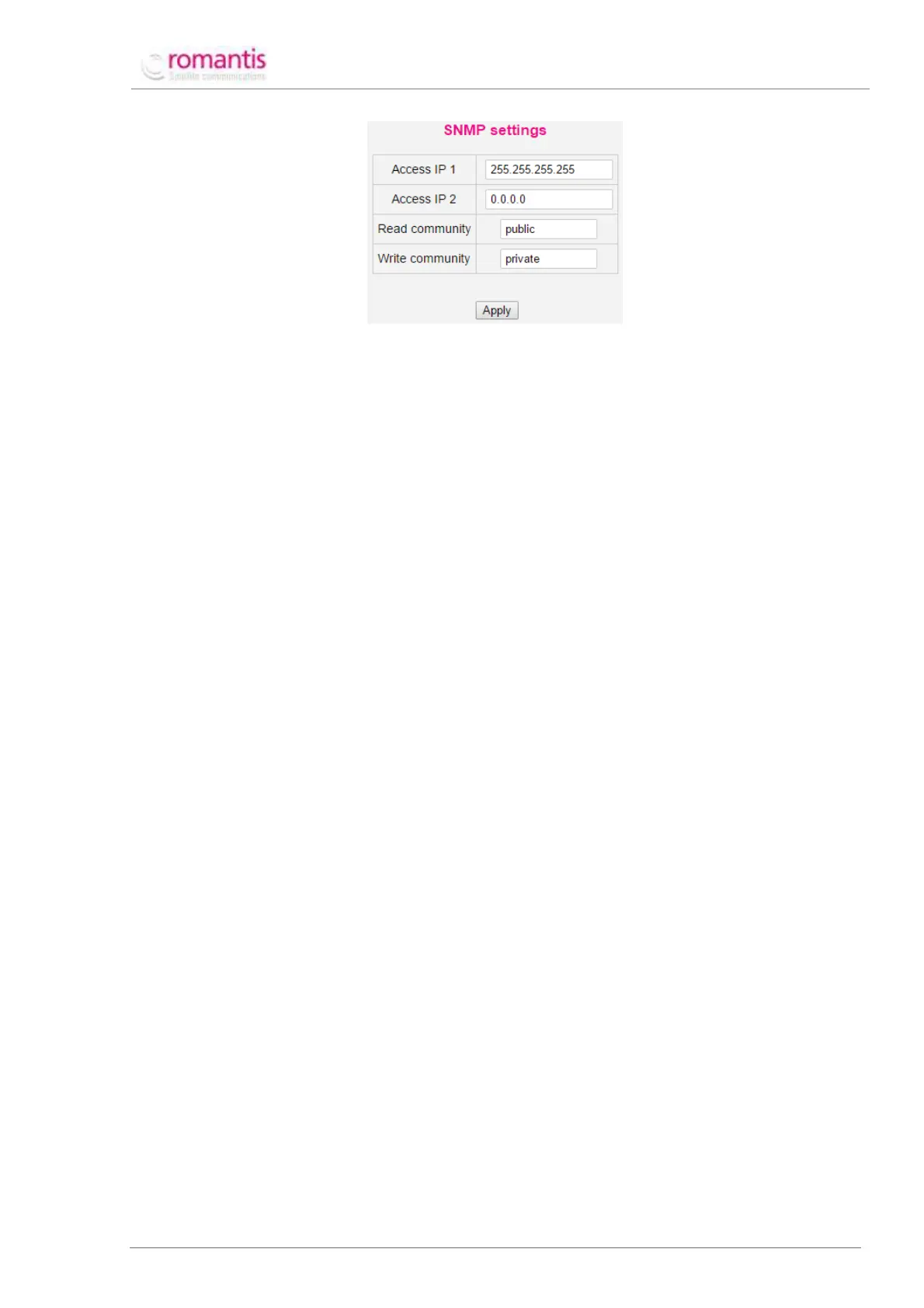
Figure 41 Configuration and permission using SNMP for COTM
If parameter Access IP 1 is set to 255.255.255.255 value then UHP router is accessible by SNMP protocol from all
network devices.
When Beam Switching uses OpenAMIP protocol, UHP router sends to the mobile antenna controller the respective
commands to point to the required satellite. The structure of these OpenAMIP commands is the following:
S <Sat longitude> <Latitude variance> <Polarization offset>
P <RX pol> <TX pol>
H <Frequency, MHz> <Bandwidth, MHz>
B <RX lo freq, MHz> <TX lo freq, MHz>
F
The commands will be sent once and UHP router will not check if these commands have been properly received
and accepted by the mobile antenna controller. After that UHP will wait during the defined Timeout (see Figure 41)
until the antenna points to the defined satellite. During this period of time UHP router will not change its profiles
and will not send further SPHBF commands to the mobile antenna controller.
While working in the COTM mode UHP router receives the current geographical coordinates from the mobile
antenna controller and activates its modulator under the management of the controller. COTM-enabled UHP
routers have special status COTM / AMIP meaning that the router establishes a connection to the controller of the
antenna system and receives the current coordinates.
Special console command: debug ot on allows monitoring the sequence of OpenAMIP commands exchanged
between UHP router and the mobile antenna controller.
6.5 COTM working principles
When Beam Switching is enabled (Advanced -> Network -> COTM / AMIP) UHP router receives actual coordinates
and selects the most appropriate Network with maximal EIRP. Afterwards it executes one of the following
scenarios:
• If the selected Network is configured with profile ‘0’, UHP router changes frequency and symbol rate
setting as well as the latitude of the satellite within the active profile to the values preconfigured for the
selected network. Thereafter the profile is restarted.
• If the selected Network is configured with profile ‘1’-‘8’ UHP router activates the respective configuration
profile without any changes.
Next, the router commands the mobile antenna controller using OpenAMIP or SNMP protocols to point to the
selected satellite. UHP router calculates respective DTTS value and tries to lock the carrier and login to the
network.
Current geographical location of UHP router can be checked using show network console command or via HTTP
interface Advanced –> Network –> Overview.



 To Next Page