UHP SCPC MODEM
USER MANUAL, v3.2
© ROMANTIS 2015 29 www.uhp.net
34.1
o
-26.5
o
=7.6
o
If there is an elevation scale on the antenna mounting mechanism it should be primarily used for antenna pointing.
5.1 Pointing with Use of WEB-Interface
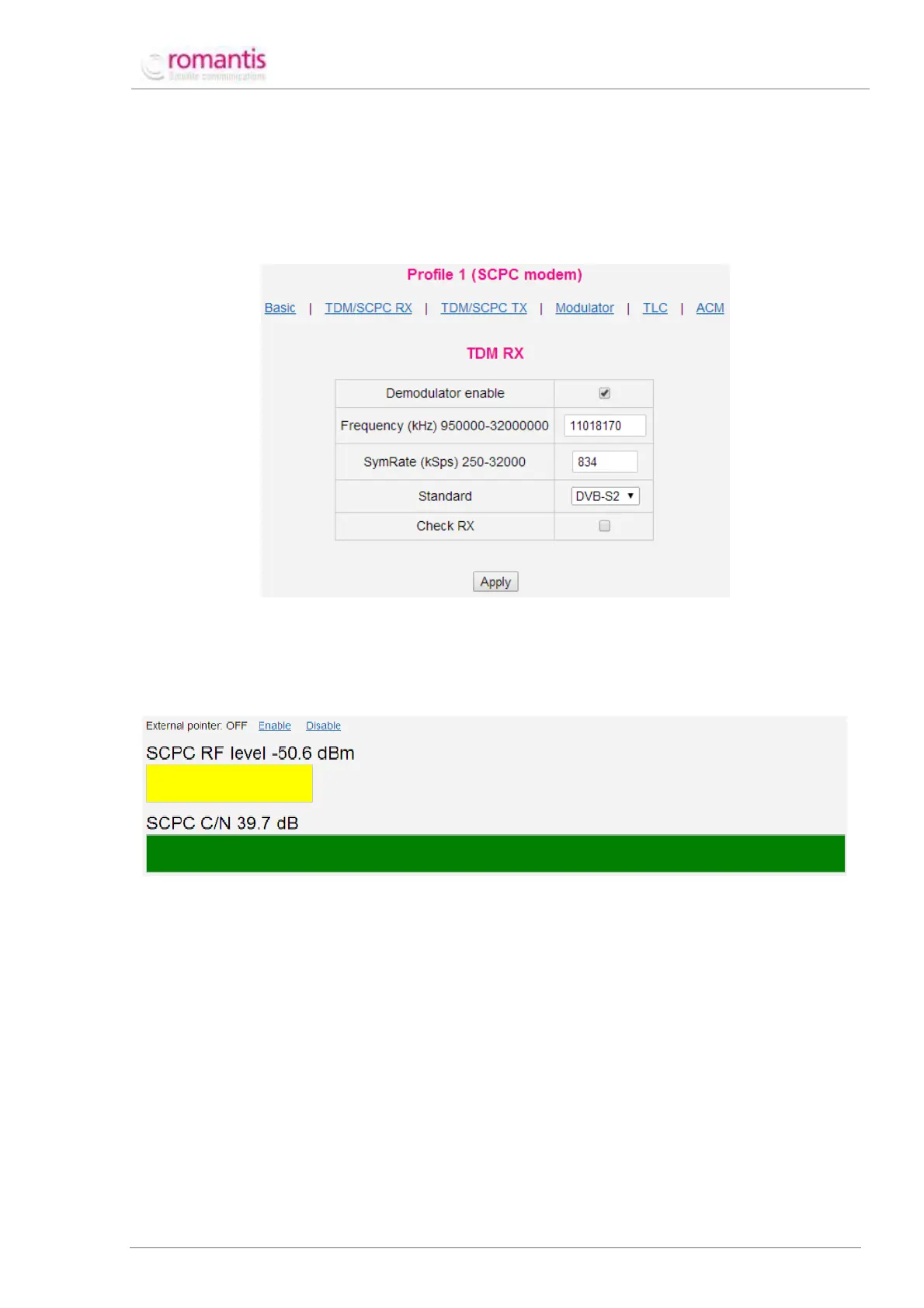
Before pointing to the satellite the router’s demodulator should be properly configured. Go to Profiles –> [used
profile name] –> TDM/SCPC RX (see Figure 31);
Figure 31 Configuring demodulator settings
Click Apply once the settings are specified.
To point the antenna to the satellite with WEB-interface follow Maintenance –>Pointing. In pointing
mode the Control panel will display an absolute RF level (see Figure 32).
Figure 32 Pointing monitor
The demodulator input level is shown in the graphical and text formats. The carrier search is shown at the
bottom. When any of the satellites is found (increased RF level), wait until the full demodulation search
cycle is completed. If the carrier is found and locked, the search will be replaced by text and graphical
signal value - SCPC C/N.
Achieve the maximum C/N level with tight alignment. It requires:
1. Azimuth Adjustment;
Secure the fittings responsible for the elevation angle adjustment and polarization adjustment. Release
the fittings responsible for azimuth adjustment. Slowly turn the antenna clockwise and monitor the C/N
value on the screen. If the level is falling slowly turn the antenna in the opposite direction until the level is
going down again. Choose the maximum C/N level and fix the fittings responsible for azimuth adjustment.
2. Tilt Angle Adjustment;
Release the fittings responsible for elevation angle adjustment. Slowly turn the antenna upwards and
monitor the C/N value on the screen. If the level is falling slowly turn the antenna down until the level is



 To Next Page