B1 User Manual
© 2022 All rights reserved, Unitree Robotics 24
Rocker back to center/neutral position: The rocker of the handle is in the middle position.
Rocker amount: The deviation of the remote control rocker from the center of the rocker.
Walls, doors, and other obstacles greatly weaken the signal between the robot and the remote control module. Please be
sure to operate the robot in an open space.
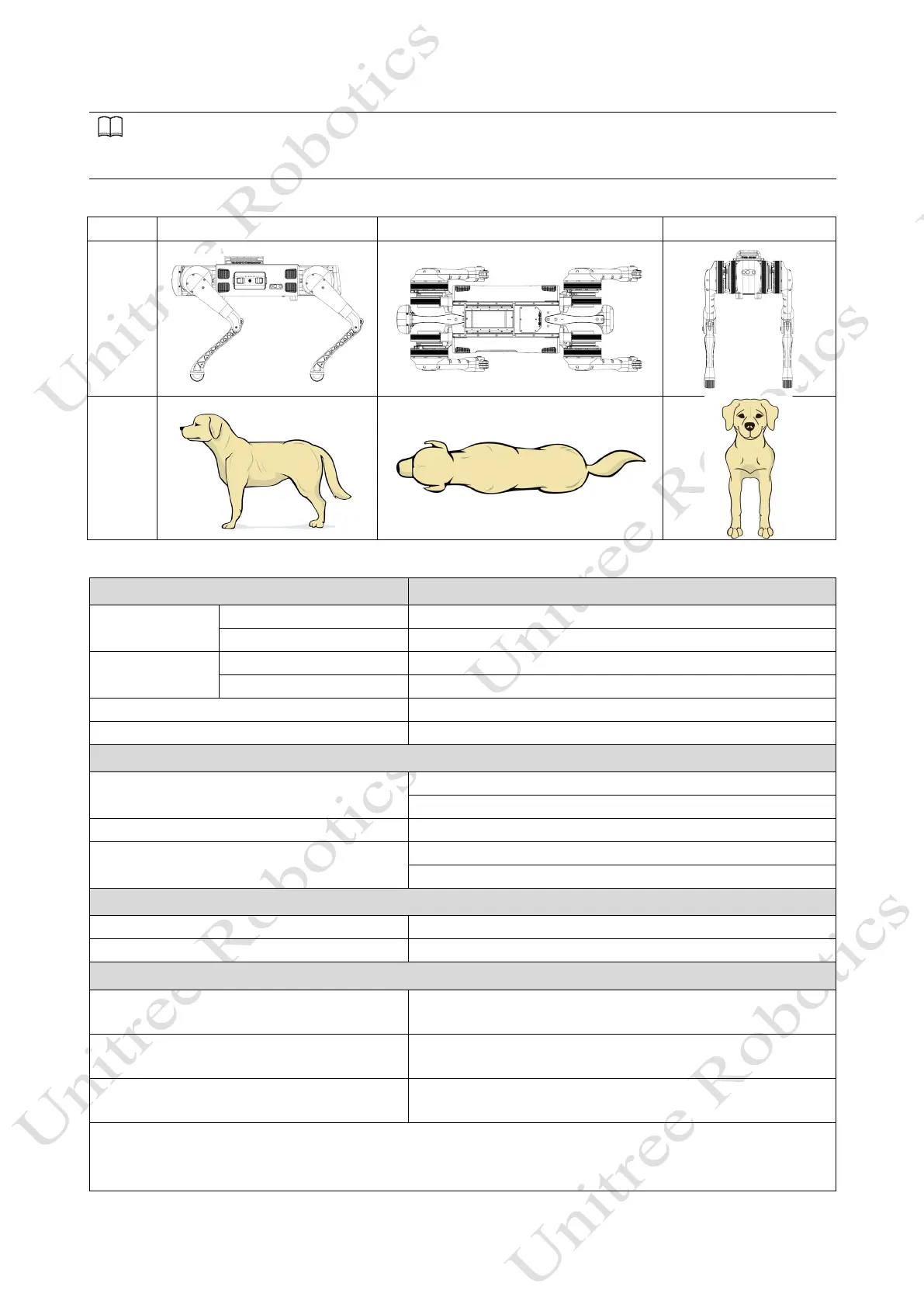
Robot and robot diagram:
Robot
Robot
diagram
Remote control command:
Key Effect
Left Rocker
Move back or forth/Prone position
Right Rocker
Left or right turn/ Shake head
Position switch
L2+A
Lock the joints and get into a prone position
Return to standing position (locked joints)
L2+START
Obstacle-crossing walking mode (Mode 3)
Foothold distance switch
Three movement states
Mode 1: Static Standing State
Normal standing, the users can push the rocker to twist the body
instead of moving.
Mode 2: Ordinary Walking Mode
The joystick can be pushed to move, the robot can be stopped to
stop moving, and the pusher can be moved again.
Mode 3: Obstacle Walking Mode
The obstacle can be moved by the joystick, stop pushing the robot
to stop moving, and the pusher can move again.
Mode 1 press START to enter Mode 2, Mode 2/Mode 3 press SELECT to enter Mode 1.
Mode 2, in static state, press L2+START to switch to Mode 3
Mode 3, in stop state, press L2+START to enter Mode 1



 To Next Page