B1 User Manual
© 2022 All rights reserved, Unitree Robotics 9
System Architecture Description
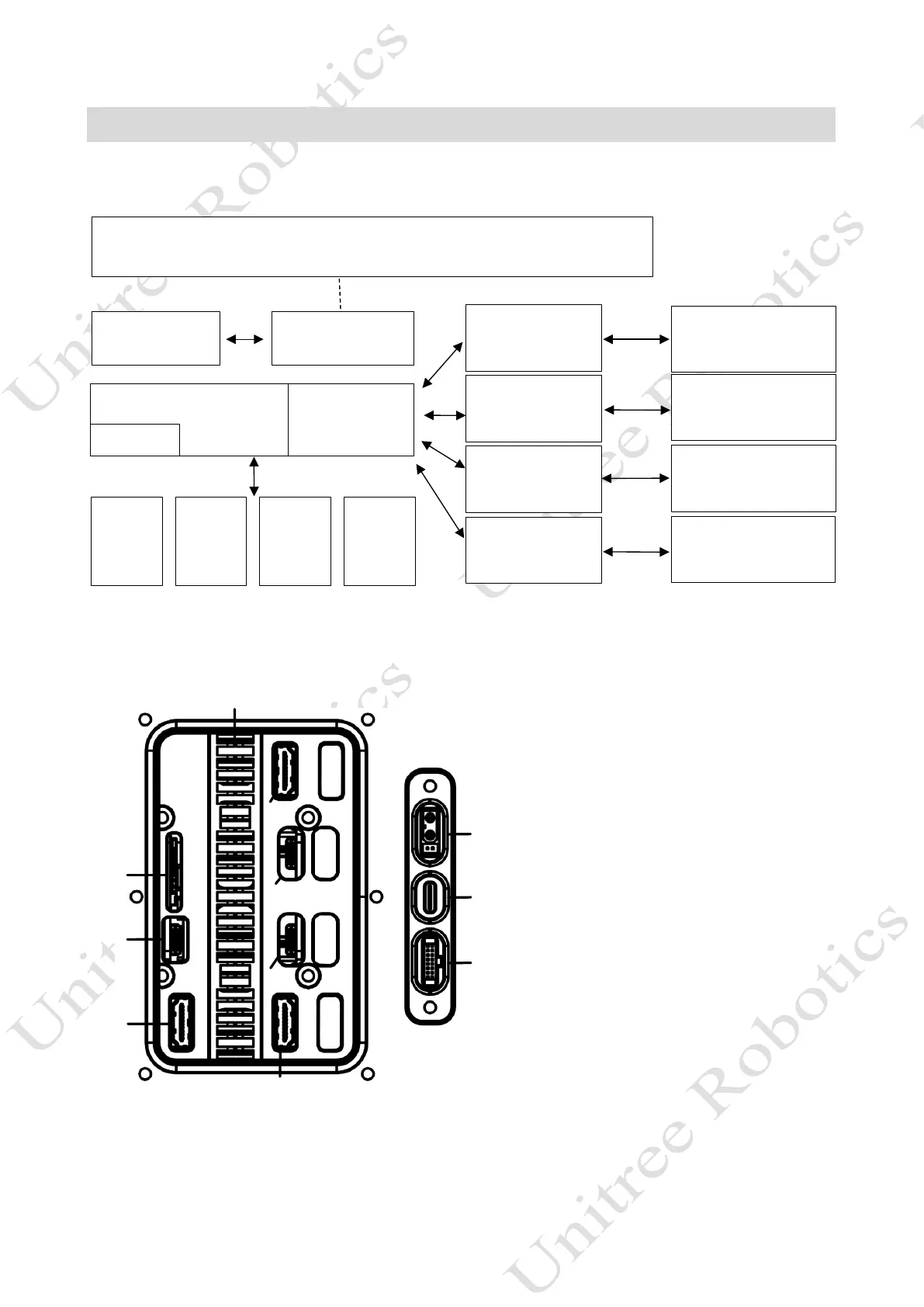
Hardware Architecture: The B1 adopts a new brand hardware structure and control system. The control system is
as follows:
Main controller
Ethernet switch
IMU
Leg[F R]:
Motor[1]
Motor[2]
Motor[3]
Intel Controller
(Body)
External integrated interface, connect external power source, supply external power supply
Intelligent battery
Leg[FL]:
Motor[1]
Motor[2]
Motor[3]
Leg[RR]:
Motor[1]
Motor[2]
Motor[3]
Leg[RL]:
Motor[1]
Motor[2]
Motor[3]
NX
(Body)
NX
(Body)
NX
(H ead)
Binocular Camera*2
Binocular Camera*1
Binocular Camera*2
485
WiFi Router5G Module
Power manageme
Hardware interface: Interface is provided in the back cover of B1 for users, through which developers can directly
access to Mini PC and NX controller. The hardware interface is shown in the figure, in which the head NX controller
does not open the Type-C and HDMI interface.
[2]
[11]
[1]
[3]
[4]
[5]
[6]
[7]
[8]
[9]
[10]
Sim Card Slot
Mini PC Type-C Interface
Mini PC HDMI Interface
NX Controller 1 HDMI Interface
NX Controller 1 Type-C Interface
NX Controller 2 Type-C Interface
NX Controller 2 HDMI Interface
XT30 (2+2) Power Interface
TYPE-C USB 2.0 Interface
2×8PIN Ethernet Interface
Cooling Fin



 To Next Page