B1 User Manual
© 2022 All rights reserved, Unitree Robotics 49
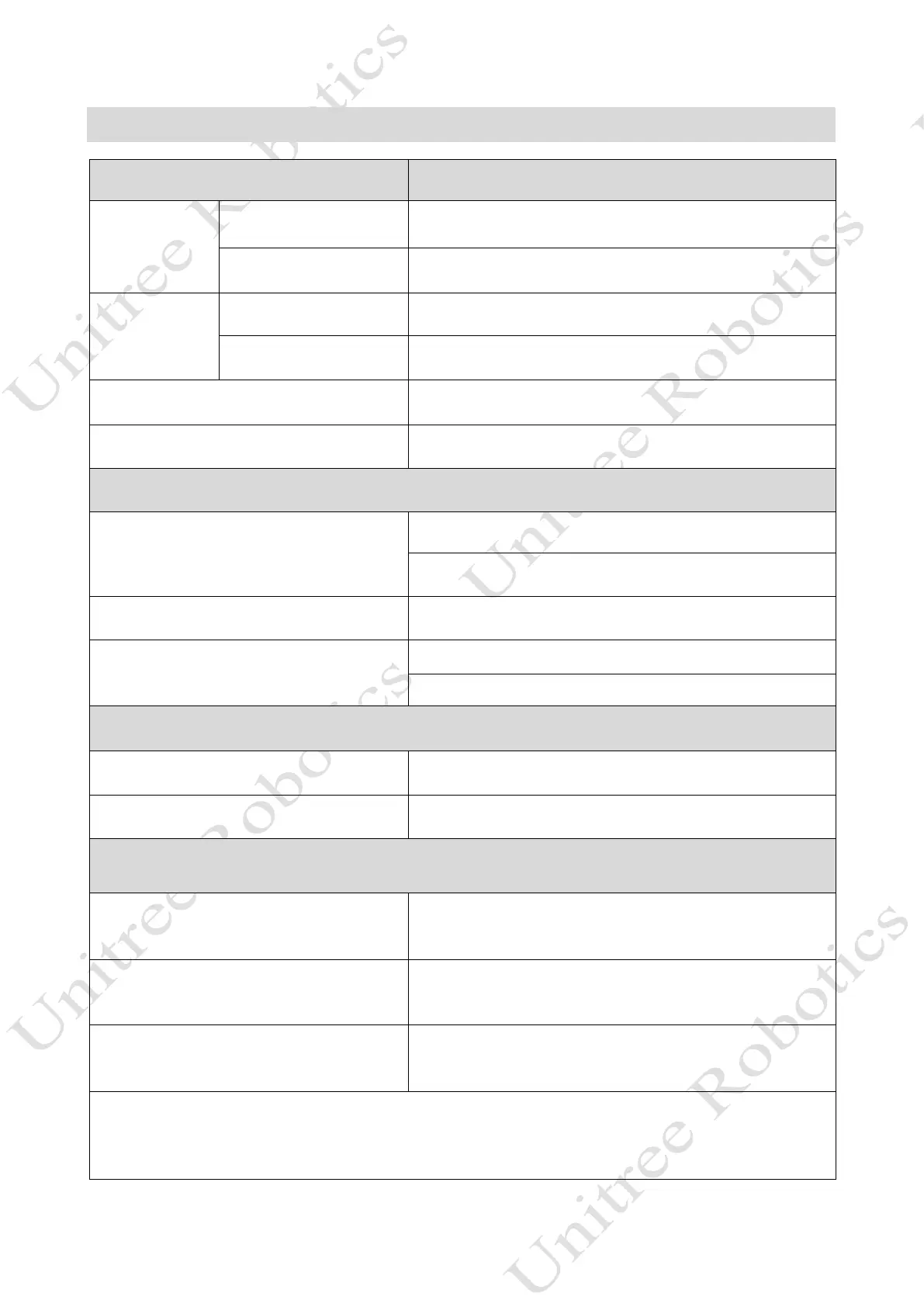
Remote Quick Lookup Table
Key Effect
Left Rocker
Push forward/backward Move back or forth/Prone position
Push left/right Sideways movement/Twist
Right Rocker
Push forward/backward Head up or down/Pitch
Push left/right Left or right turn/ Shake head
START Walking Mode
SELECT Static Standing Mode
Position switch
L2+A
Lock the joints and get into a prone position
Return to standing position (locked joints)
L2+B Damping state
L2+START
Walking mode (Mode 2)
Obstacle-crossing walking mode (Mode 3)
Foothold distance switch
R2+A Large load space
R2+B Normal space
Three movement states
Mode 1: Static Standing State
Normal standing, the users can push the rocker to twist the body
instead of moving.
Mode 2: Ordinary Walking Mode
The joystick can be pushed to move, the robot can be stopped to
stop moving, and the pusher can be moved again.
Mode 3: Obstacle Walking Mode
The obstacle can be moved by the joystick, stop pushing the robot
to stop moving, and the pusher can move again.
Mode 1 press START to enter Mode 2, Mode 2/Mode 3 press SELECT to enter Mode 1.
Mode 2, in static state, press L2+START to switch to Mode 3
Mode 3, in stop state, press L2+START to enter Mode 1



 To Previous Page